
Settings is for Contracts Administrators.
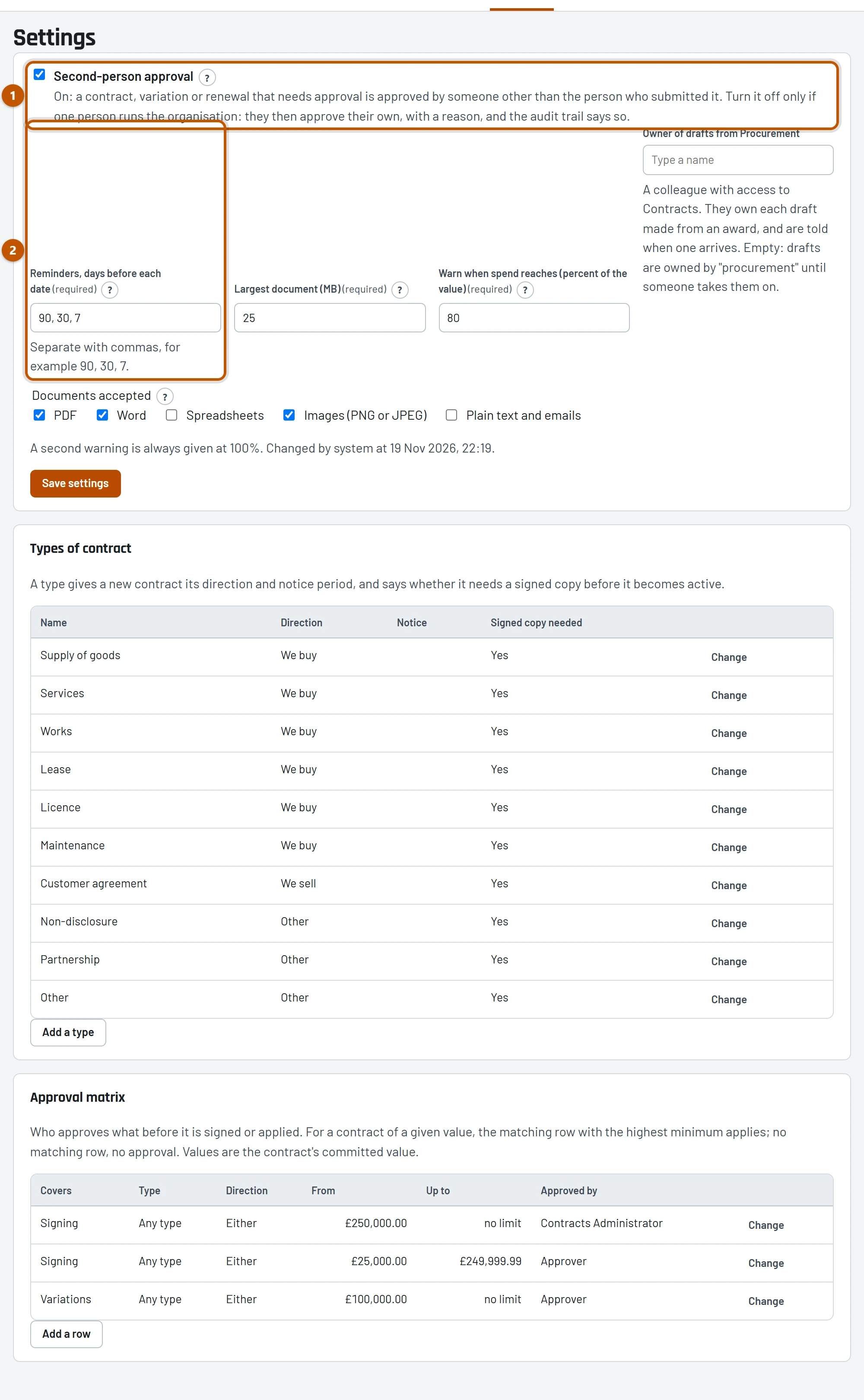
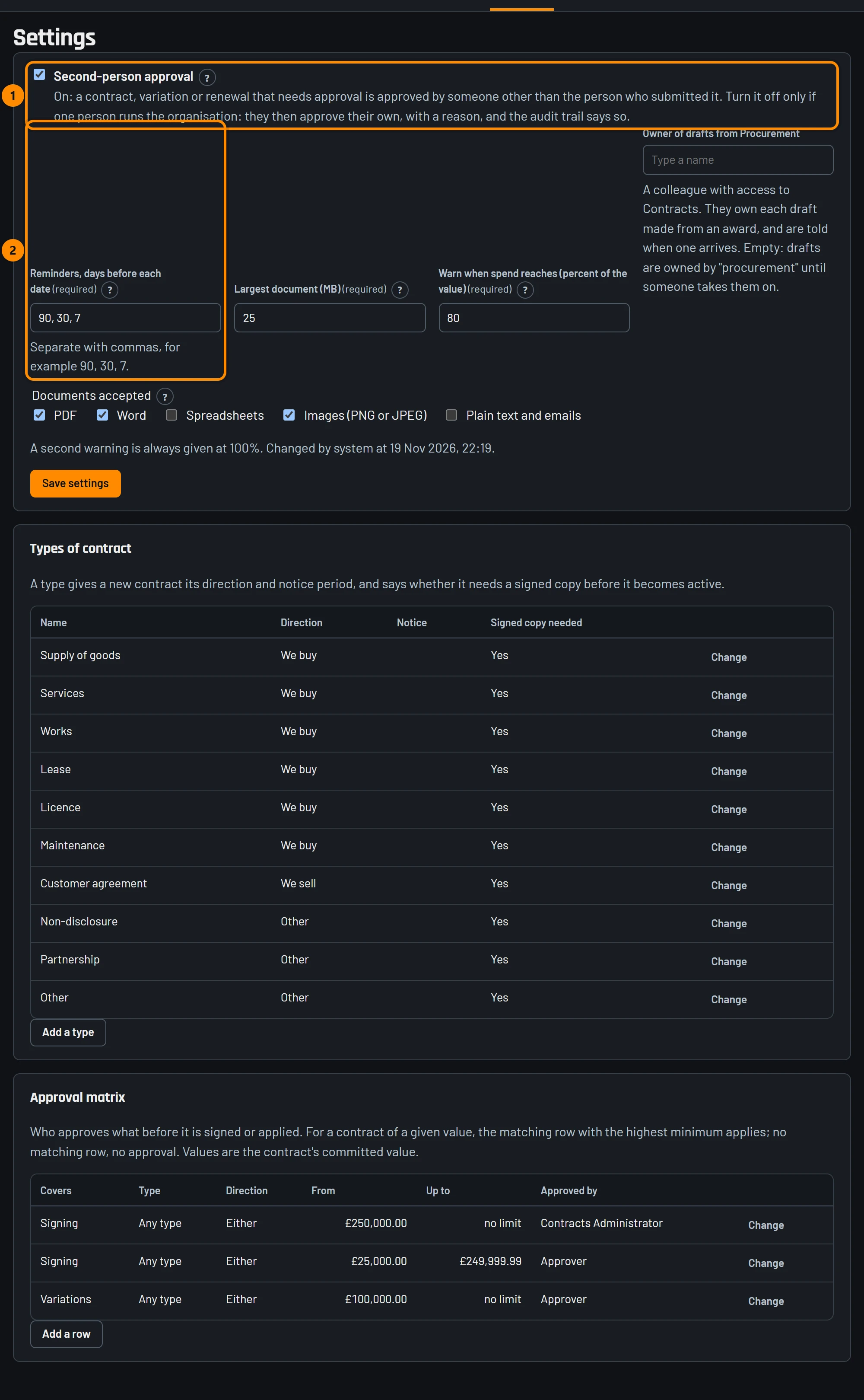
- Second-person approval: on, a contract, variation or renewal that needs approval is approved by someone other than whoever submitted it. Turn it off only if one person runs the organisation: they then approve their own, with a reason, and the audit trail says so.
- Reminders, days before each date: separated by commas, such as 90, 30, 7.
Also here: the Owner of drafts from Procurement (a colleague who owns each draft made from an award, and is told when one arrives), and the spend warning level. Choose Save settings.
Types of contract
A type gives a new contract its direction and notice period, and says whether it needs a signed copy before it becomes active. Add a type, or Change one.
Approval matrix
Who approves what before it is signed or applied. For a contract of a given value, the matching row with the highest minimum applies; no matching row, no approval. Add a row.
Connections and the audit trail
Connections says whether Contracts is linked through Core and what has arrived: Procurement's suppliers, its contract proposals and spend, and Customers' customers and sales contract proposals. Signed contracts go to the linked applets. Audit lists every change, newest first.