
Open a customer from its row on Customers, or from a link anywhere else. The page leads with what matters now and keeps the details further down.
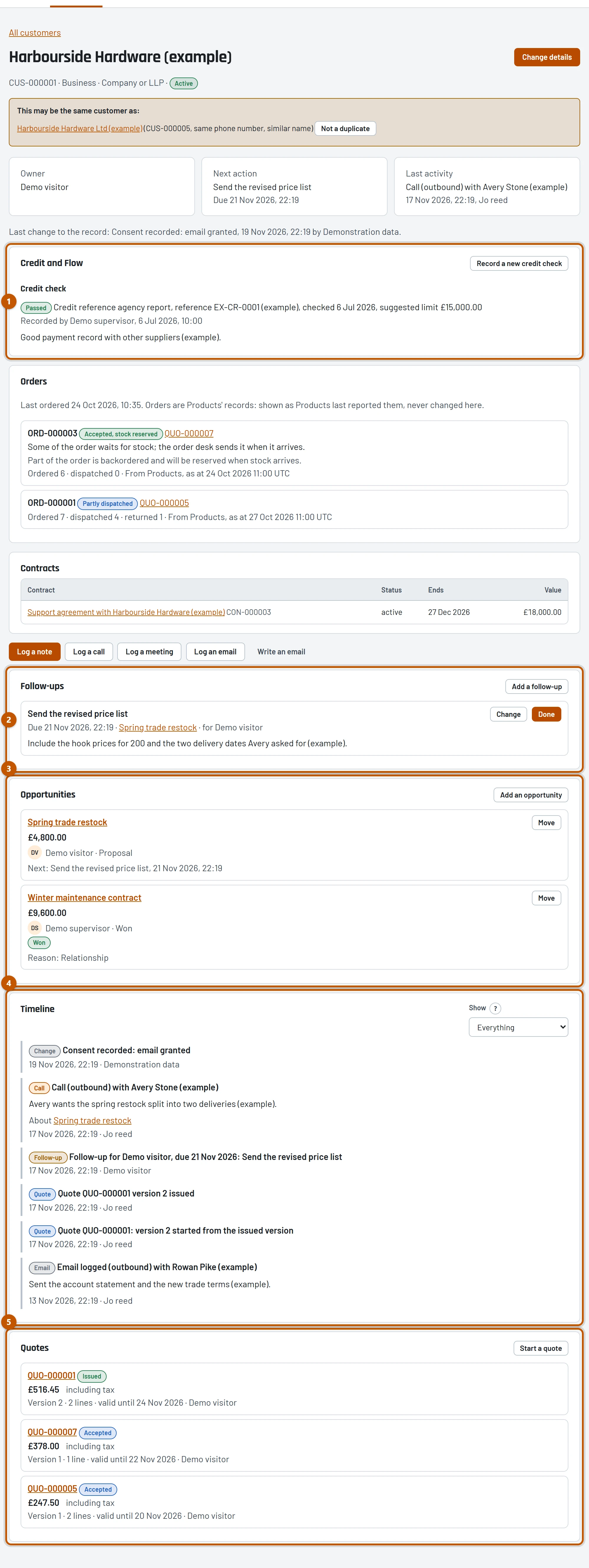
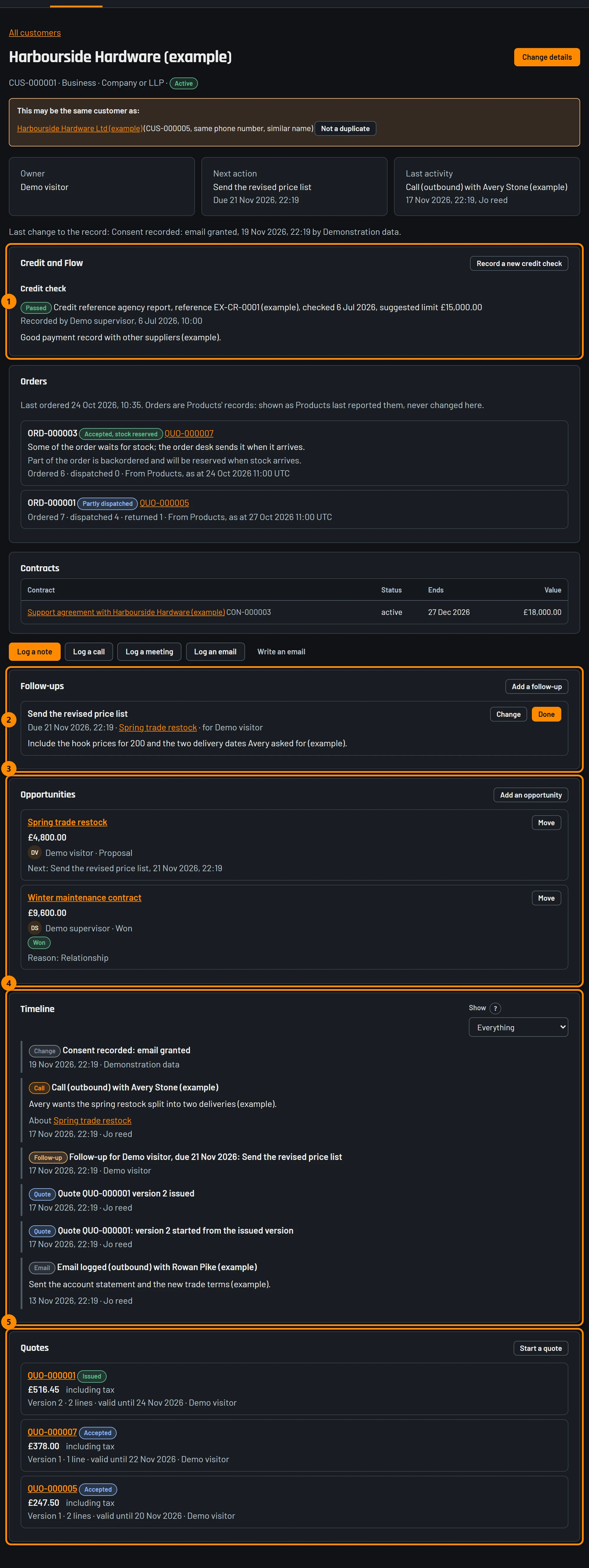
- Credit and Flow: the credit check, and any Flow process under way.
- Follow-ups: what is planned next.
- Opportunities: what you hope to sell them.
- Timeline: everything logged and changed, newest first. Log a note, call, meeting or email above it.
- Quotes: each with its status, value and validity.
Orders, from Products, and Contracts sit above them; Details, Contacts and Addresses below.
At the top
- The name, reference, type, legal form and status.
- Owner, Next action (the open follow-up due first) and Last activity, with the last change to the record under them.
- Buttons for what your access level allows: Change details, Archive or Restore, Export this customer and Anonymise.
A banner says if the customer may be a duplicate of another, was merged into another, or was anonymised.
The sections
- Ready to activate: the checklist for a prospect or onboarding customer, with Agree terms, Record the credit check and Activate. See Take a new customer from prospect to active.
- Orders: the orders Products made from this customer's accepted quotes, as Products last reported them.
- Log a note, Log a call, Log a meeting, Log an email and Write an email: see Log a note, call, meeting or email.
- Follow-ups and Opportunities: what is planned and what is being sold.
- Timeline: everything, newest first. Show narrows it to one kind (notes, calls, meetings, emails, follow-ups, opportunities, quotes, orders or changes to the record), and Show more loads older entries.
- Quotes: this customer's quotes. Start a quote begins one.
- Details: the company details, owner, payment terms, currency, tax exemption, price list (from Products, with its time), credit hold, tags and custom fields.
- Contacts: each contact with their job title, email, phone and consent. The main contact is marked Main.
- Addresses: billing, delivery and other addresses, with the default delivery address marked.
Change the details
Choose Change details. The page has the same sections as Add a customer, plus Status and Credit hold. Choose Save changes.
If a colleague changed the customer while you were editing, Customers says what they changed and keeps your edits. Save again to apply yours over theirs.
Contacts and addresses
- Add a contact, or Change on a contact's row. Tick Main contact for the person you deal with first.
- Archive a contact who has left. They stay on record.
- Add an address, or Change or Remove on its row. Tick The default delivery address (sent to Products with orders) for the one Products should deliver to.
Archive
A Sales Manager or administrator can Archive a customer who no longer trades with you, and Restore it later. Everything is kept.
Was this helpful?