
Choose Accounts. Find an account searches by code or name. Add the standard UK chart starts you with a small UK organisation's accounts, which you can change.
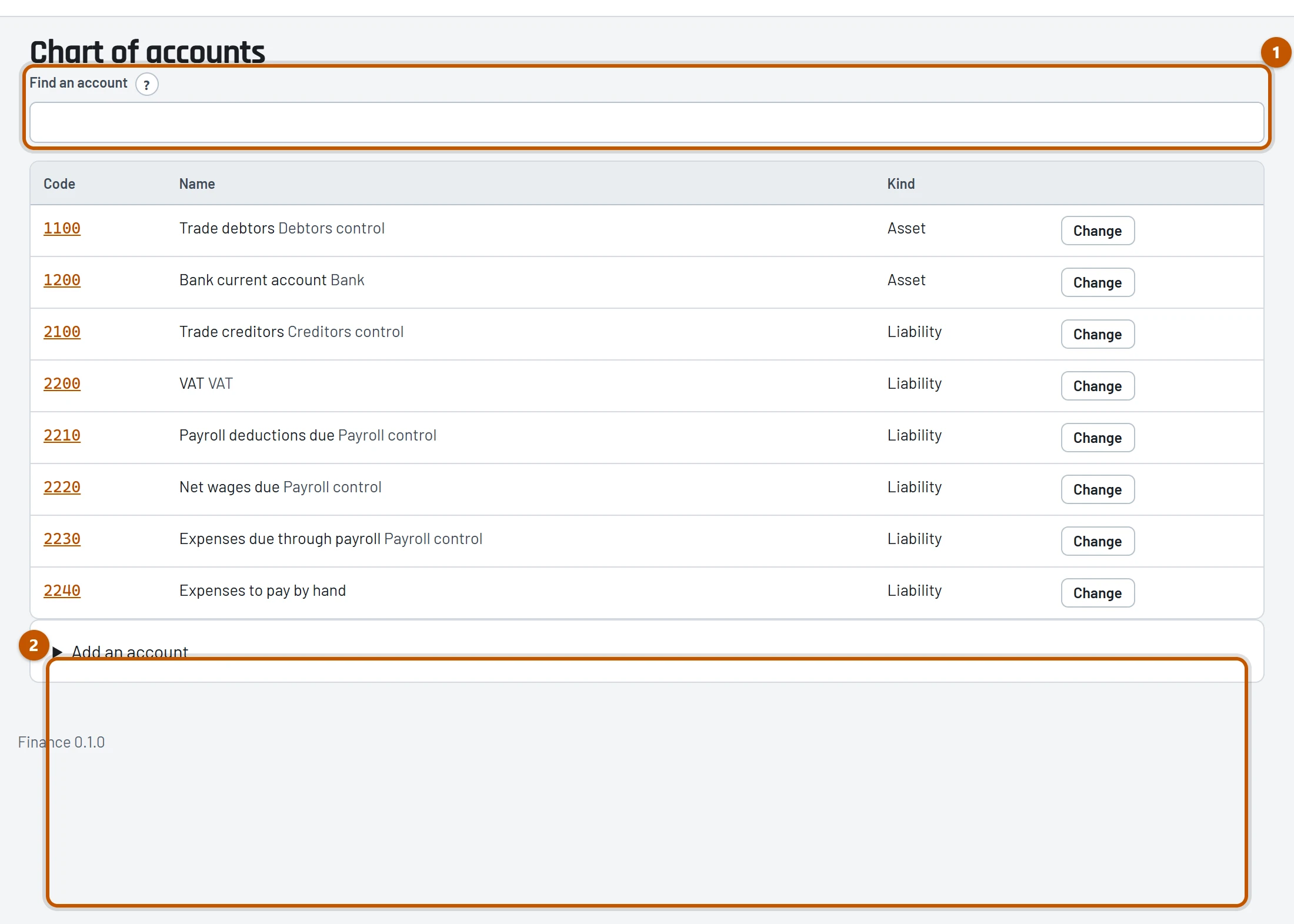
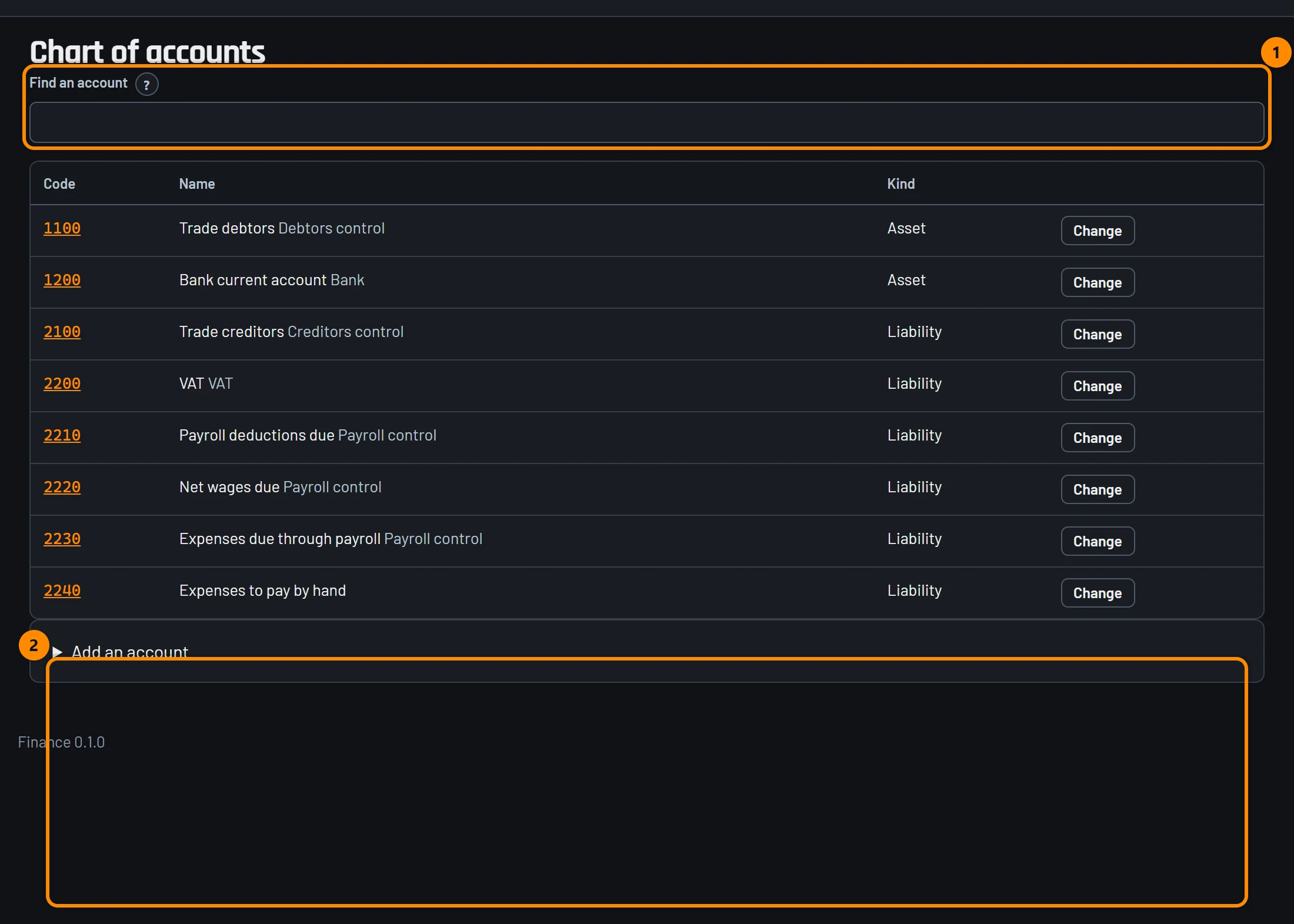
- Find an account by code or name.
- Add an account: its code, name, kind and what it is used as.
Add or change an account
Under Add an account, give its Code and Name, its Kind, and what it is Used as (most are An ordinary account; a few are the bank, debtors, creditors, VAT and so on). Choose the VAT code its lines take, if any, then Save. Change beside an account changes it; untick In use to stop it being posted to.
What is posted to an account
Open an account to see every line posted to it, with the running Balance. Choose the dates and Show.
Cost codes
Cost codes say what money is spent on. Each Posts to the account with code you give, says whether its VAT normally reclaimable, and is For every cost centre or Only these cost centres. Choose Add the cost code. Procurement and Expenses use them once linked.