
Choose Journals to see every journal, posted by people here or by the other applets.
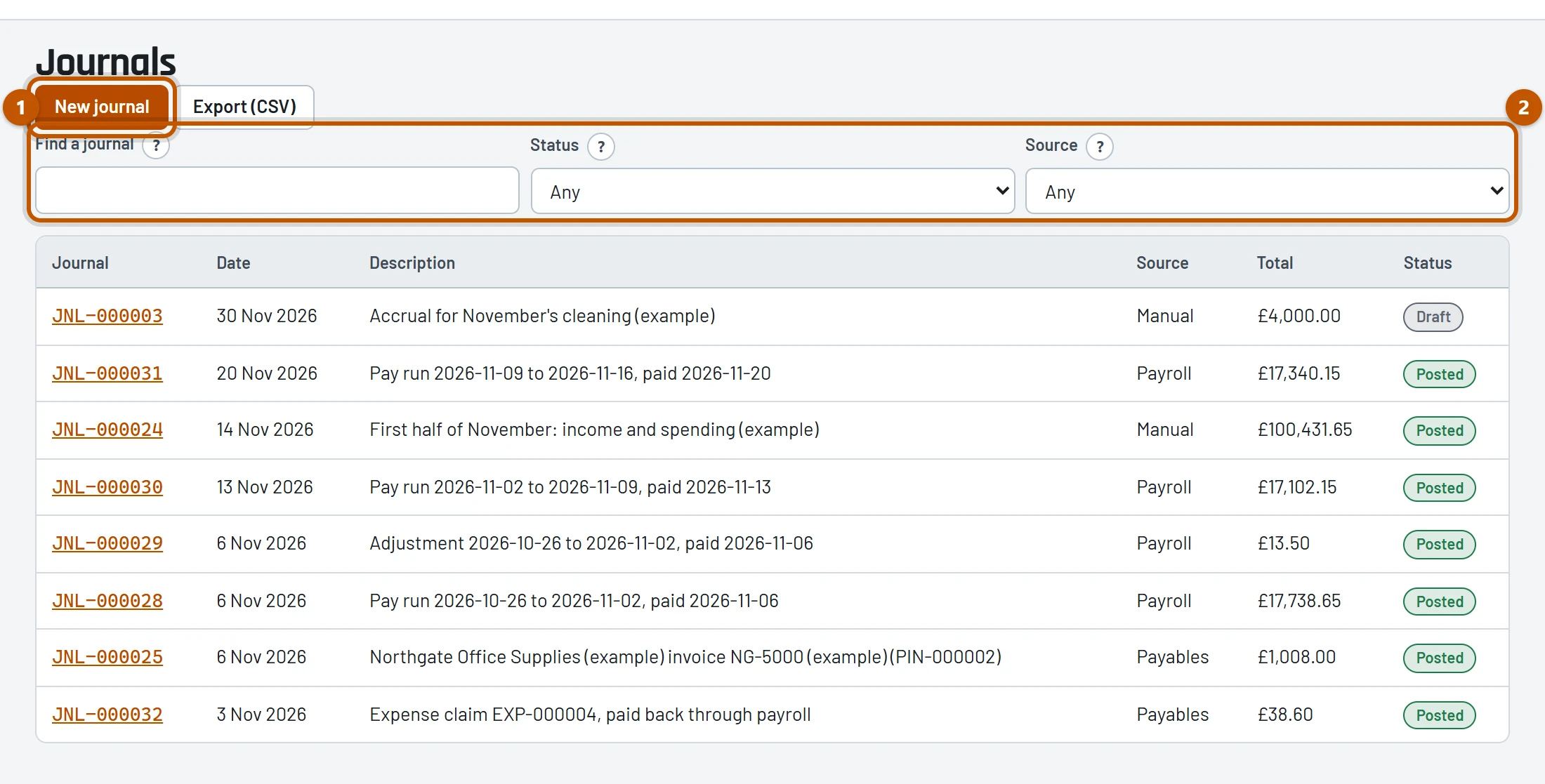
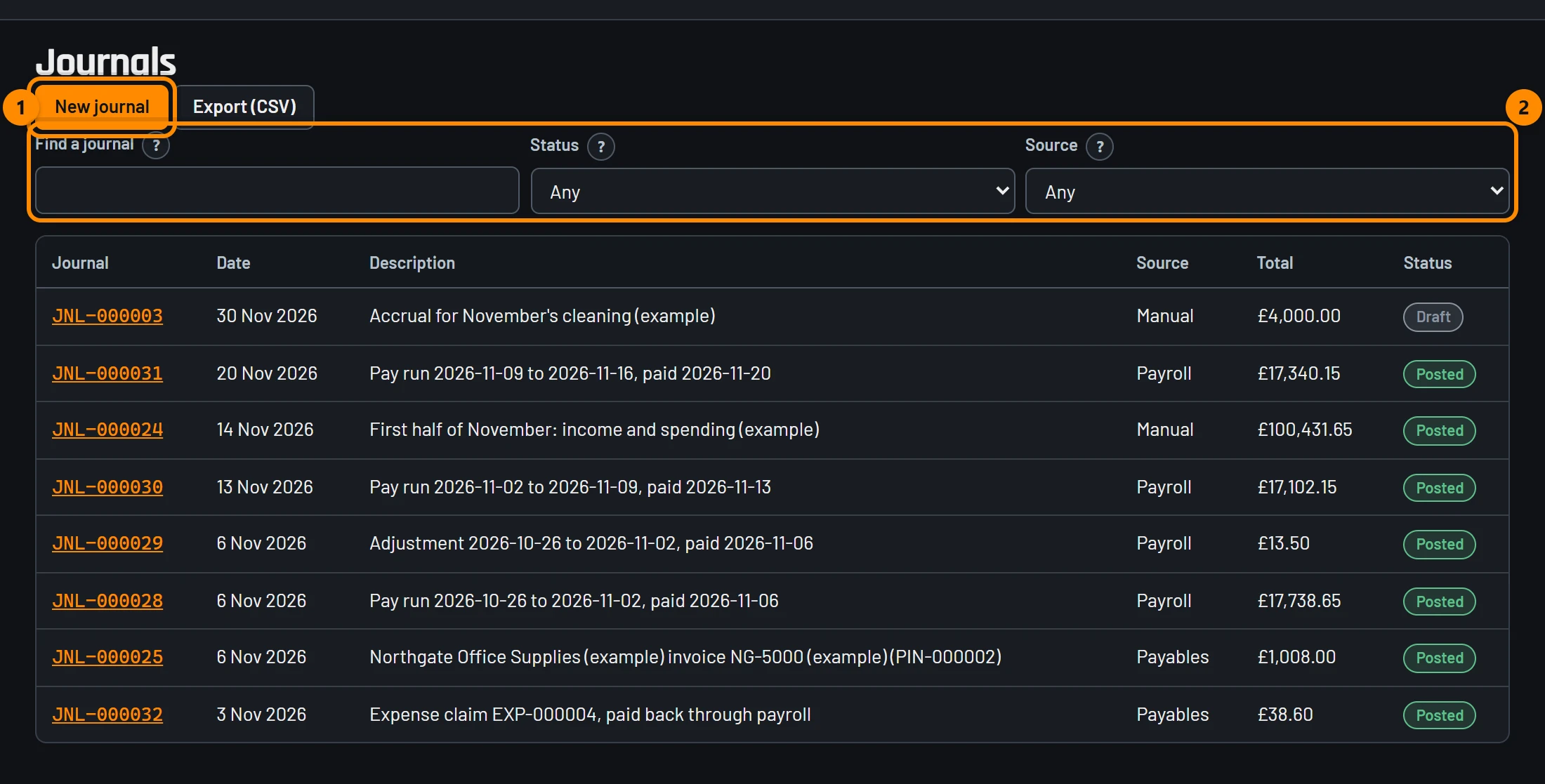
- New journal.
- Find a journal, and filter by status and source.
Write a journal
- In Journals, choose New journal.
- Give its Date and Description, and a line for each account: the Account, a Cost centre if it has one, a Debit or a Credit, and a Note. Add a line for more. The Totals must balance.
- Choose Save as a draft, then Submit.
A journal above the total in Settings waits for someone else to Approve and post it, or Reject it with a reason; below it, it posts when submitted. A draft can be changed or discarded.
Correct a posted journal
A posted journal never changes. Open it, give a Reason and the date the Reversal dated, and choose Reverse it: a journal of the opposite amounts is posted, and each names the other. Then write the right one.
Find a journal searches the list; Status and Source filter it (journals posted by the other applets show their source). Export (CSV) downloads what is shown.
Periods
Periods lists the financial year's months. A closed period takes no posting.
- Close a period once its books are done.
- To post to a closed one, give a Reason and choose Ask to reopen; someone else chooses Agree to reopen.
Was this helpful?