
Draft a return
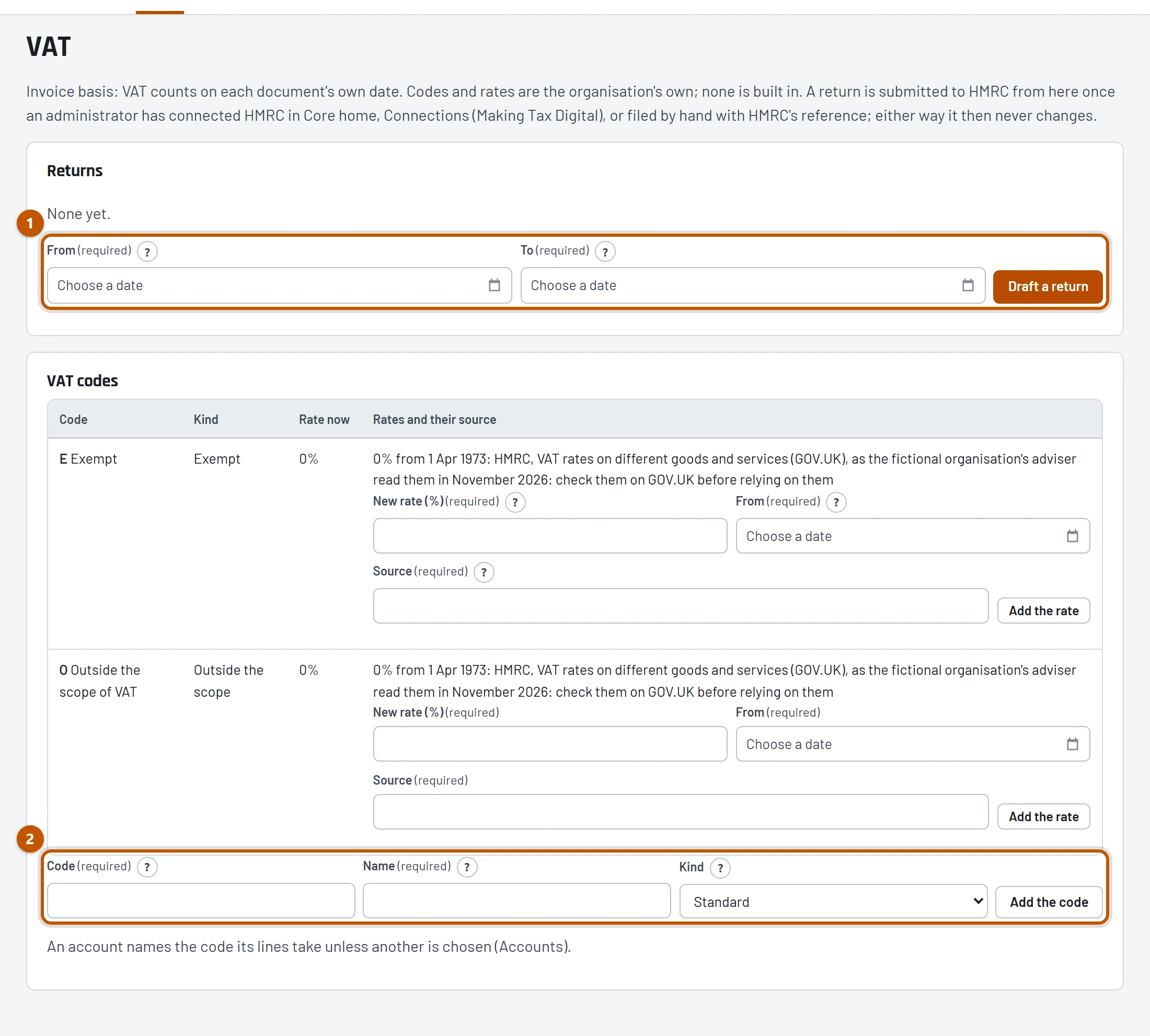
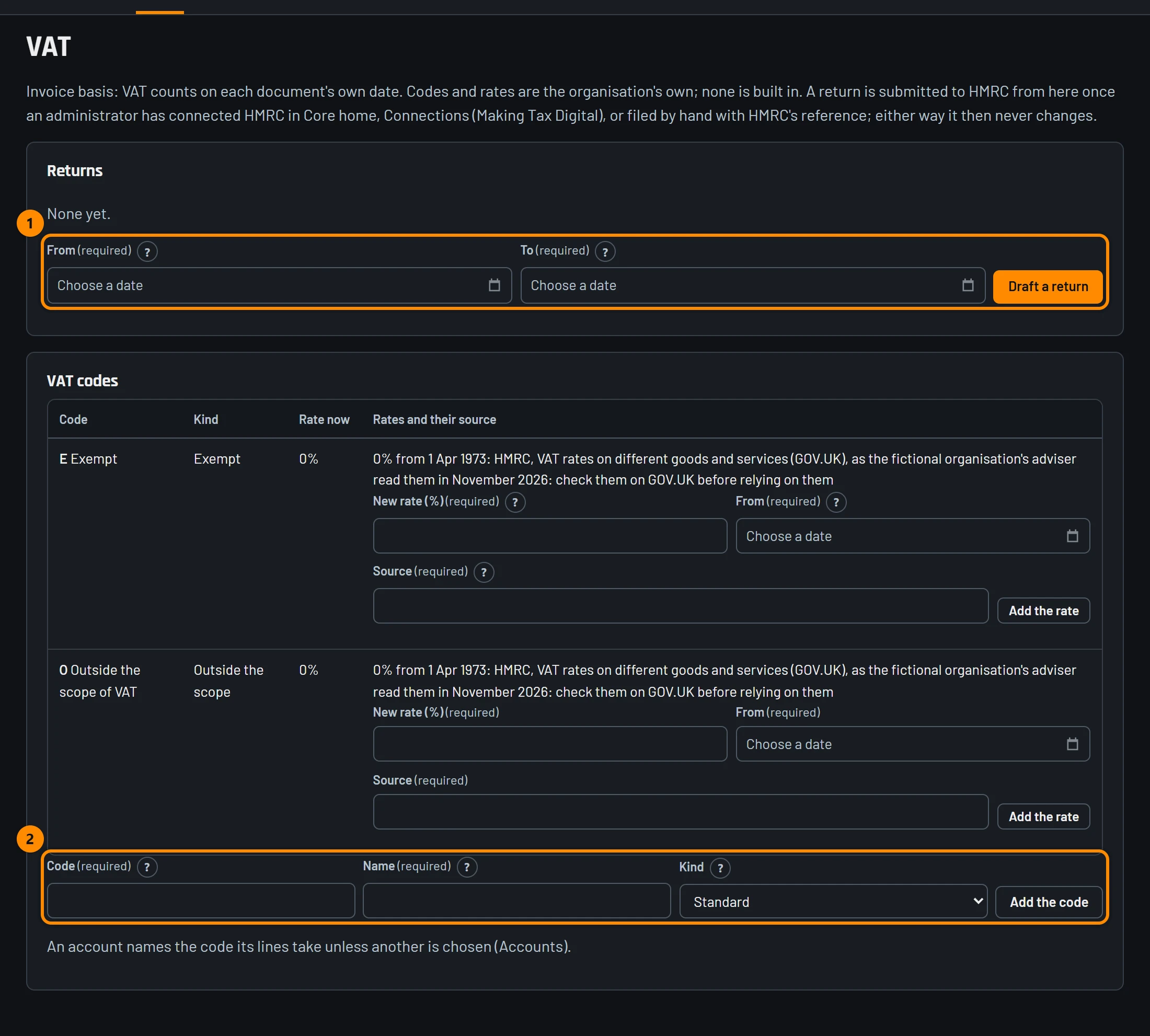
- Draft a return for the period's dates.
- Add a VAT code; each code above takes new rates from a date.
In VAT, choose Draft a return for the period. Its nine boxes are worked out from each document's own date. What it counts lists every sales invoice, credit note, purchase invoice and expense claim in it.
Submit it to HMRC
First, an administrator connects HMRC in Core home, under Connections (Making Tax Digital). Until then, a return is filed by hand (below).
- Give the organisation's VAT number and choose Use it. Check the fraud prevention data with HMRC confirms HMRC accepts what Finance sends with each submission.
- Choose HMRC's period for this return: it must have exactly the return's dates.
- Choose Submit to HMRC. Once HMRC answers, the return is Filed with HMRC, with its form bundle number, and never changes.
If nothing changes within two minutes, submit it again: HMRC is asked what it holds first. Submitted some other way, choose File it, once submitted to HMRC, with the date Submitted on, then File the return. A return is filed only once its period has ended.
VAT codes
Add the UK VAT codes starts you with the UK's. Each code has a Kind and its rates, each with its source. Add the rate with a New rate (%) from a date; a rate is never changed, only replaced. An account names the code its lines take, unless another is chosen.