
Settings is for Procurement Administrators.
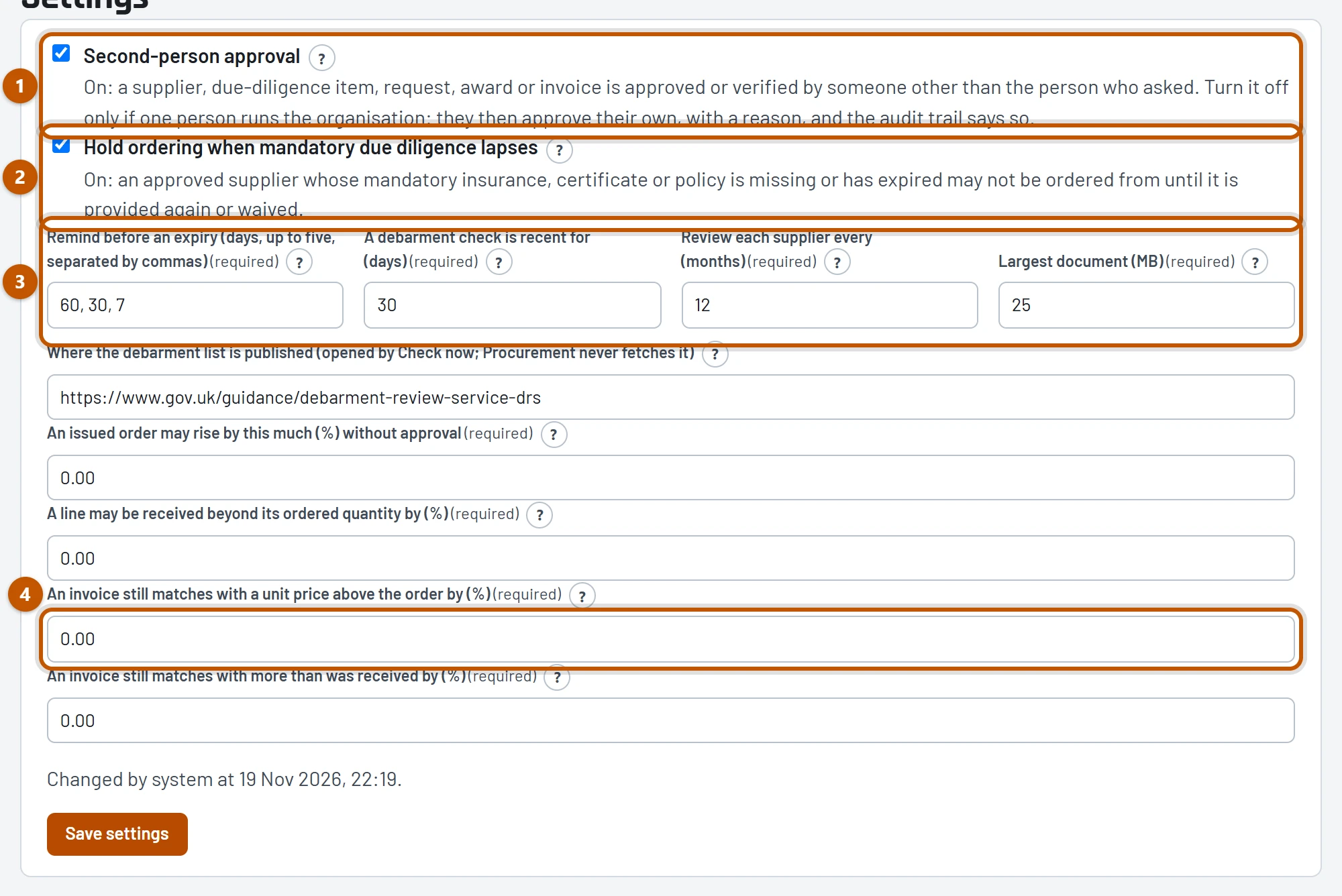
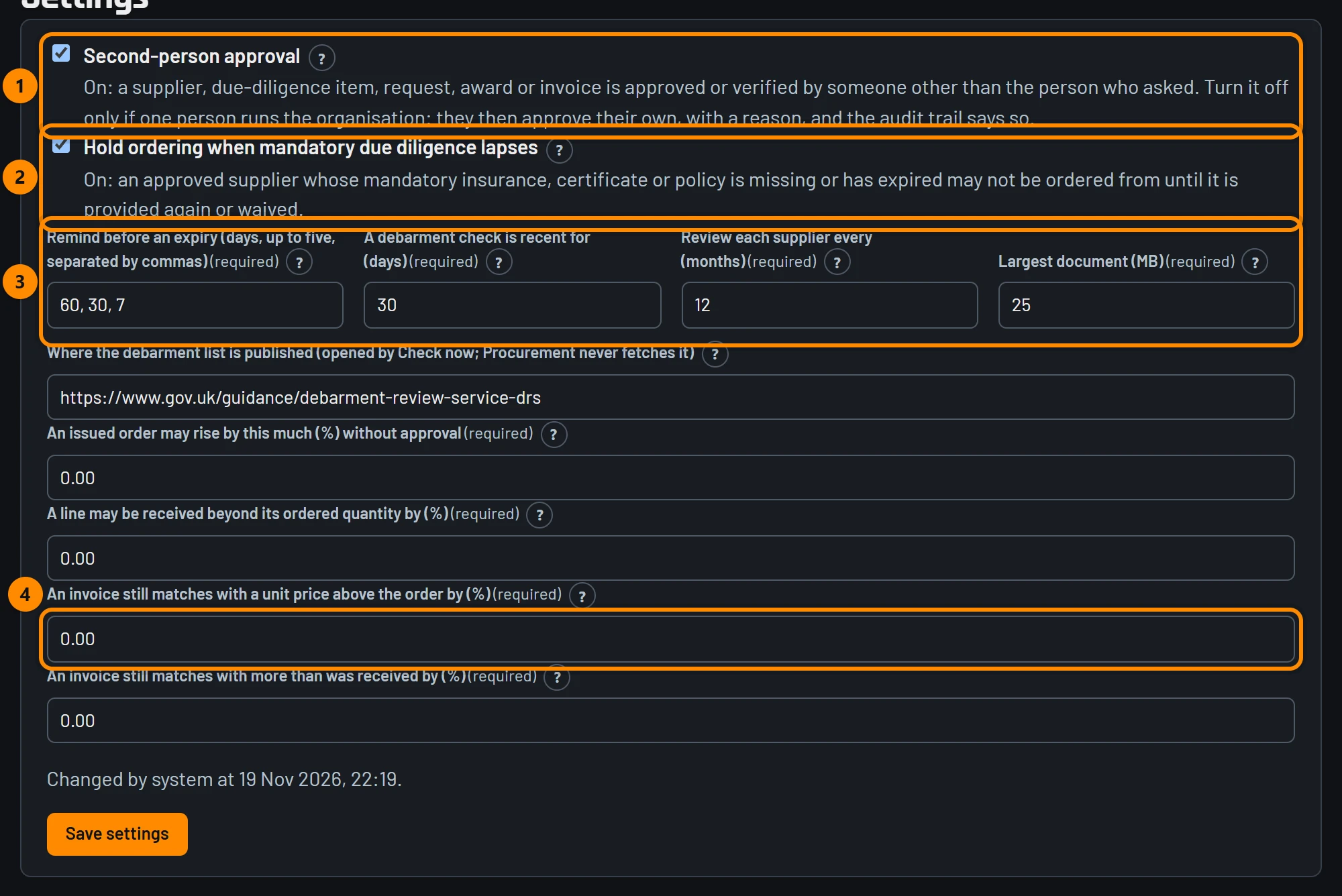
- Second-person approval: on, a supplier, document, request, award or invoice is approved or verified by someone other than whoever asked. Turn it off only if one person runs the organisation: they then approve their own, with a reason, and the audit trail says so.
- Hold ordering when mandatory due diligence lapses.
- Reminders and reviews: how many days before an expiry to remind (up to five), how long a debarment check counts as recent, how often each supplier is reviewed, and the largest document allowed. Below them, where the debarment list is published.
- Tolerances: how much an issued order may rise without approval, how far a line may be received beyond its order, and how far an invoice's price and quantity may differ and still match.
Choose Save settings.
Who approves
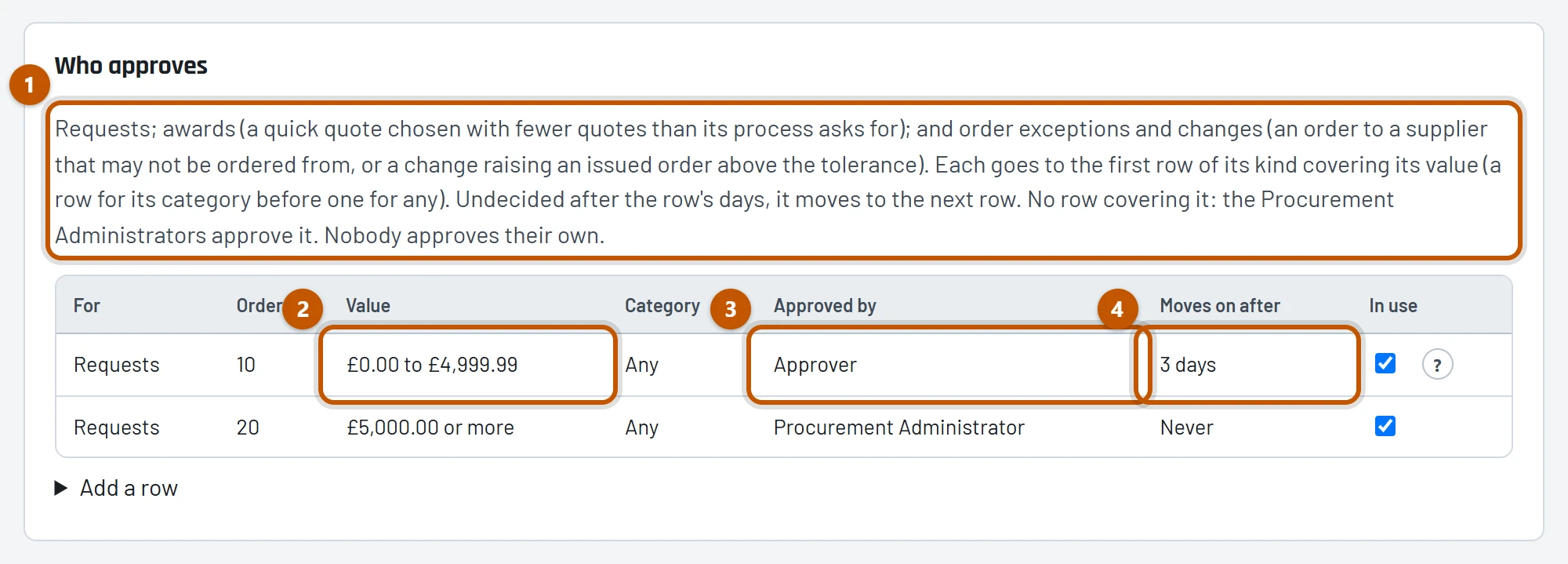
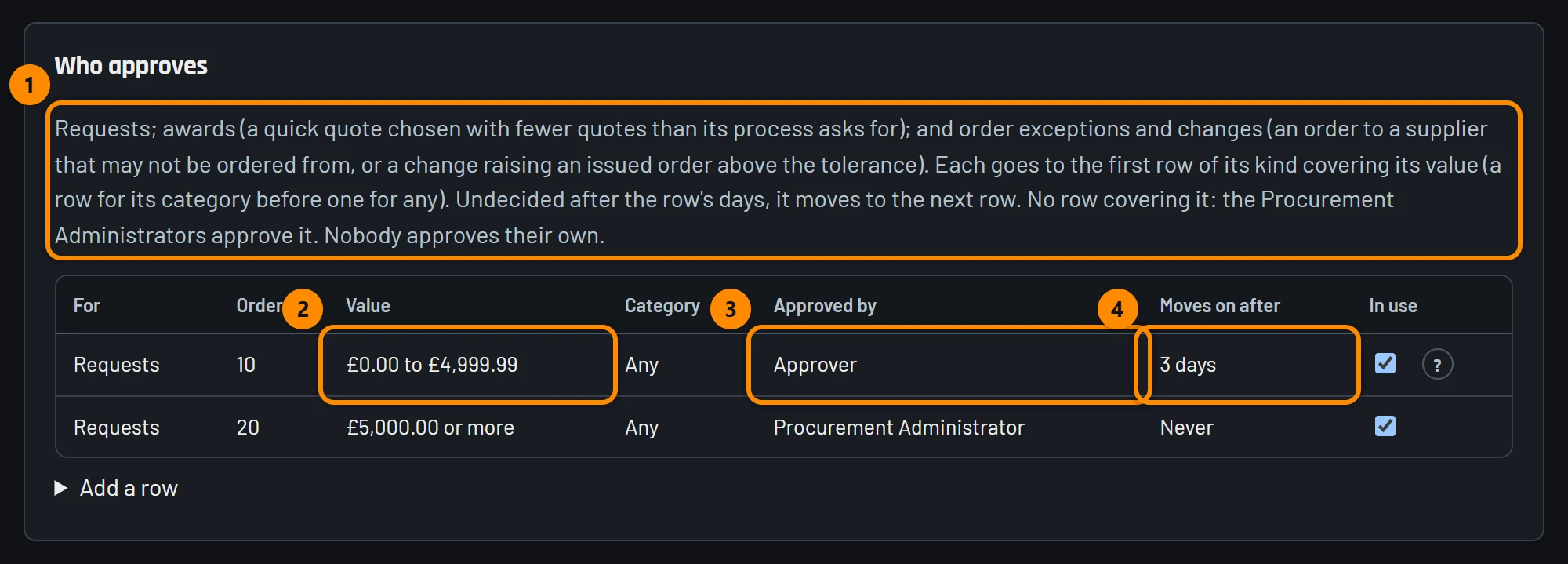
- How it works: requests, awards, and order exceptions and changes each go to the first row of their kind covering their value (a row for their category before one for any). No row covering it: the Procurement Administrators approve it.
- The value band.
- Approved by: any Approver, any Procurement Administrator, or one named person.
- Moves on after: undecided after these days, it goes to the next row.
Add a row adds one; untick In use to stop one.
The rest of Settings
- Categories: what you buy, each with a CPV code if you use them.
- What the organisation asks of suppliers: insurance, certificates, policies and checks; which categories, whether it expires, whether it is mandatory, and whether only for orders above a value.
- How approved requests are bought: processes by value and category, each Straight to an order, Quick quotes (with how many) or Tender.
- Cost centres and Cost codes: from Finance once it is linked; change them there.
- The Procurement Act 2023: for a public body, the presets for its procedures, thresholds, standstill, payment terms and notices, each with the source to check them against.
Payments compliance (UK17)
With the Act's presets on, Payments compliance (UK17) (from the presets in Settings) shows each six-month period (1 April to 30 September, 1 October to 31 March): the invoices paid in it, the average days to pay, how many were paid within your payment term and how many later, and the date to publish by (30 days after the period ends). Prepare the notice writes it for you to paste into Find a Tender; then Record it published with its reference and date. Earlier period and Later period move between periods.
Was this helpful?