
Stock levels
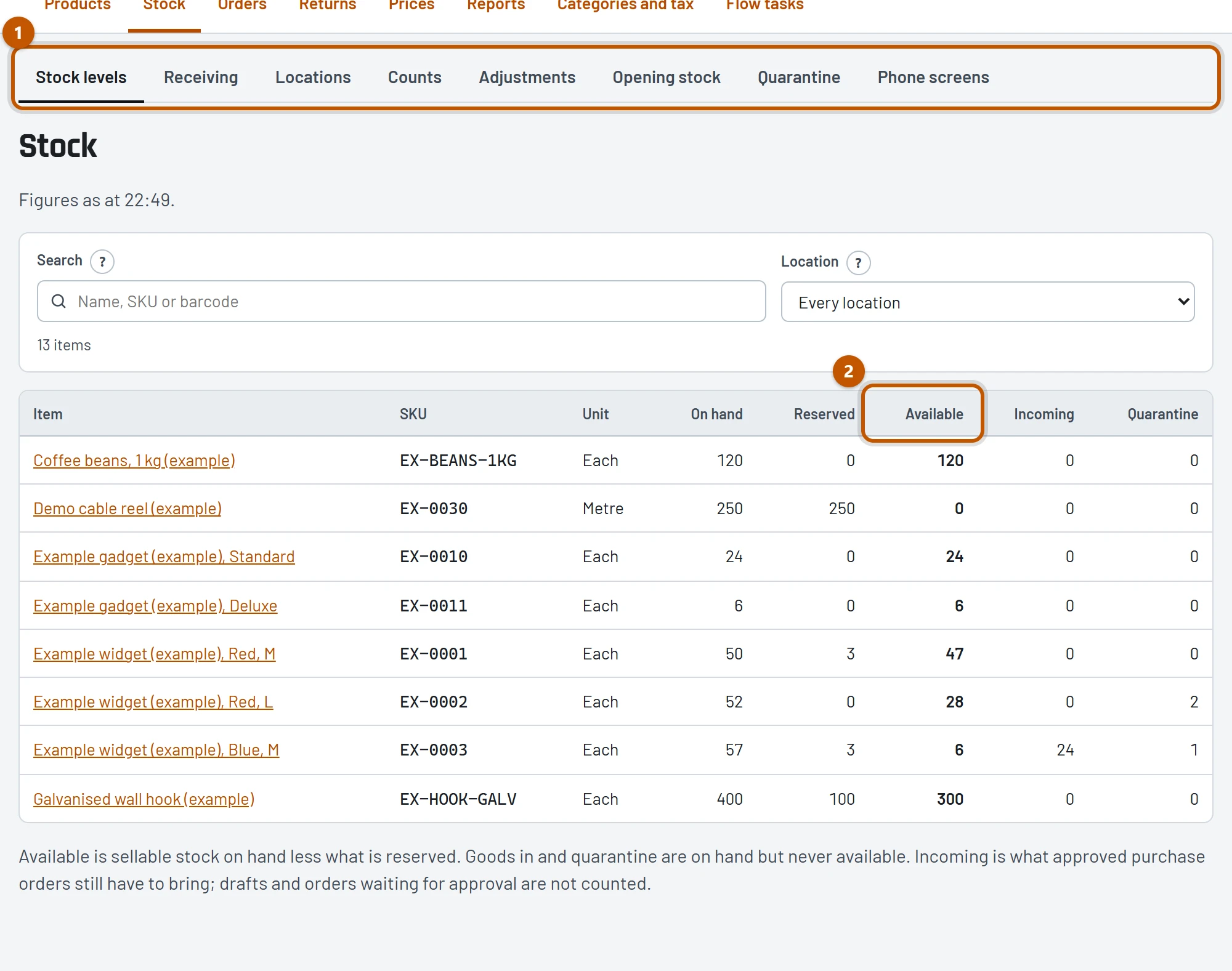
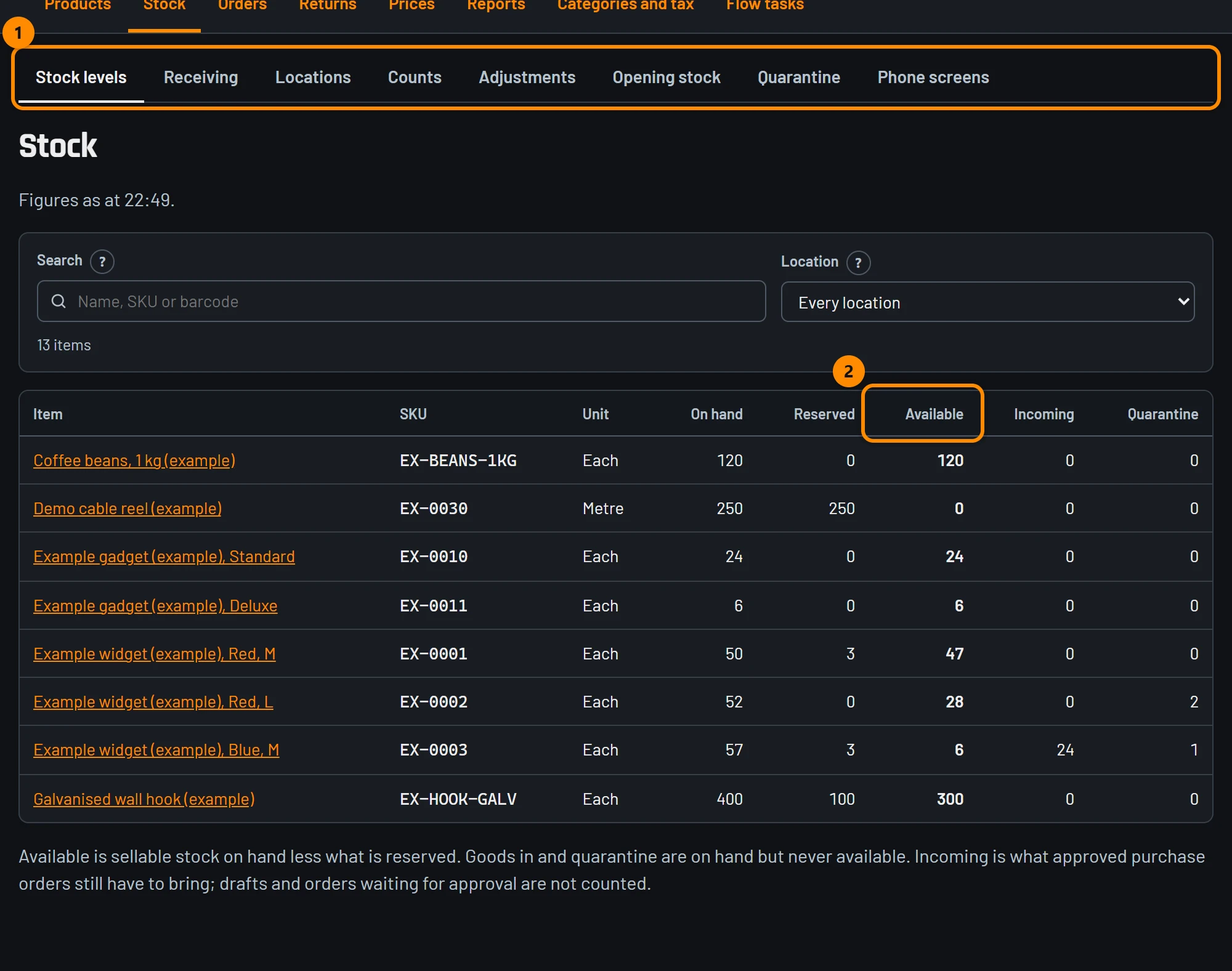
- Stock levels, Receiving, Locations and the other stock pages.
- Available: what can be sold now.
Stock lists every item that tracks stock. Search by name, SKU or barcode, or choose a Location.
| Figure | What it means |
|---|---|
| On hand | Everything held, quarantine included |
| Reserved | Held for accepted orders |
| Available | Sellable stock on hand less what is reserved |
| Incoming | Still to come on approved, issued and part-received purchase orders |
| Quarantine | Held apart, never for sale |
Goods in and quarantine are on hand but never available. Every figure names its unit.
As at
Stock figures say when they are from, such as Figures as at 14:05. Once they are older than your organisation's Stale after (minutes) setting, the line becomes a warning: reload before relying on them.
An item's stock
Choose an item's row. Its page shows the five figures, the stock at each location, and The ledger: every movement, newest first, with when, what, where, the quantity, what was entered, the reason and who. Nothing in the ledger is ever changed: a correction is a new row.
People who see costs also see Why the cost changed: the receipts, reversals and dispatches of the last year, with the average cost before and after each.
Receive, move or adjust
People who record stock movements have three forms on the item's page:
- Receive without a purchase order: choose where it goes (Into), the Quantity and Unit, and a Note, then Receive. People who see costs can give its Cost; blank keeps the average cost. Goods against a purchase order are received under Receiving: see Suppliers, purchase orders and receiving.
- Move between locations: choose From and To, the Quantity and Unit, then Move. Both halves are posted together, or neither. Moving out of quarantine into sellable stock needs Approve Stock Changes and a Why.
- Adjust or write off: see Adjustments, write-offs and quarantine.
Locations
Stock, Locations lists where you keep stock: a Warehouse, a Shop, a Bin inside another location, Goods in and Quarantine. Goods in is not sellable, and quarantine never is. Each location has a Priority: orders reserve sellable stock from the lowest first. Choose a location to see the stock there.
A Products Administrator chooses Add location and gives its Name, Kind, where it sits (Inside, for a bin), its Priority and whether it holds Sellable stock. A location holding stock, an open count or staged opening stock cannot be archived.