
Recruitment takes a job from vacancy to new starter. A hiring manager drafts the vacancy, a recruiter approves it, it opens on your careers page, the panel scores the applicants against the vacancy's criteria, and the one you hire goes to HR as a new starter.
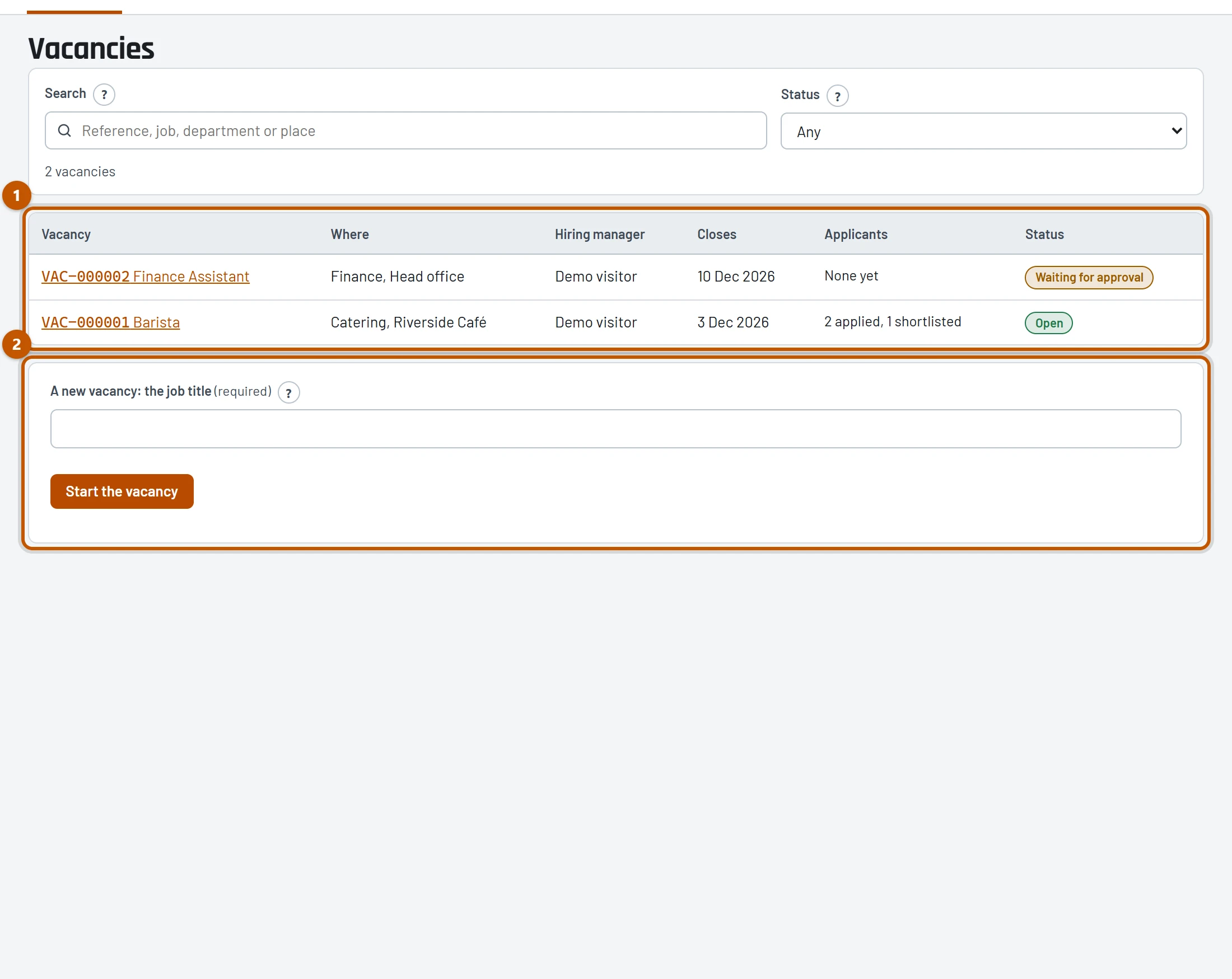
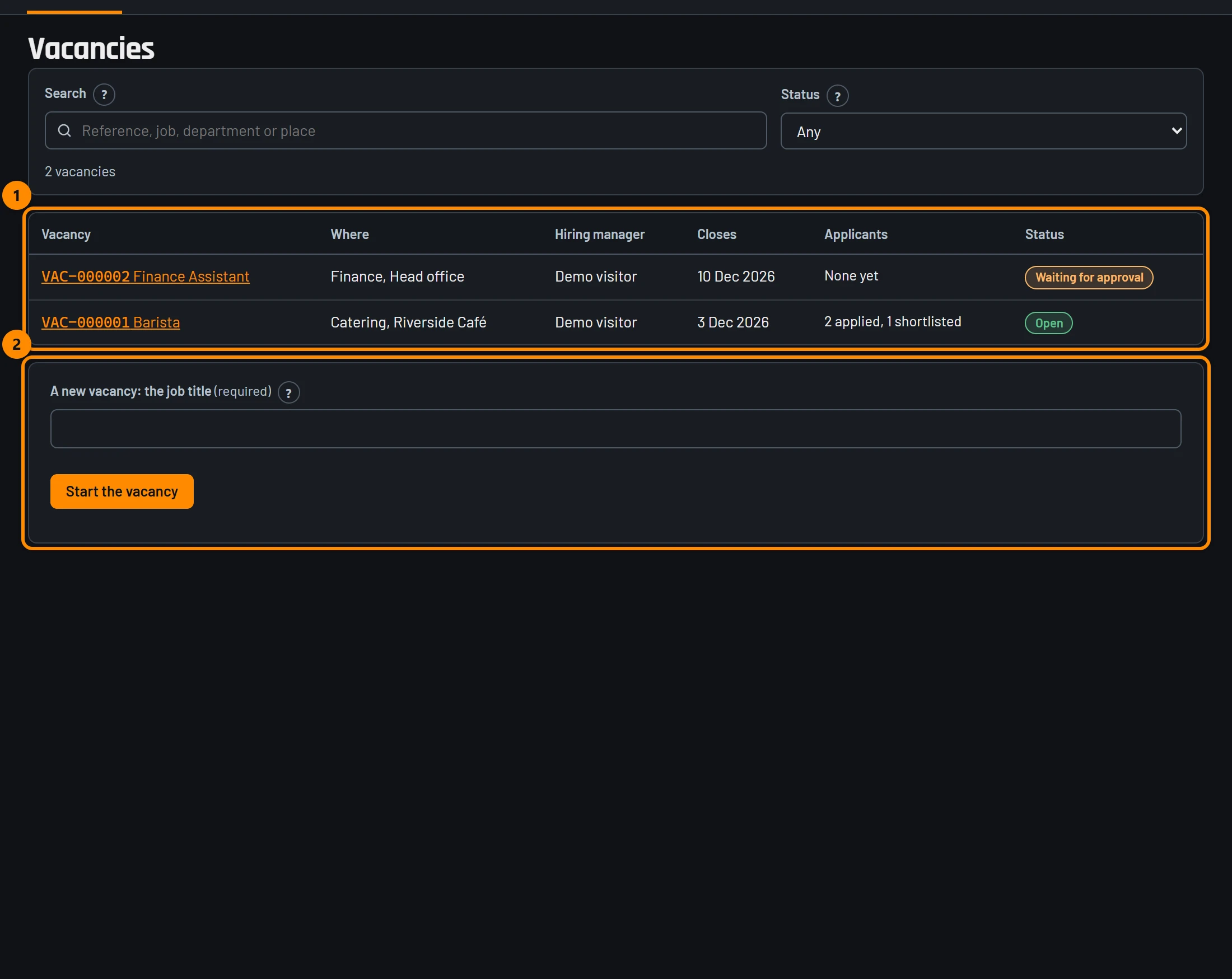
- The vacancies: where each is, its hiring manager, when it closes, its applicants and its status.
- A new vacancy: the job title, then Start the vacancy. Search and Status are above.
Vacancies
Vacancies lists the vacancies you can see, with their status and applicants. Search and filter them by status. Open one to see its advert, criteria and applicants.
The menu
- Vacancies: the above.
- Connections, Settings and Audit: for the people who run Recruitment.
Access levels
| Access level | What it can do |
|---|---|
| Panel Member | Sees the applicants shortlisted for vacancies they are on the panel of, and scores them |
| Hiring Manager | Drafts their own vacancies, moves their applicants on, plans interviews and scores |
| Recruiter | Every vacancy and applicant; approves vacancies (never their own) |
| Auditor | Reads every vacancy and applicant and the audit trail; changes nothing |
| Recruitment Administrator | Everything, with the organisation's Recruitment settings |
What you are told
The bell tells you when a vacancy waits for your approval, when a vacancy of yours is approved, returned or closed, when a vacancy you manage has a new applicant, when an applicant waits for your score, and when an interview you are on is planned.
Was this helpful?