
Choose Attendance. To approve lists finished shifts waiting for you; Clocked in now shows who is on site; Approved lists what is done.
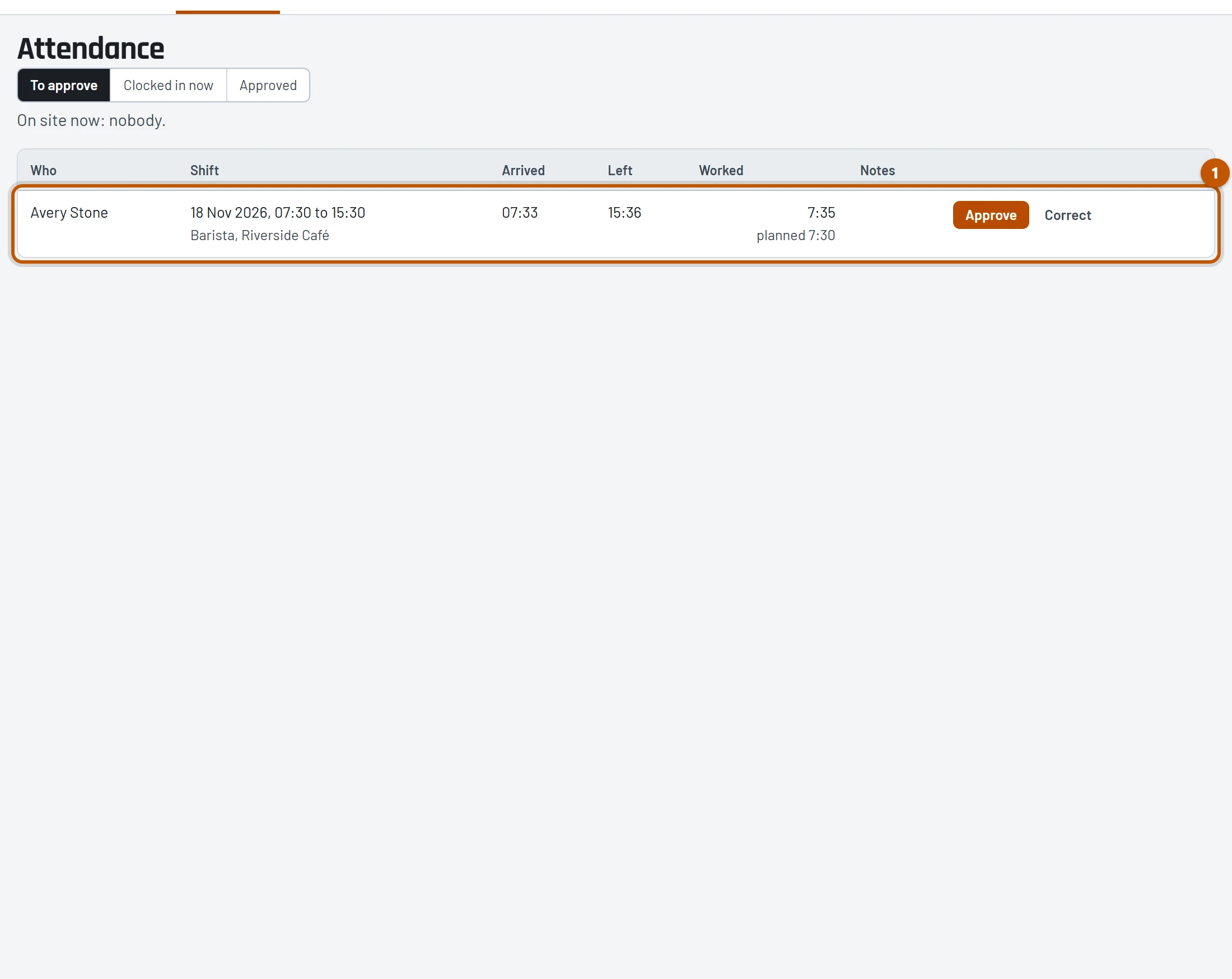
- A finished shift: who, the shift, when they arrived and left, the time worked against the plan, Approve and Correct.
The Notes column shows any note they left when clocking in.
Approve
Check the times, and choose Approve. If someone covered another job, choose under Cover: paid as which job the time is paid as before approving.
Correct
- Choose Correct.
- Under Correct the times, change when they arrived or left.
- Give a Reason (the person sees it).
- Choose Save the correction. The person is told.
Nobody approves or corrects their own attendance. A correction larger than your organisation's limit needs another approver.
Was this helpful?