
Rota plans who works when, and records when they arrived and left. Supervisors plan and publish the rota; everyone sees their own shifts and clocks in and out from their phone.
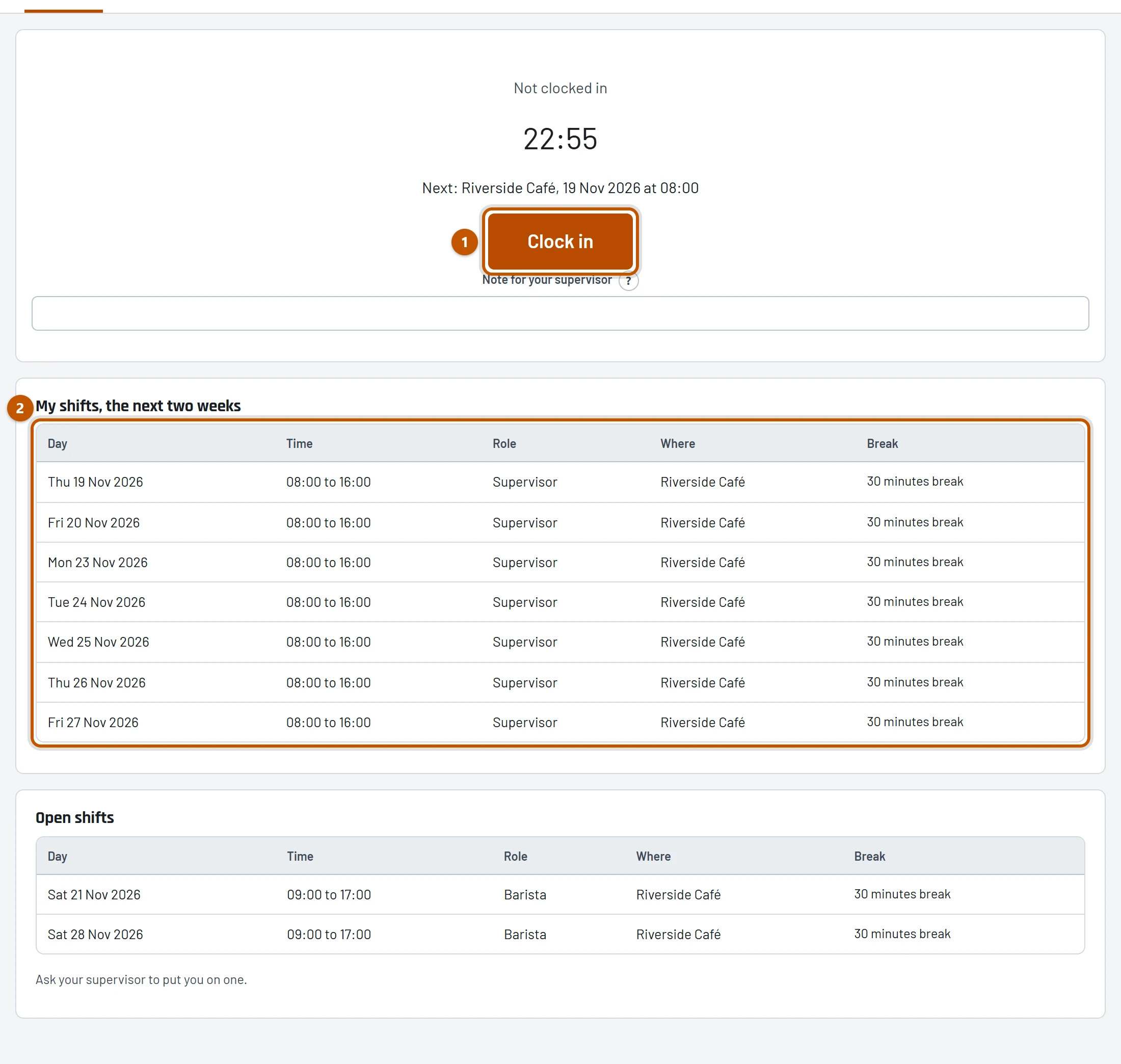
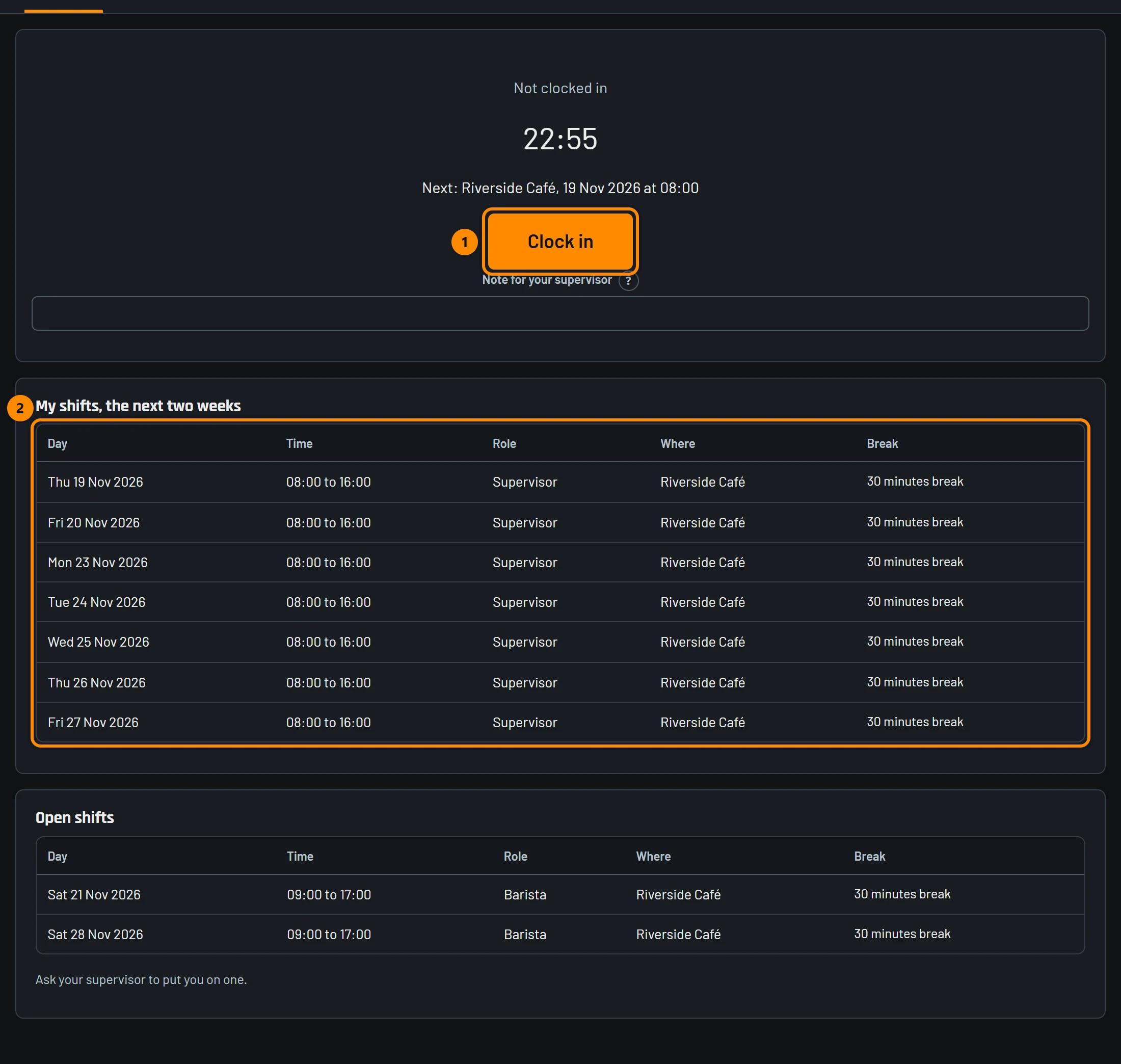
- Clock in, with a note for your supervisor below it.
- My shifts, the next two weeks. Open shifts are below.
My shifts
My shifts is where Rota opens. It shows:
- whether you are clocked in, your next shift, and Clock in (or Clock out);
- My shifts, the next two weeks: each day, time, role, location and break;
- Open shifts: shifts nobody has yet. Ask your supervisor to put you on one.
The menu
- My shifts: the above.
- Rota: the published rota; supervisors plan it here.
- Attendance: who came in when, for supervisors to approve.
- Set-up, Connections, Settings and Audit: for the people who run Rota.
Access levels
| Access level | What it can do |
|---|---|
| Worker | Sees the published rota and their own shifts, and clocks in and out |
| Supervisor | Plans and publishes the rota, and corrects and approves attendance; clocks in too |
| Auditor | Reads every rota, attendance and the audit trail; changes nothing |
| Rota Administrator | Everything, with the locations, roles and the organisation's Rota settings |
What you are told
The bell tells you when a rota with your shifts is published or changed, when one of your shifts changes or is cancelled, when a supervisor corrects your attendance, and, for supervisors, when someone misses a clock-in or clocks in without a shift.
Was this helpful?