
Approval and signing, on a contract's page, says whether signing needs approval and who gives it, from the approval matrix.
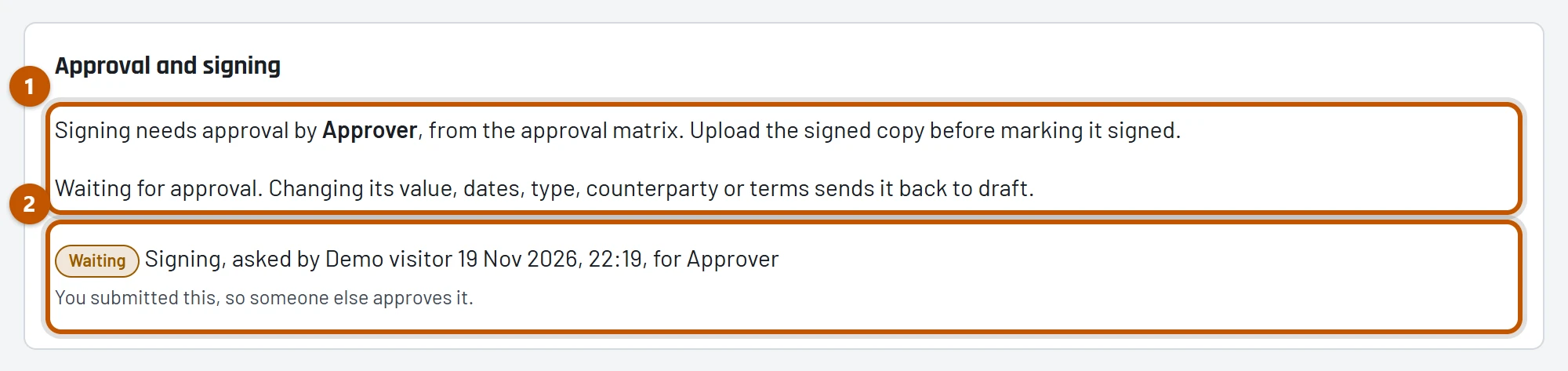
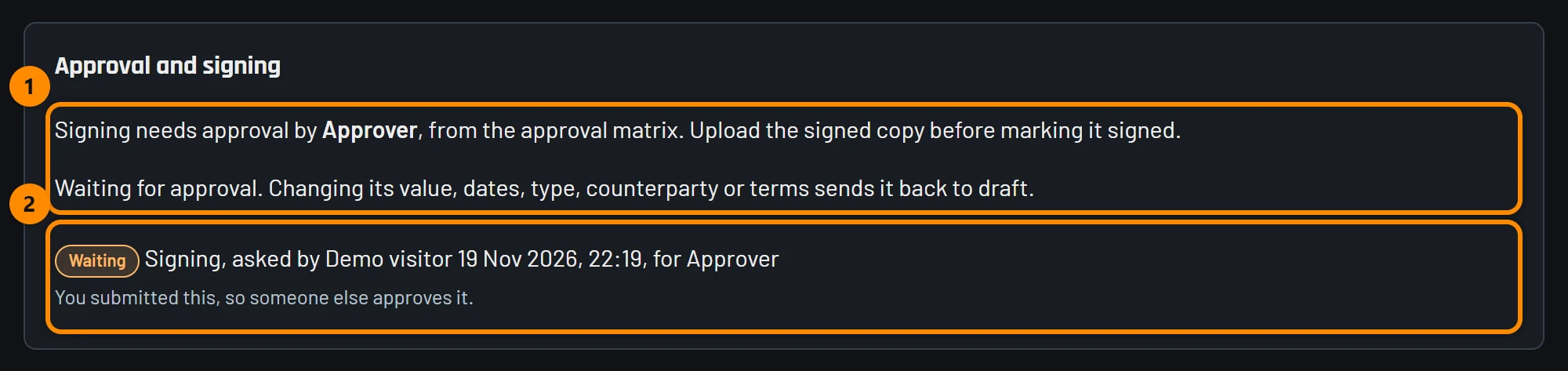
- Where it stands: Submit for approval sends a draft to its approver; Take it back to draft withdraws it. An approver sees Approve and Reject.
- The approvals asked for, and what each decided.
Once approved (or if no approval is needed), choose Mark it signed: the date it was signed, and who signed for each side (For us, For them). It is then active. Where Signatures is linked, it can be sent for signature there instead, and comes back signed.
Good to know
- Nobody approves their own, while second-person approval is on.
- Variations and renewals go through the same matrix.
- The approver is told, and the bell tells the person who submitted it when it is decided.
Was this helpful?