
Contracts is the register.
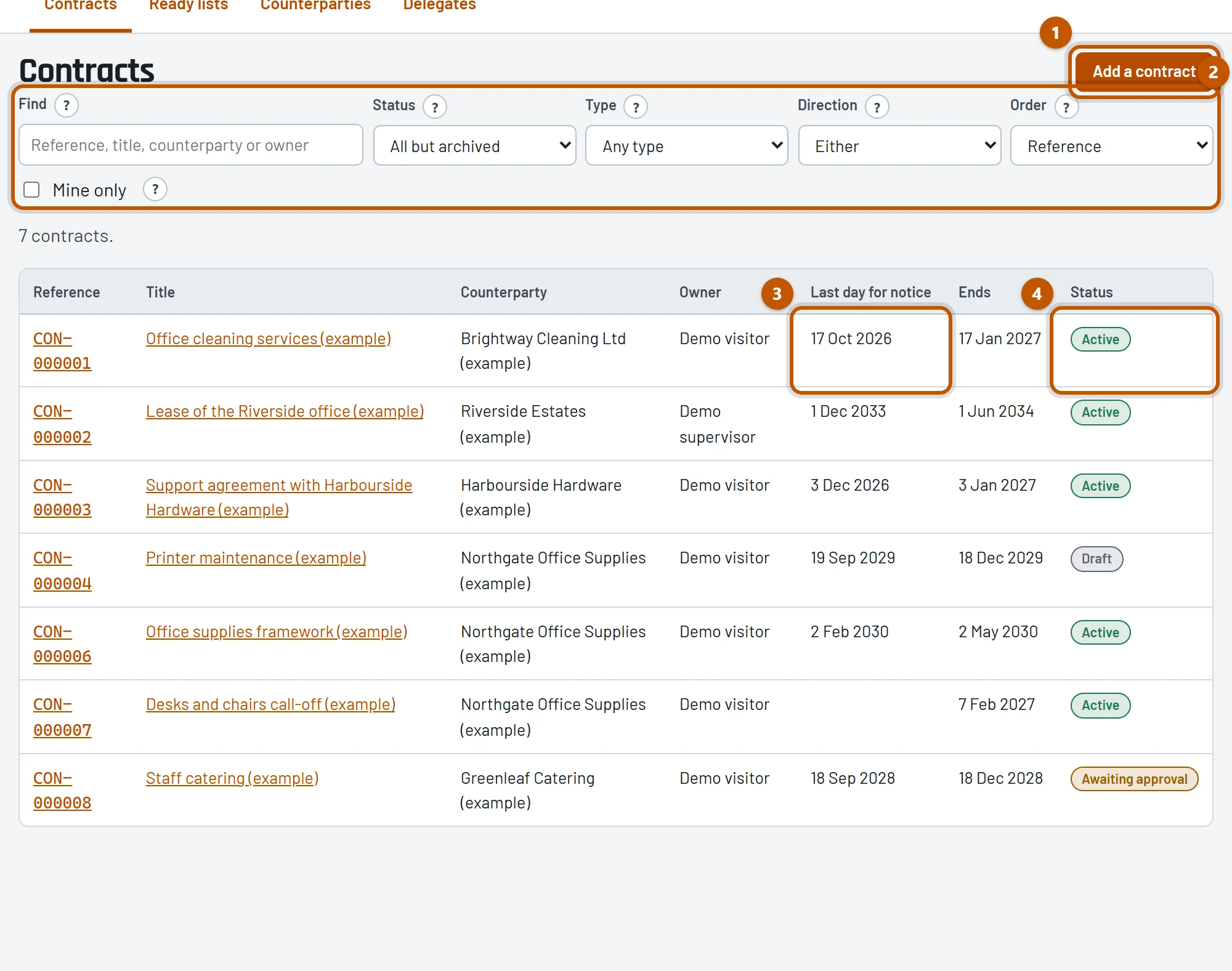
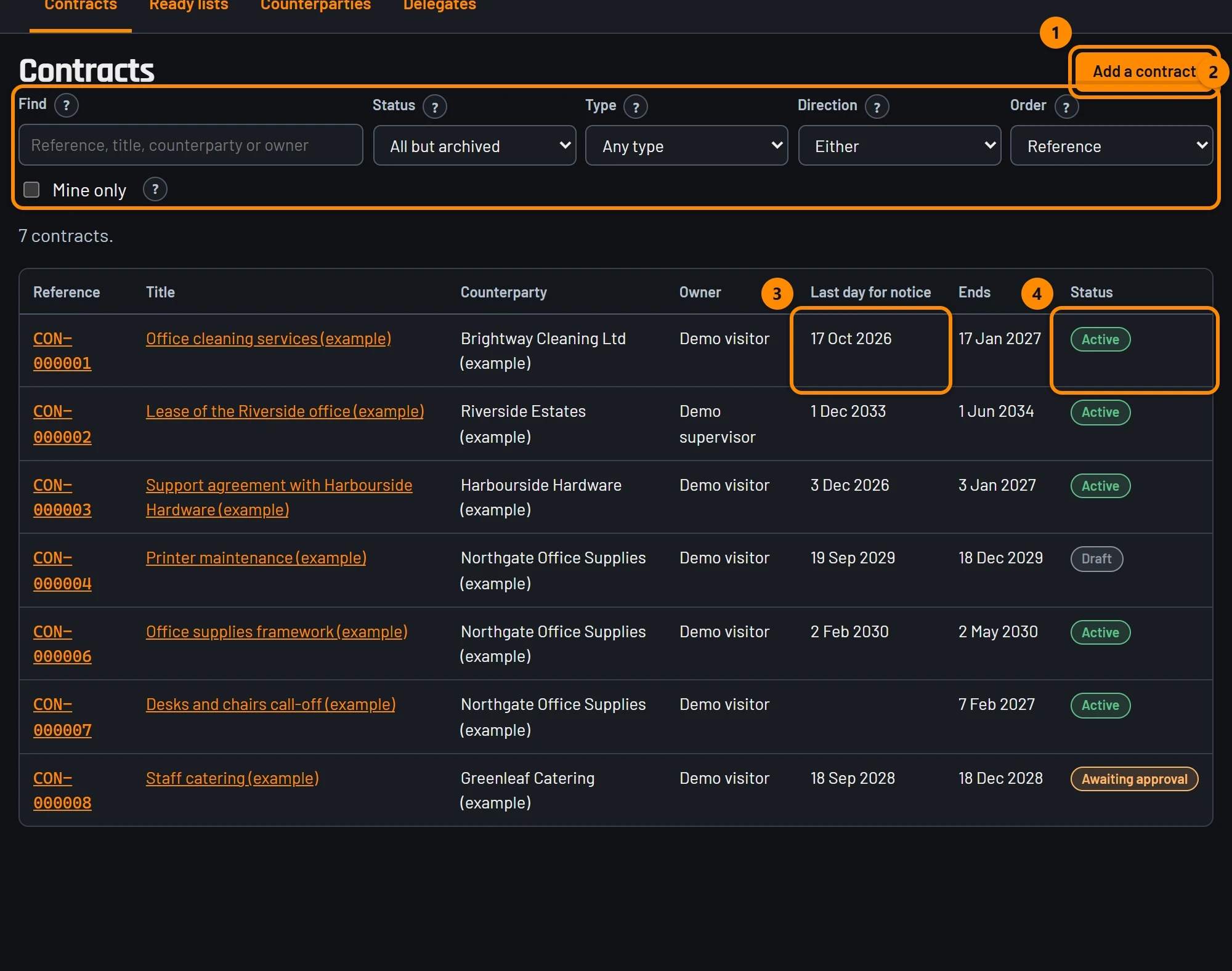
- Add a contract, and Export CSV or Export XLSX of what the filters show.
- Find by reference, title, counterparty or owner; Status, Type, Direction, Order, and Mine only.
- Last day for notice: the date that matters most.
- Status: draft, awaiting approval, approved, active, ended and so on. Archived contracts show under Everything, archived too.
A contract's page
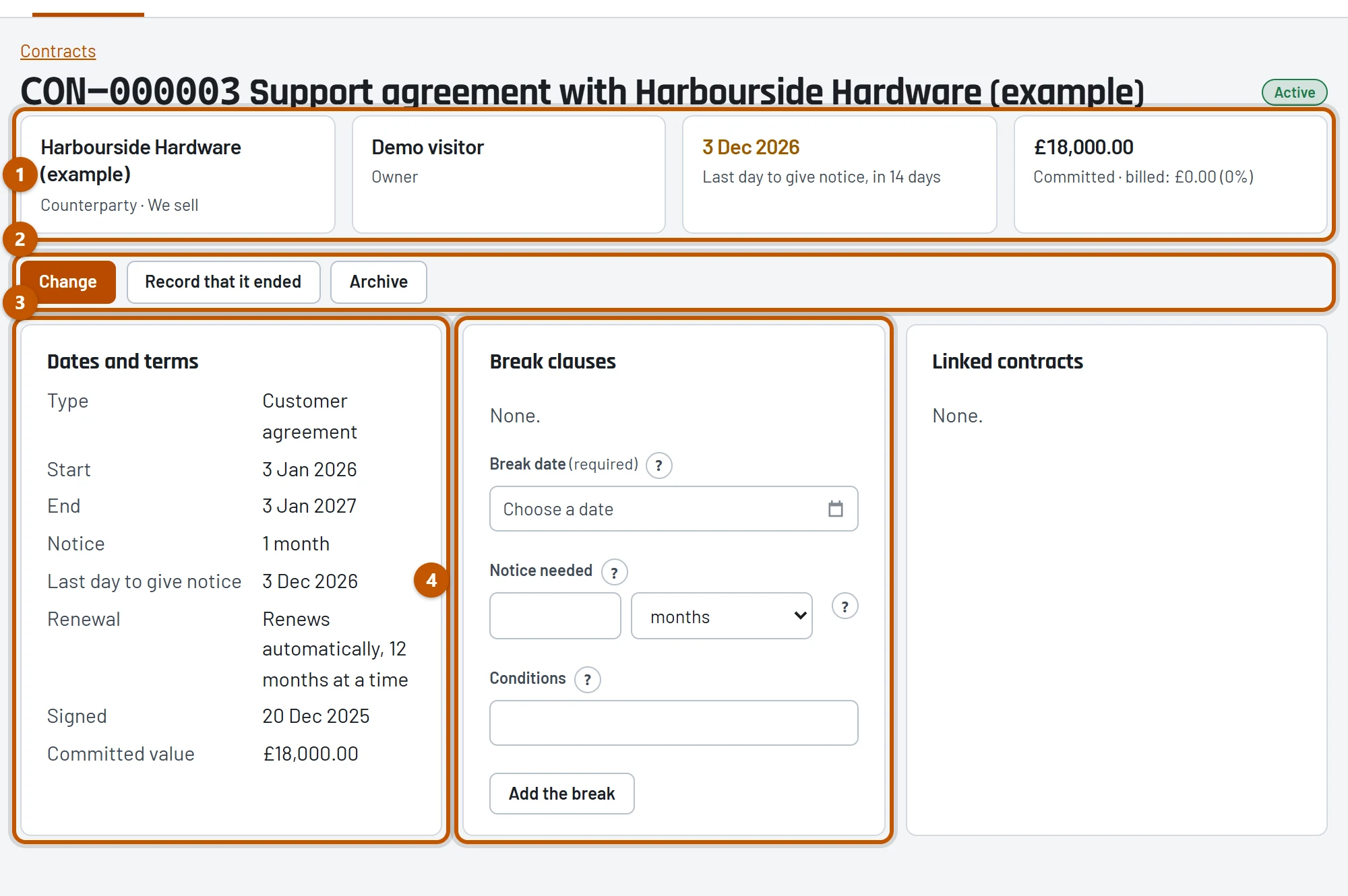
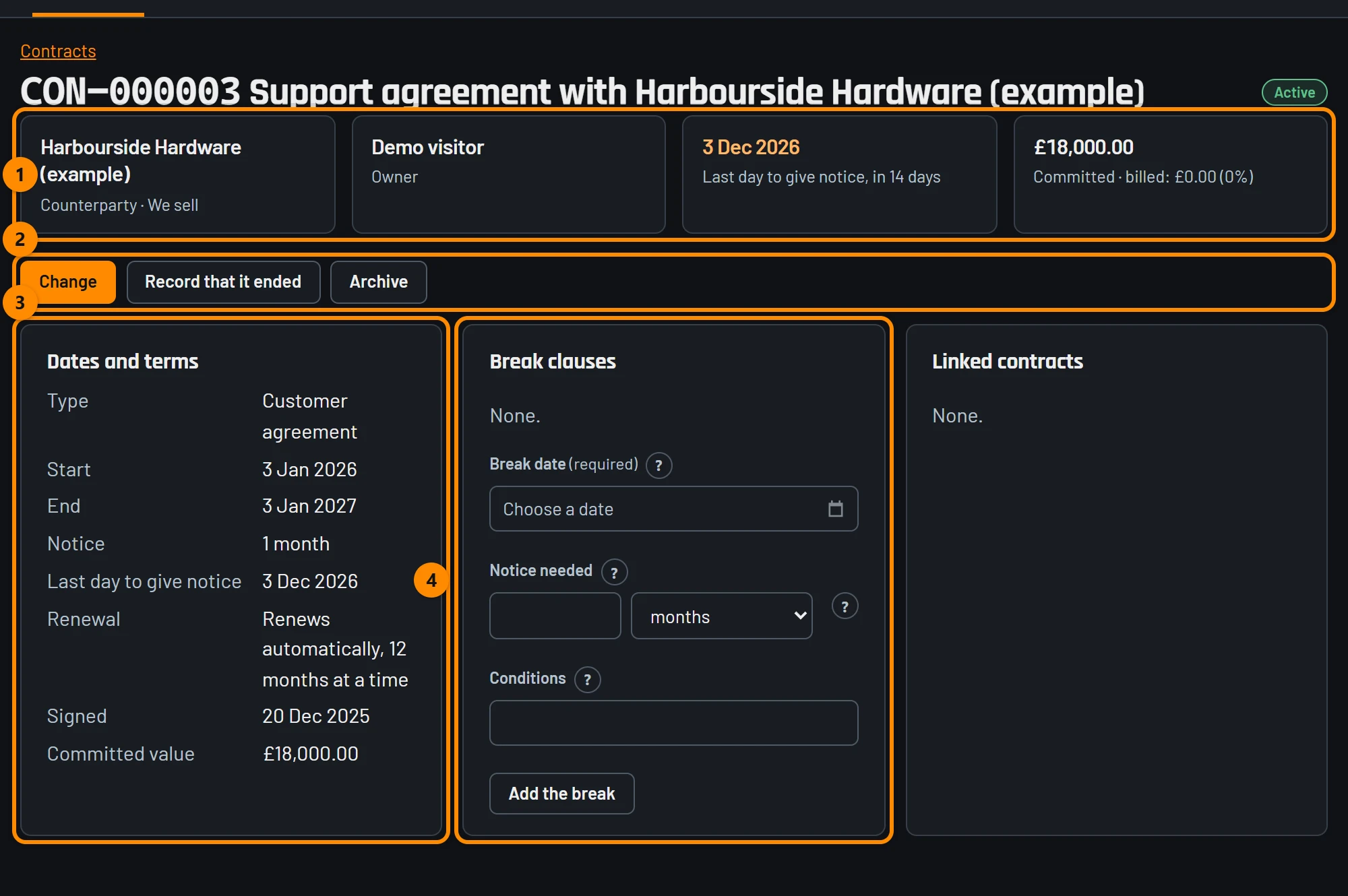
- At a glance: the counterparty and direction, the owner, the next date coming up, and the committed value with what is spent or billed.
- Change, Record that it ended (it ran its course, or was terminated early), and Archive (kept, and can be restored).
- Dates and terms: type, start and end, notice, the Last day to give notice, renewal, when it was signed, and its values.
- Break clauses: each break date with its own notice and conditions. Add the break adds one.
Further down: Linked contracts (a framework it calls off, or the contract it replaces), Approval and signing, Renewal, Obligations, spend, Documents, Variations and History.
Add a contract
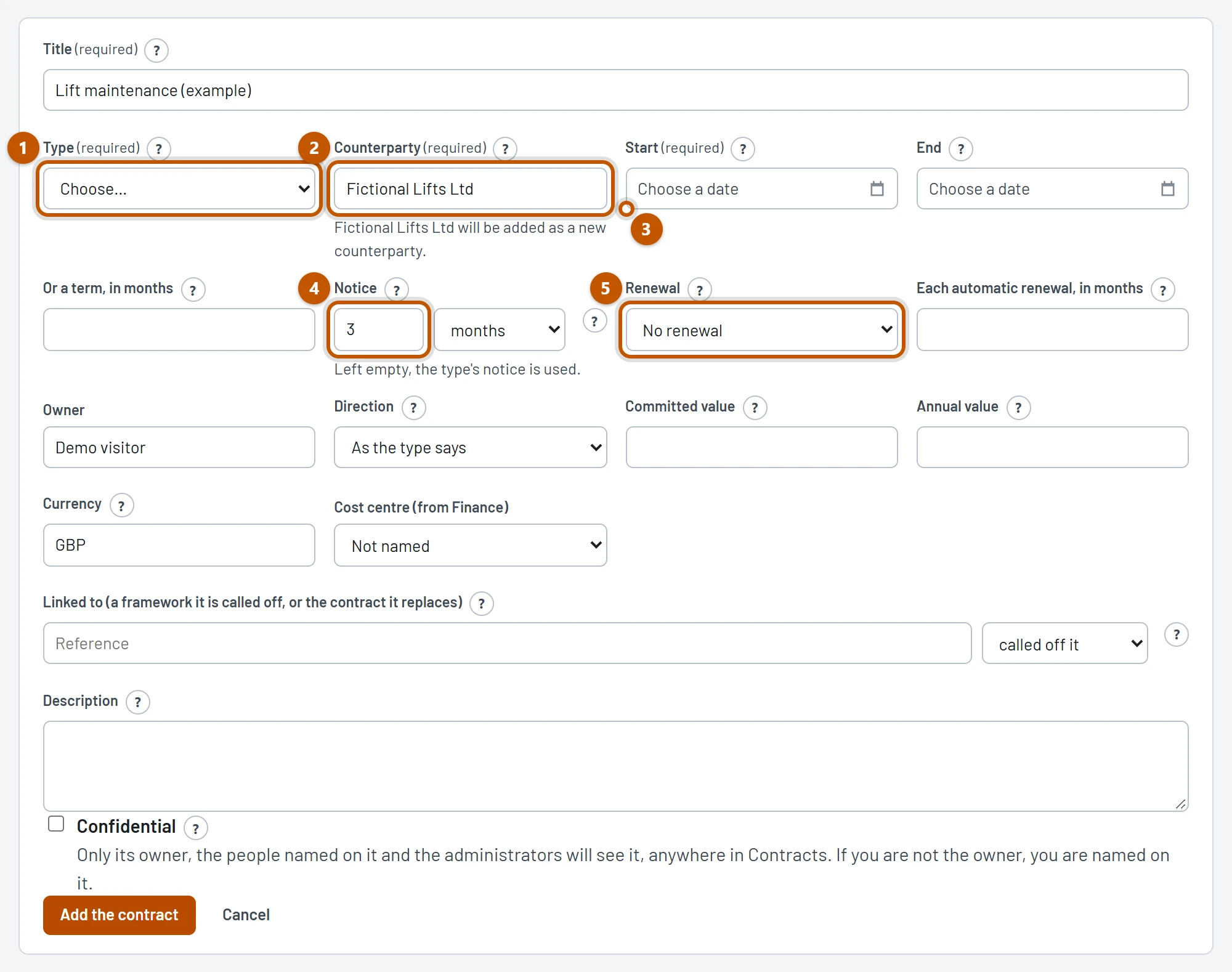
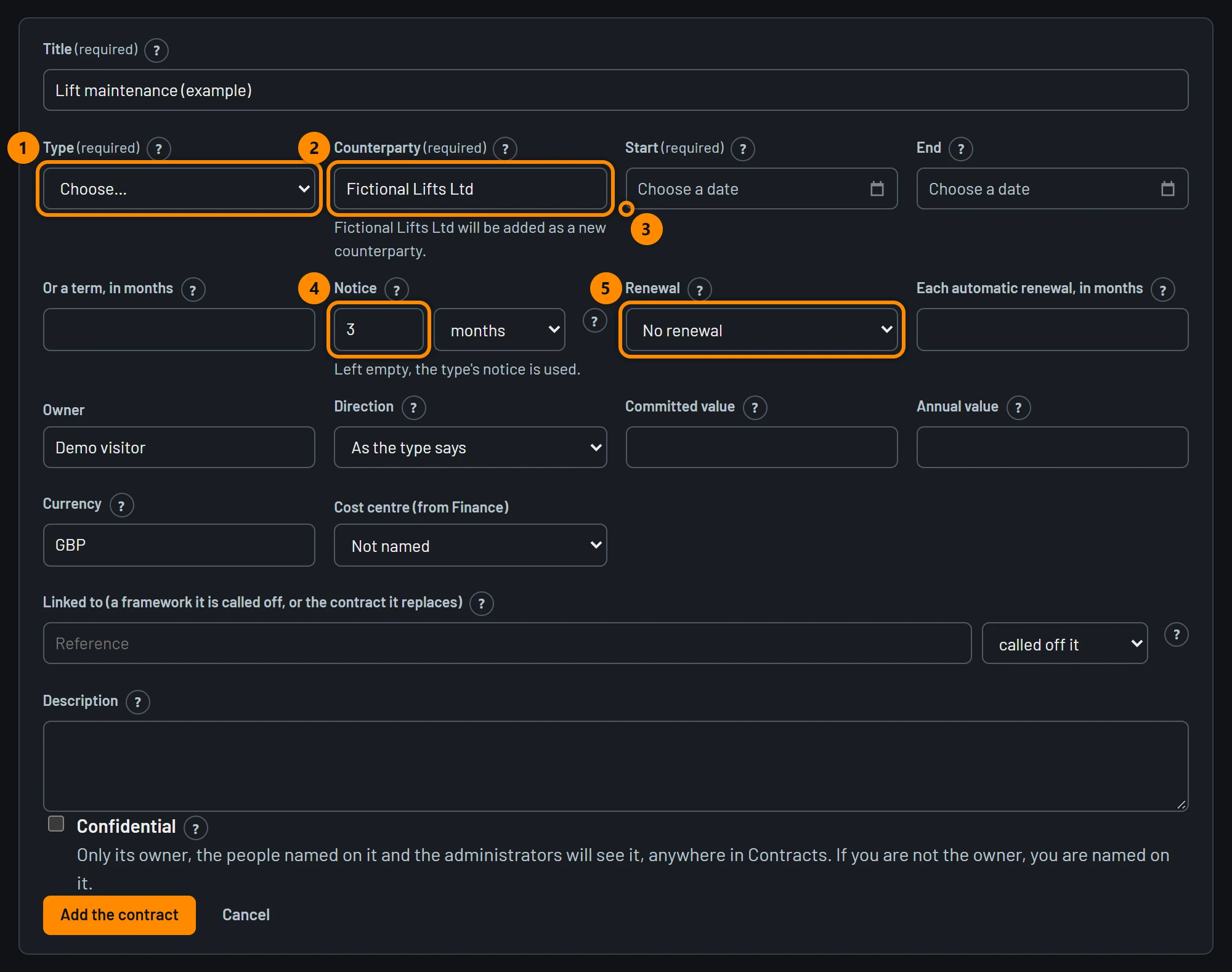
Give it a Title, then:
- Type.
- Counterparty: one already known, or a new supplier added as you type. Where you sell, the customer comes from Customers.
- Start, and an End or a term, in months.
- Notice, in months or days (left empty, the type's notice is used).
- Renewal: No renewal, Needs a decision, or Renews automatically (with how many months each time).
Add the Owner, Direction, values, the Cost centre (from Finance), a link to another contract and a description, tick Confidential if it is, then Add the contract. Title, type, counterparty and start date are enough to begin.
Was this helpful?