
The last day to give notice is worked out from the end date and the notice period. Its owner, and their delegates, are reminded before it on the days set in Settings. Break clauses have their own notice dates, and are reminded the same way.
Decide what happens at the end
A contract that needs a decision shows Renewal on its page.
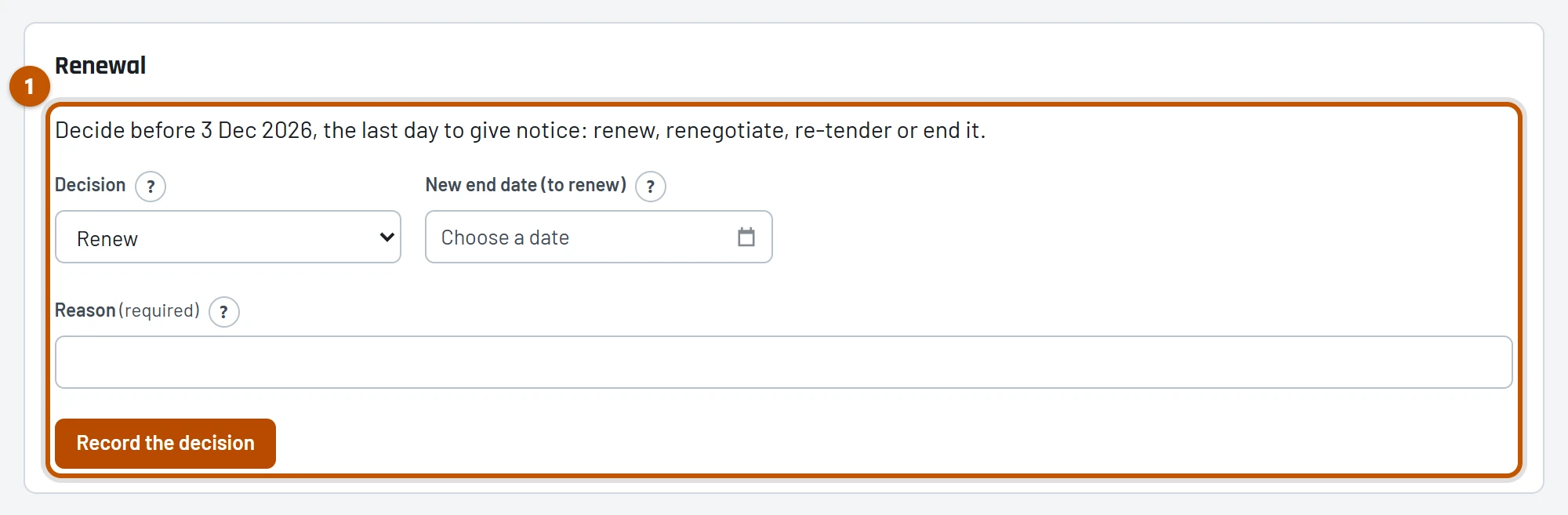
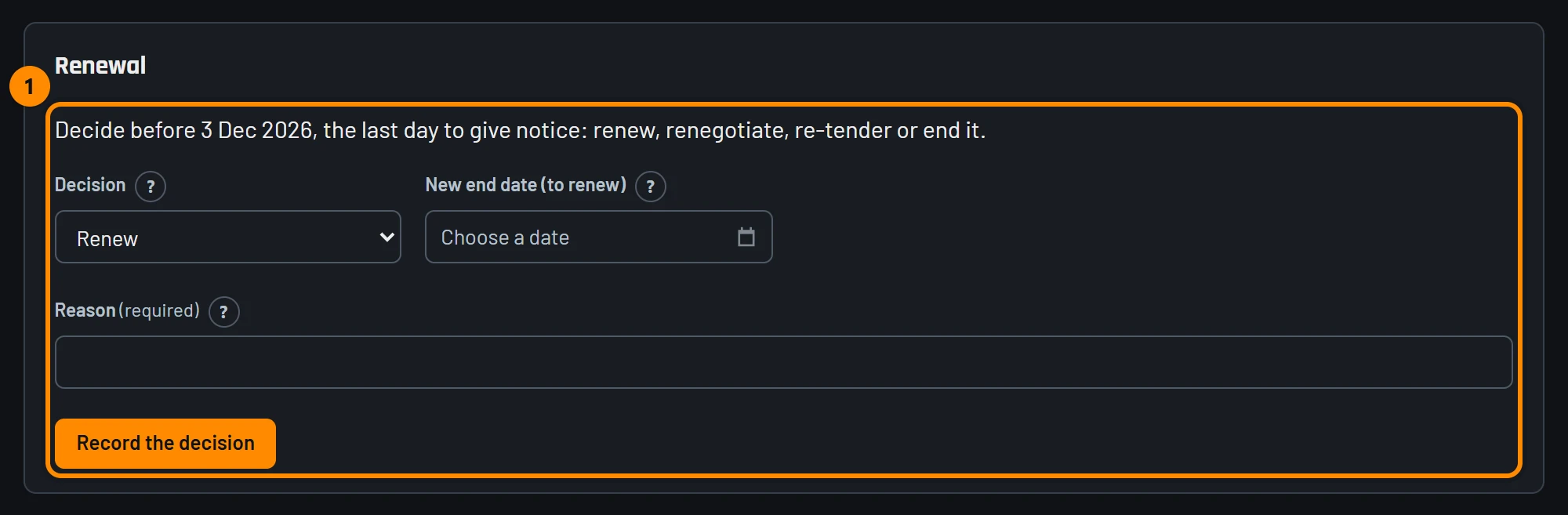
- Decide before the last day to give notice: Decision (renew, renegotiate, re-tender, or let it end), a New end date (to renew), and the Reason. Then Record the decision. Earlier decisions are kept beneath it.
Re-tendering asks Procurement to buy it again. A decision may need an approver, as the approval matrix says.
Good to know
- Renews automatically: it runs on for its renewal term unless notice is given.
- Ready lists (Notice dates coming up, Break dates coming up, Renewal decisions overdue) show what is coming across every contract you can see. See Ready lists and exports.
- Away? Name a delegate so reminders reach someone: see Counterparties and delegates.
Was this helpful?