
Every applet brings its own blocks to Flow. A starter is a moment in an applet, such as an offer accepted in Recruitment or a budget nearly spent in Finance. A step is work an applet does, such as setting up a new starter's accounts in Service Desk. Join them up on the canvas and you have a process that runs through every team.
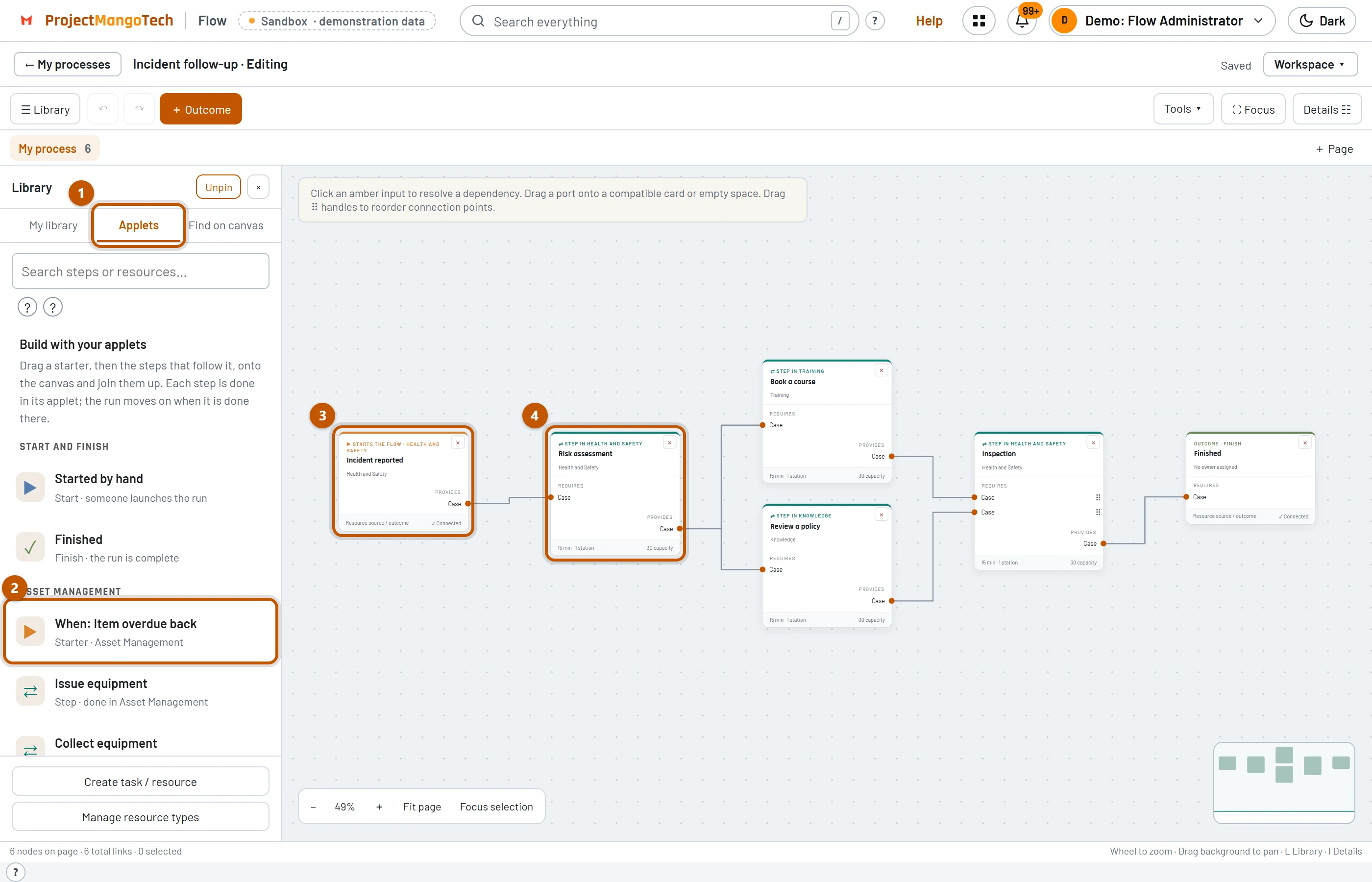
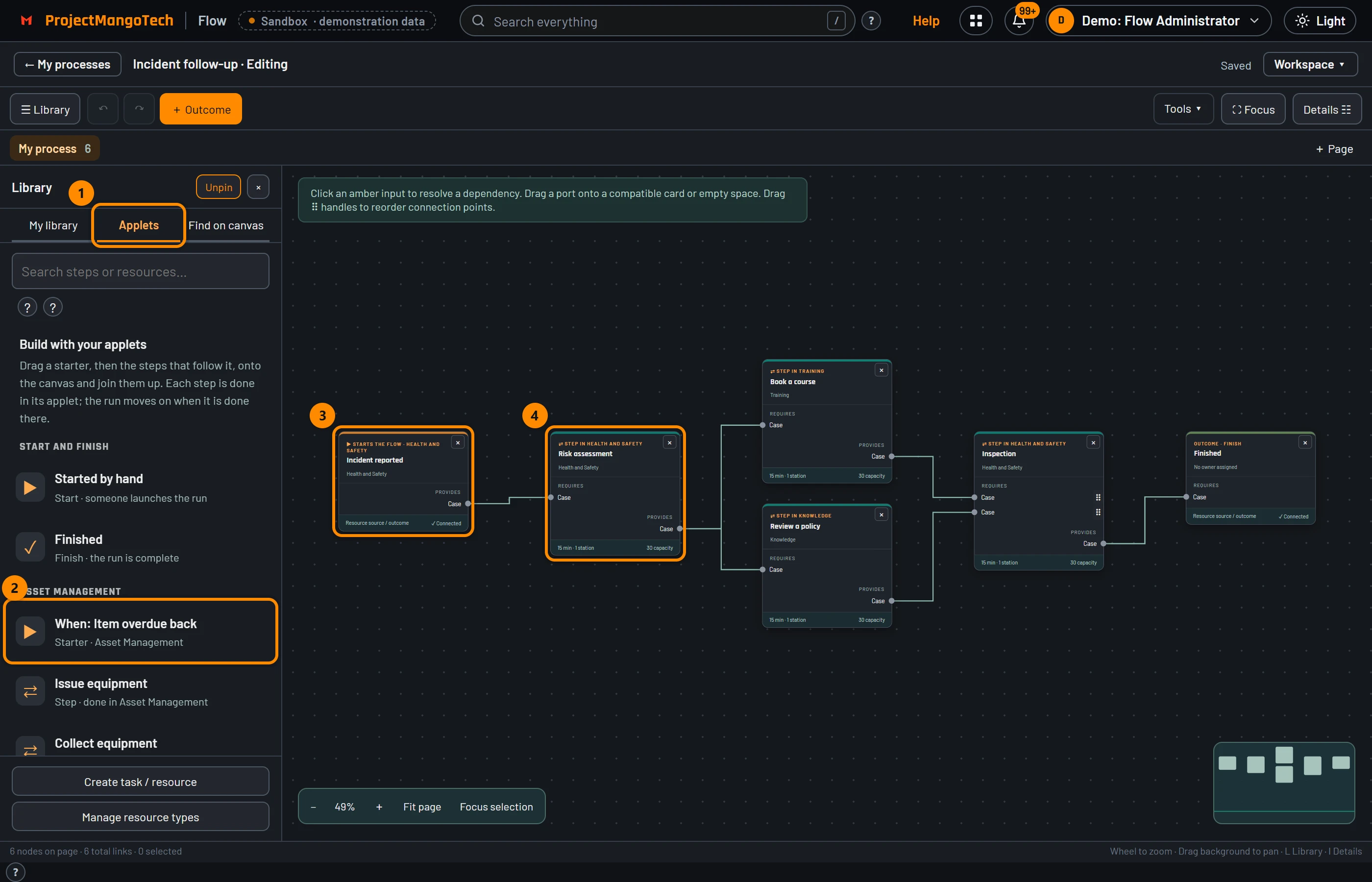
Add the blocks
- Open a process on the canvas and choose Applets in the library.
- The library lists Start and finish (Started by hand and Finished), then each of your organisation's applets with its blocks. A starter reads When: and the moment.
- Drag a block onto the canvas, or select it to add it beside the last one. A starter shows as ▶ Starts the flow and its applet; a step as ⇄ Step in and its applet.
The library lists every applet's blocks. A step is done, and a starter starts a process, only in the applets your organisation uses: Flow is connected to each of them by itself, so there is nothing to set up.
Join them up
- Drag from a block's right edge to the next block. A step can follow several blocks at once.
- Drop a second (or third) connection on a step that already has one, and Flow adds an input for it: the step waits for all of them. Flow tells you, for example Joined: Set up in Payroll now waits for both.
- Join the last step to Finished.
Steps side by side run at the same time, each in its own applet, and the step they join waits until every one of them is done.
Save it as a template
Save the process as a template. From then on:
- A starter launches it by itself. When the moment happens in its applet, Flow starts every active template that begins with that starter, about the record: a run named after the template and the record's reference, such as New starter: offer to first day: VAC-0042. The same moment never starts the same template twice.
- Each step goes to its applet. When a step becomes ready, Flow hands it to the applet that does it, where the people who can do it find it under Flow tasks (or the applet's own task list) and in Waiting for you. When they mark it done there, the run moves on. See Steps done in another applet.
A process started by hand begins with Started by hand instead of a starter, and is launched as any other.
Where the blocks come from
Each applet declares its blocks itself, so a new applet's blocks appear in the library when your organisation starts using it. Flow is only ever told a record's reference, never a person's name.