
A step waits until everything before it is done, then it is Ready. Nothing starts by itself: someone has to act on it. Choose My ready or started steps on Running flows, or My work on a run, to see yours.
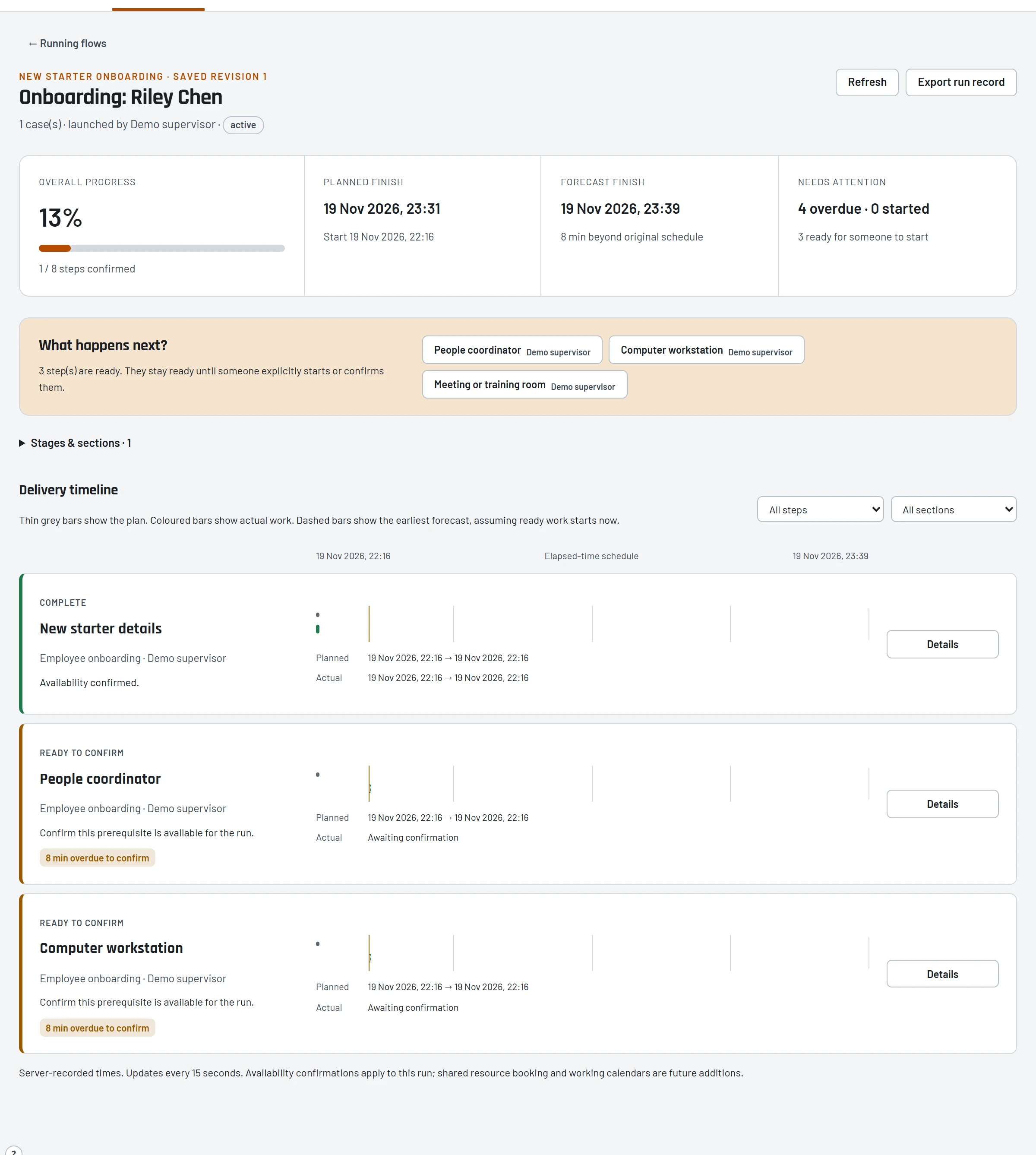
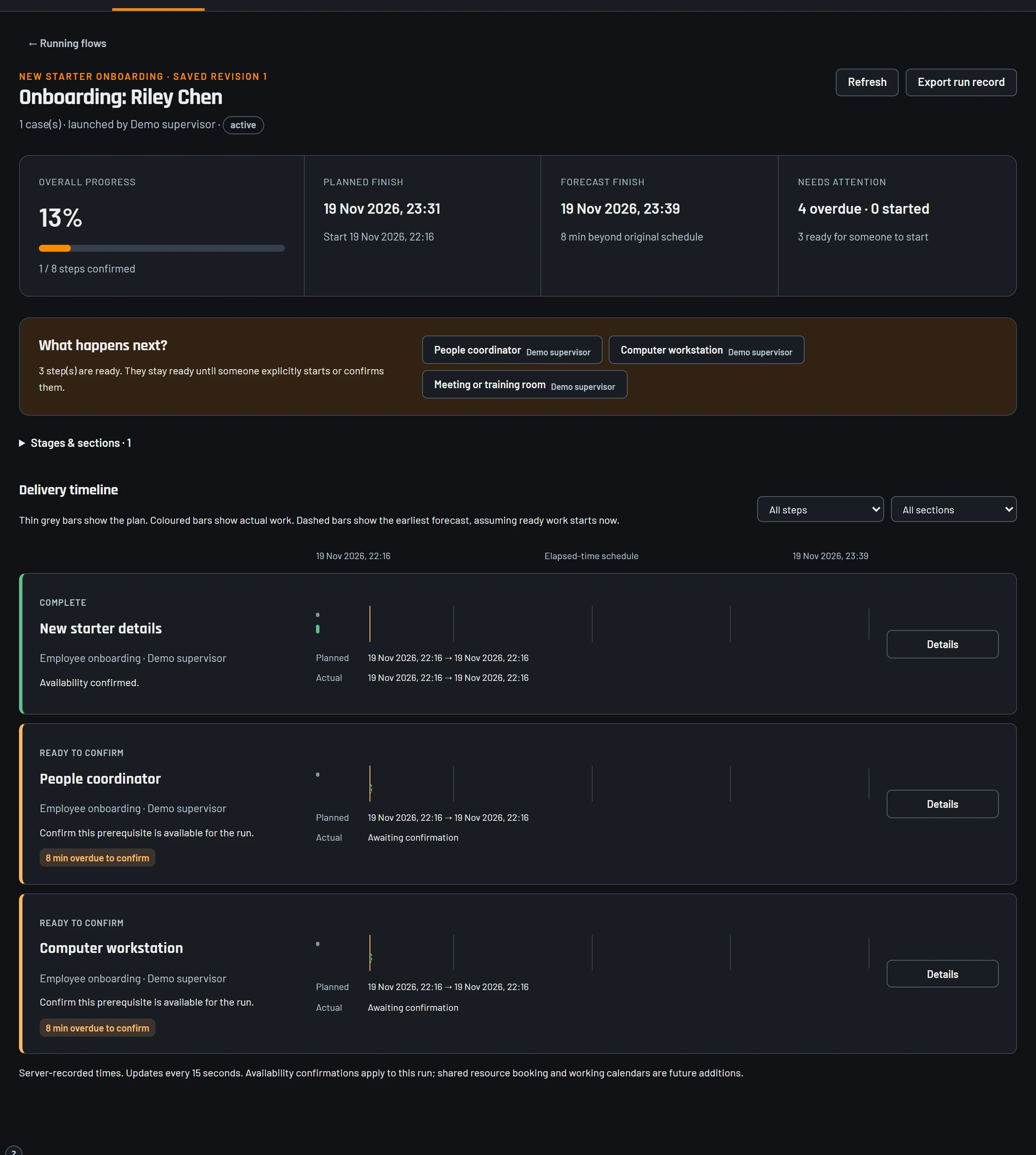
Each step shows its state, who it is with, its planned and actual times, and Details.
What a step asks of you
| The step says | What you do |
|---|---|
| Ready to confirm | A resource, such as a room or a workstation: check it is available for the run, then Confirm ready |
| Ready to start | Work that takes time: Start step when you begin. Its actual timer starts then |
| Started | Complete step when the work is done |
| An outcome | Check the result has been achieved, then Confirm outcome |
| Waiting for prerequisites | Nothing yet: it lists what it is waiting for |
| Done in another applet | Nothing here: it completes when that applet's task is done |
A step assigned to a group shows Claim: claim it to take it on, so others know. Give back returns it to the group.
Finishing a step unlocks the steps that depend on it, and the people who can do them are told.
Was this helpful?