
Running flows lists the runs in the workspace. It updates every 15 seconds while the page is open.
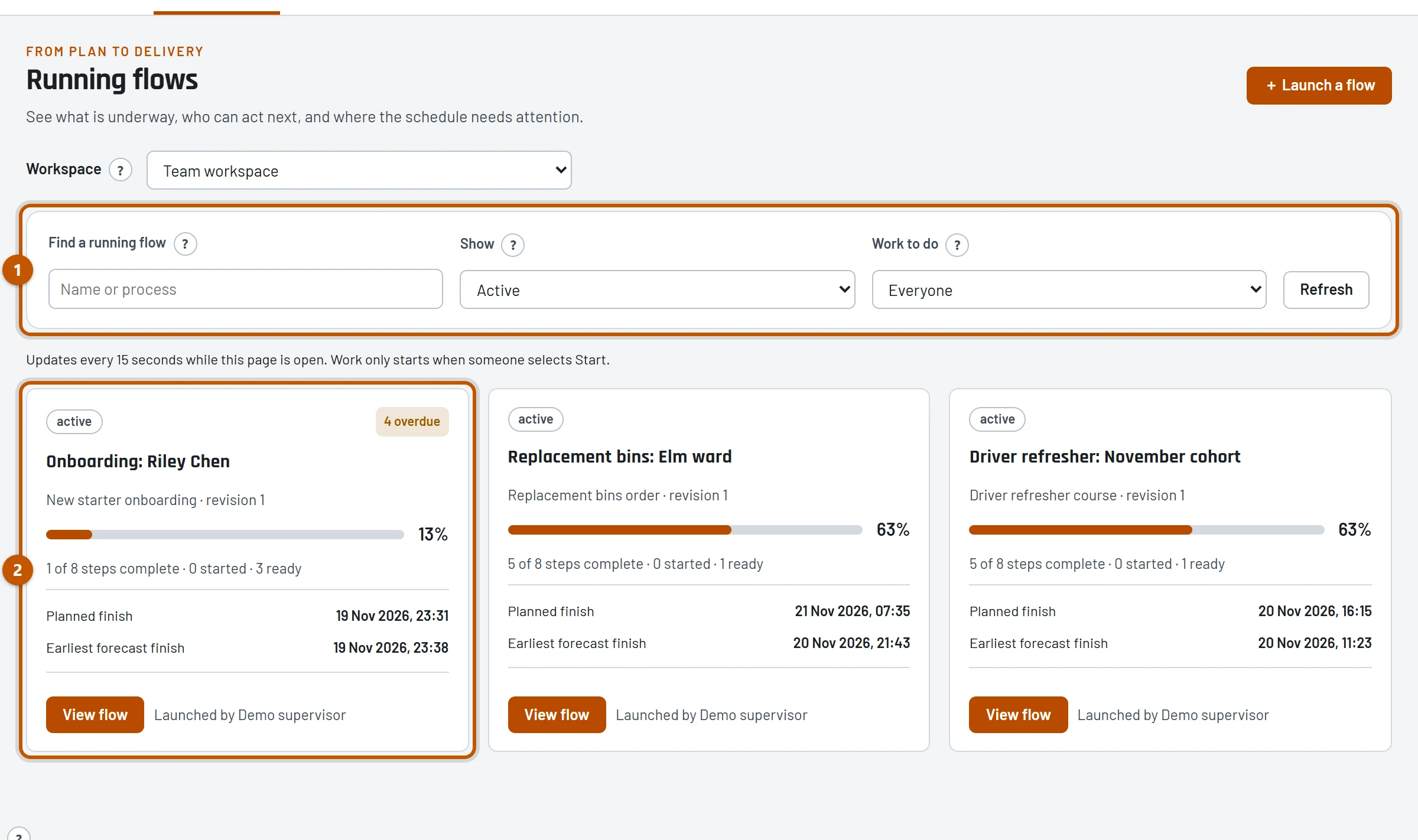
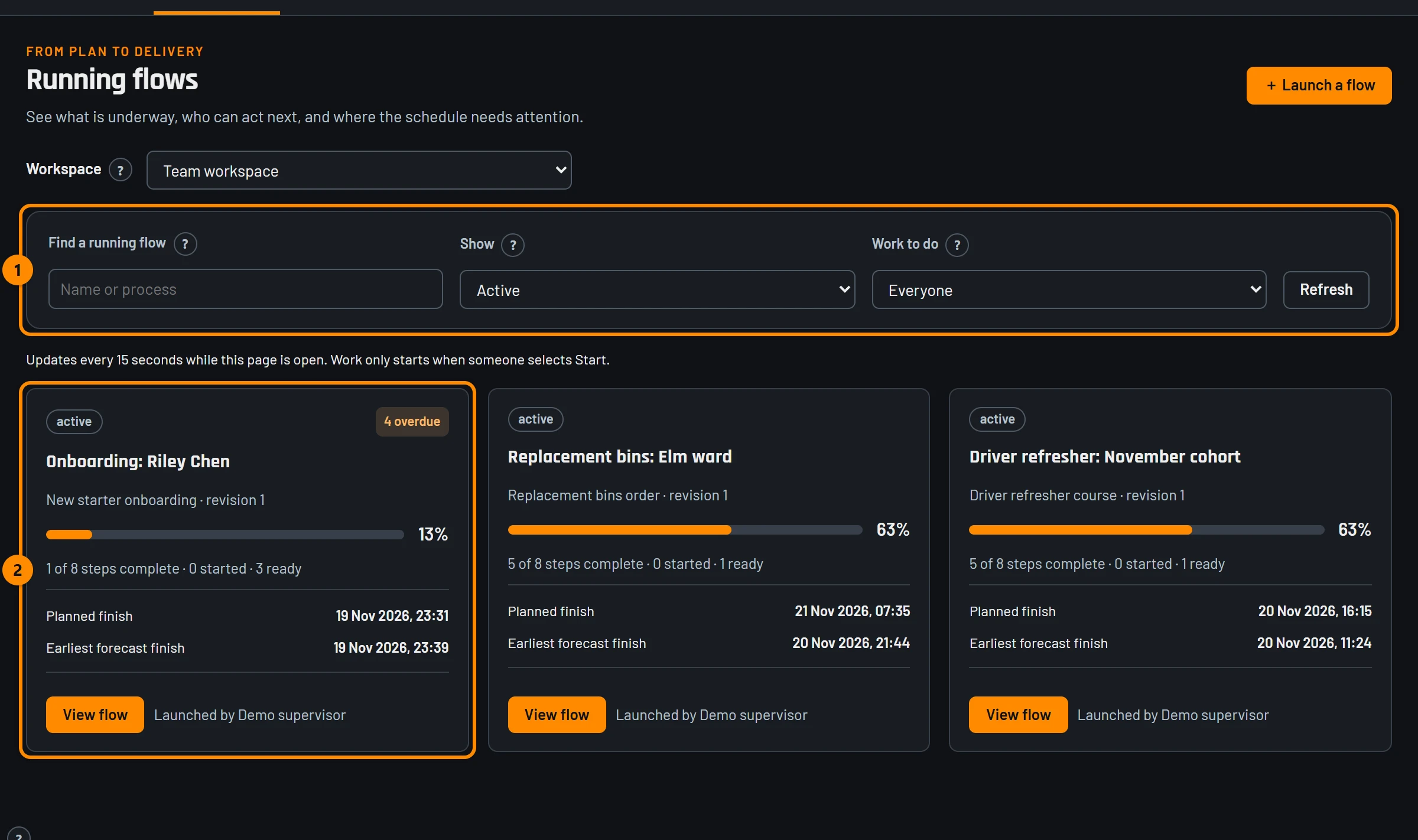
- Find a running flow, Show and Work to do.
- A run: its progress, steps complete, started and ready, its planned and forecast finish, and View flow.
Find a run
- Find a running flow: search by name.
- Show: Active, Completed, Cancelled or All runs.
- Work to do: Everyone, My ready or started steps, or Overdue flows.
Each run shows its progress, how many steps are complete, started and ready, how many are overdue, its Planned finish and its Earliest forecast finish. Choose View flow to open it.
A run's page
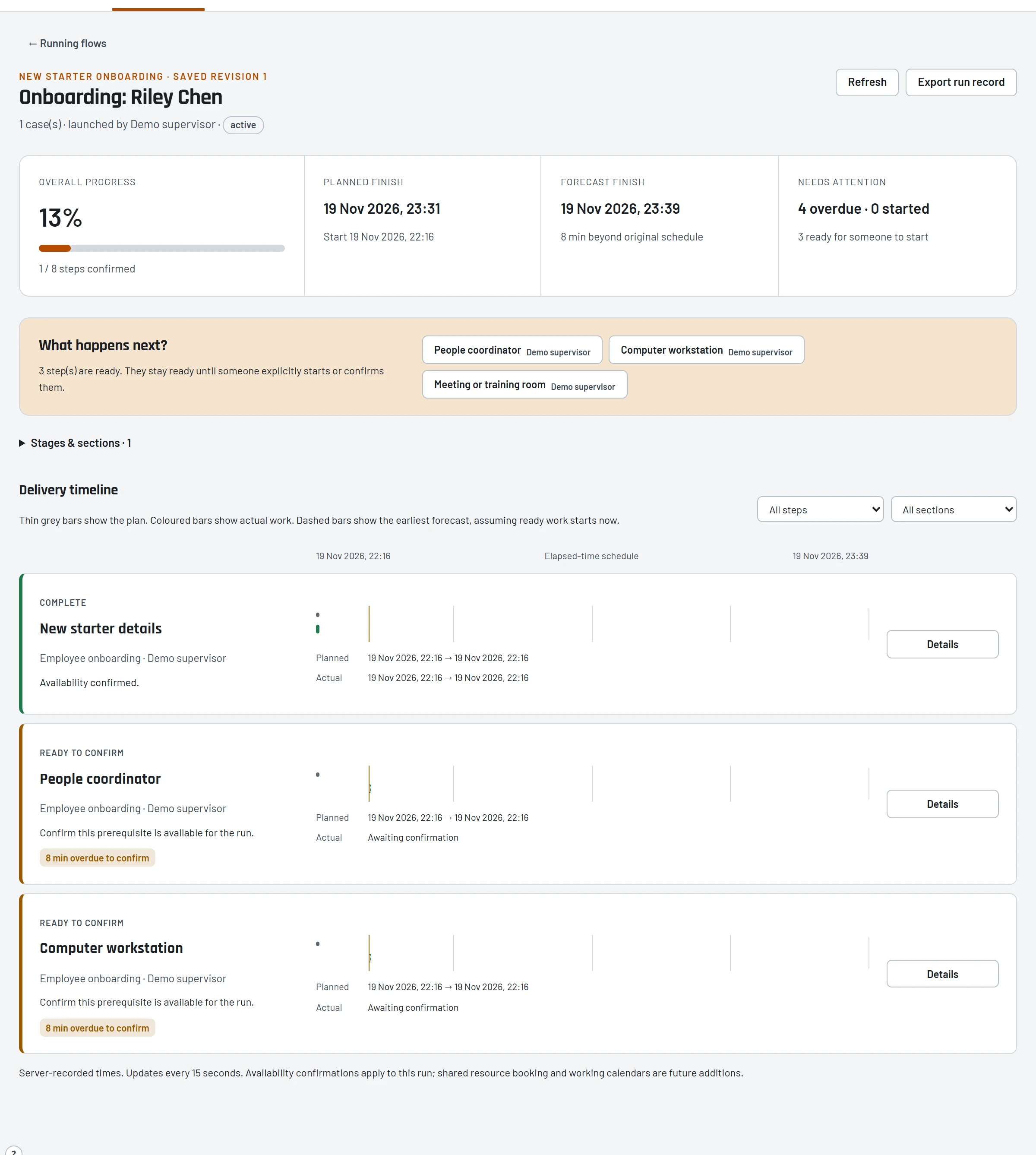
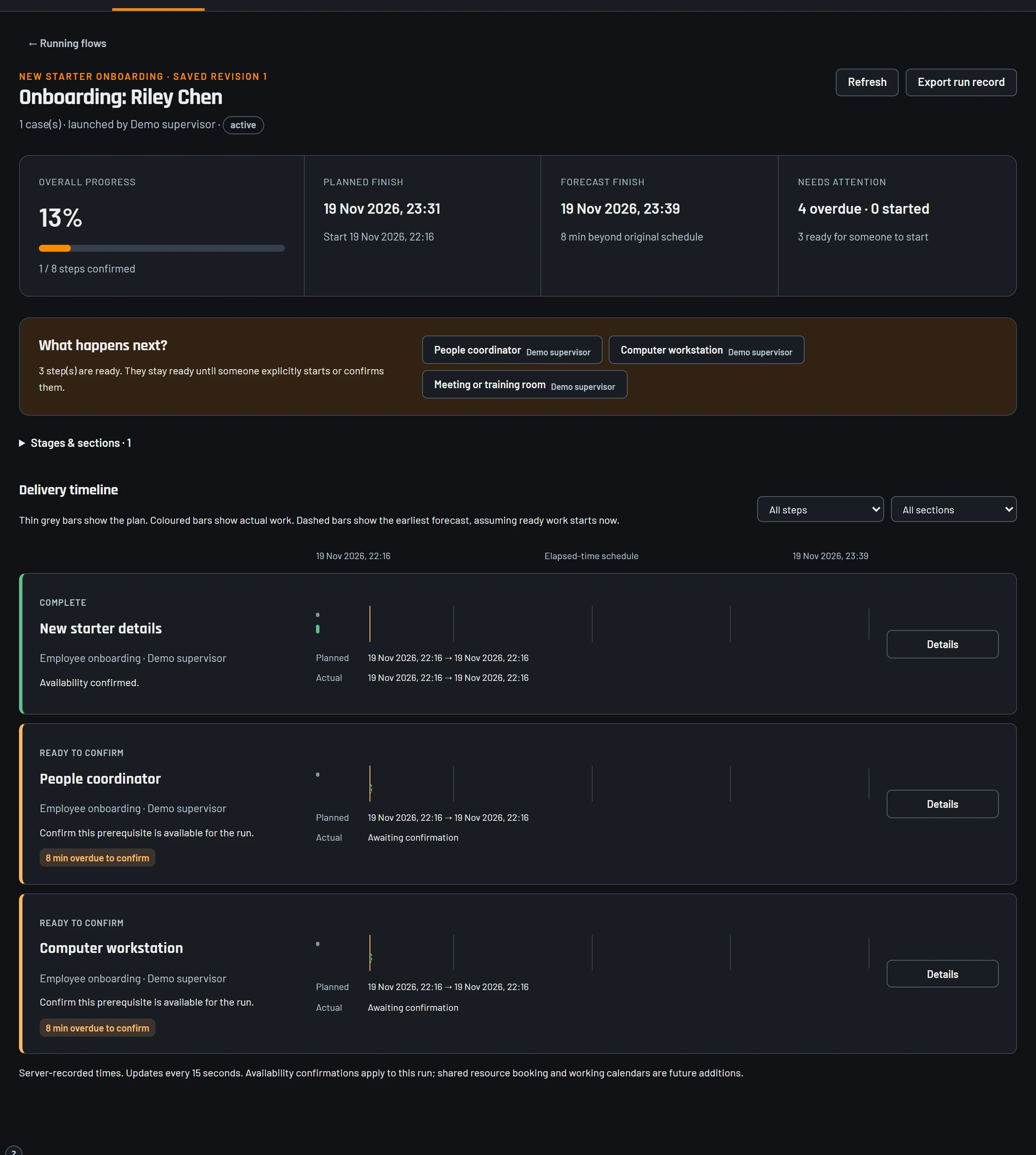
- Overall progress: the steps confirmed so far.
- Planned finish and Forecast finish: when it was meant to finish, and the earliest it can now, if ready work starts at once.
- Needs attention: what is overdue, started and ready.
- What happens next: the steps ready now, and who can do them.
- Delivery timeline: thin grey bars are the plan, coloured bars the actual work, dashed bars the forecast.
Below, each step shows its state, who it is with, and its planned and actual times. Narrow them with Which steps (All steps, My work, Ready next, Started, Overdue) and Section. Details shows a step's notes and history.
Export run record downloads the whole run.
Was this helpful?