
Claim for business journeys in your own vehicle. You say where you went and how far; Expenses works out the amount from your organisation's mileage rate for that vehicle. A journey needs no receipt.
Open the claim (or start one, see Claim your expenses), then choose A journey under the lines.
Add a journey
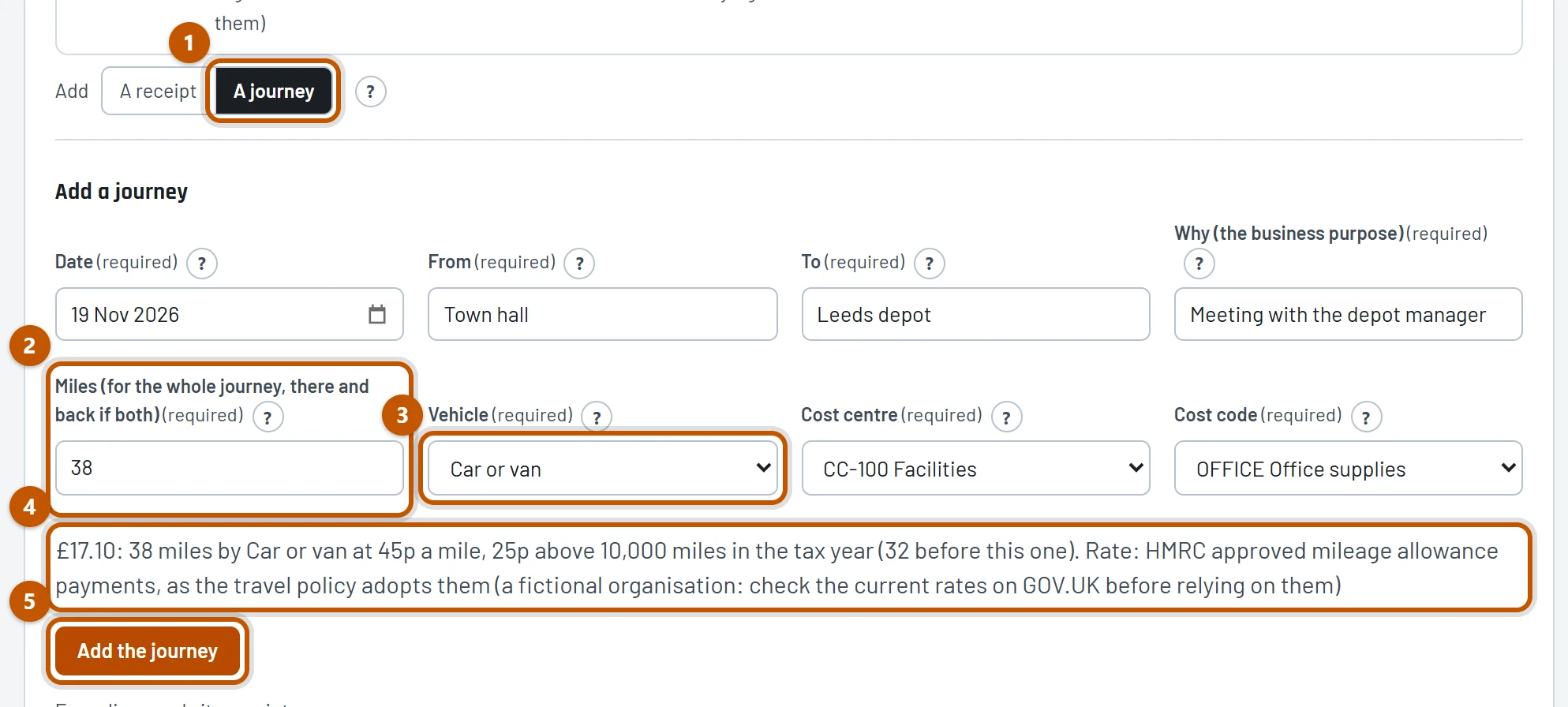
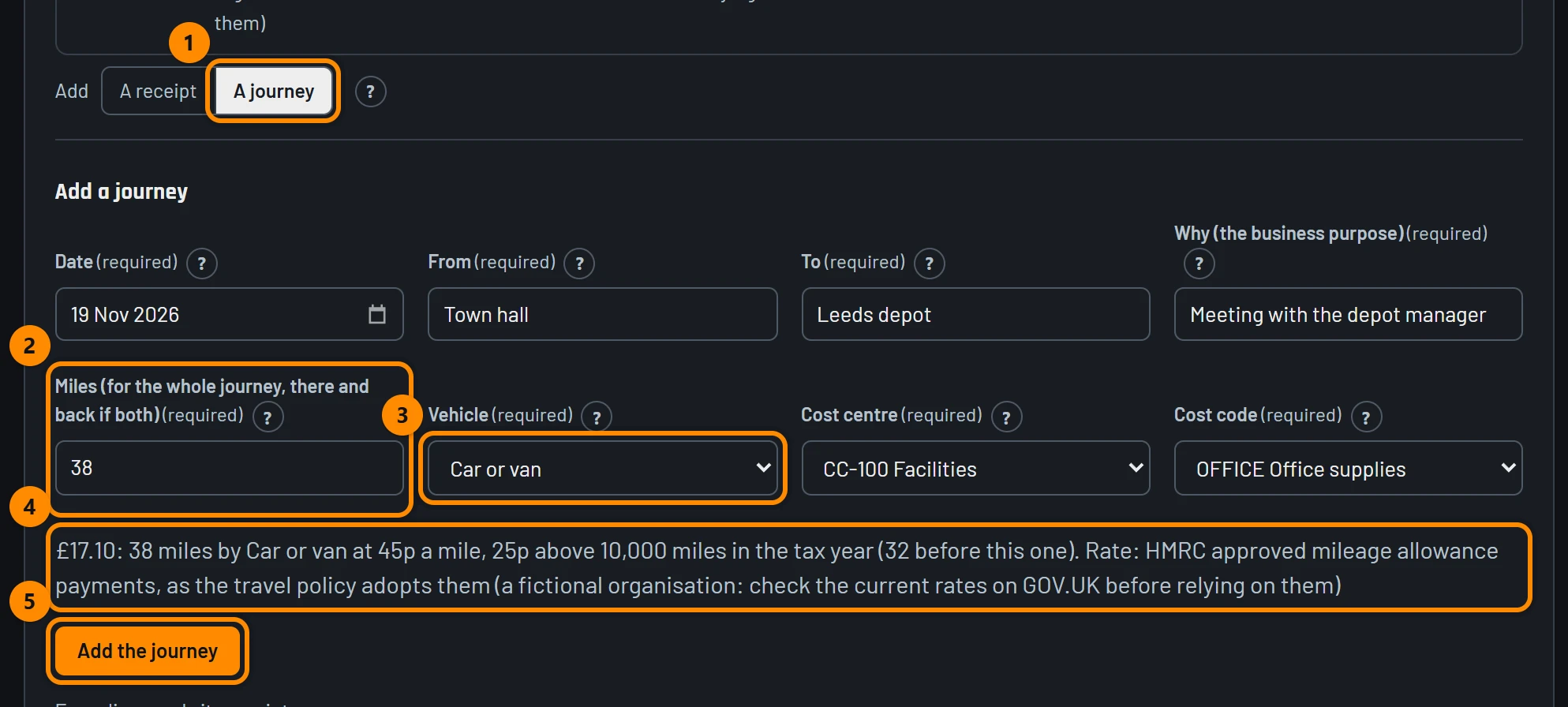
- A journey switches the form from a receipt to a journey.
- Miles for the whole journey: there and back, if you made both.
- Vehicle: the kinds your organisation pays for, such as Car or van or Bicycle.
- What it pays, worked out as you type: the miles, the rate and where the rate comes from.
- Add the journey.
Fill in the date, where from and to, and why (the business purpose), and code it to a cost centre and cost code as any line.
On the claim
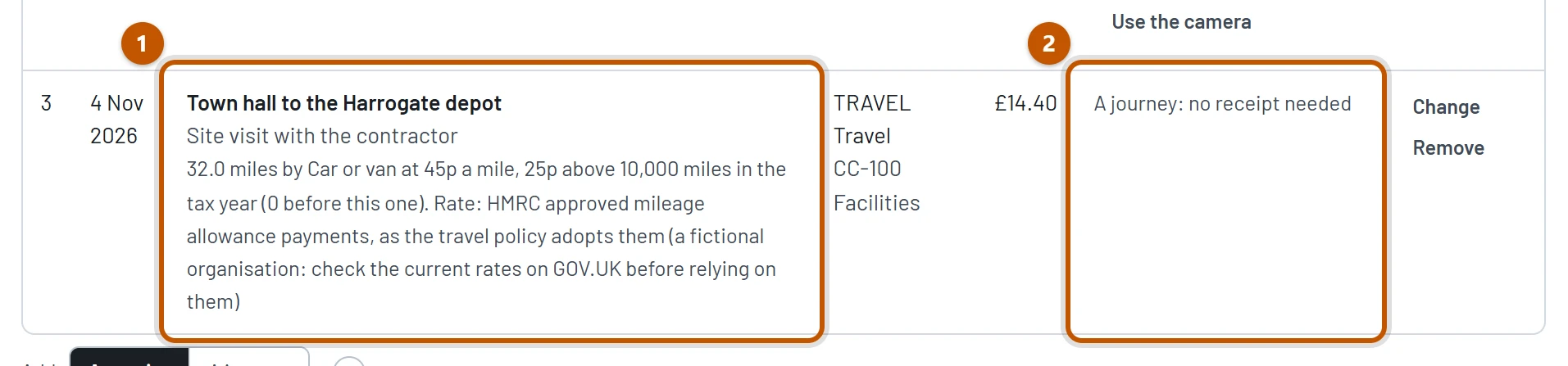
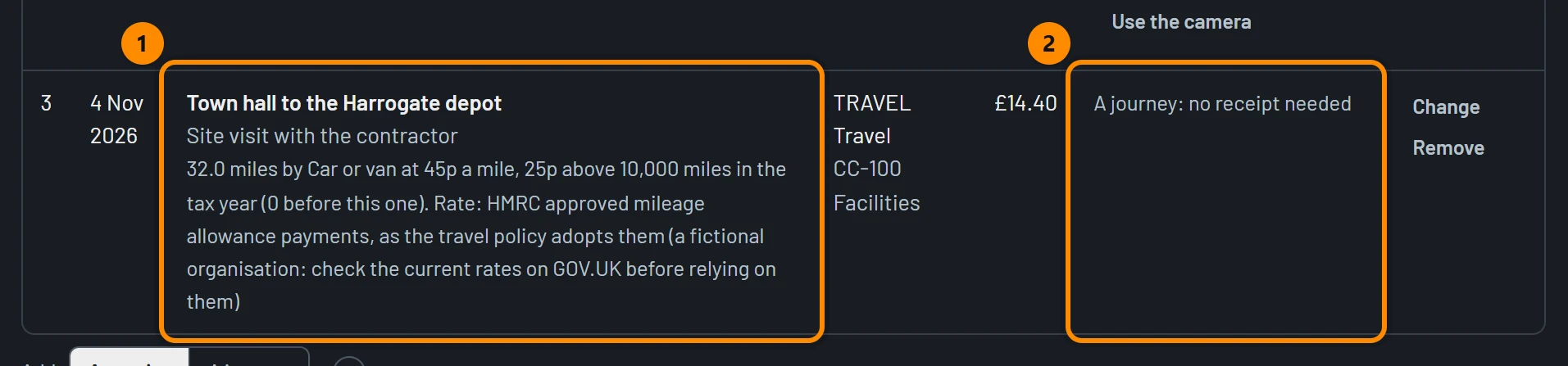
- The journey, its purpose and how the amount was worked out, kept with the claim.
- No receipt needed for a journey.
Good to know
- The rate is the one in force on the journey's date. Your organisation sets its rates; changing a rate later never changes a claim already sent.
- A lower rate after a number of miles. Some rates change once your miles in that vehicle pass a figure in the tax year (6 April to 5 April), as HMRC's approved rates do after 10,000 miles. The working on the line says how many miles came before this journey.
- No rate, no journey. If the form says there are no mileage rates yet, an Expenses Administrator needs to add them first.
- Passenger and fuel-only rates are not offered.
Was this helpful?