
If you hold a company card, each statement your organisation imports becomes a claim for you to complete: one line per transaction, already dated and priced from the statement. You say what each one was, code it, and add its receipt. You are told when one arrives, and it is listed under Waiting for you on Claims.
The card's claim
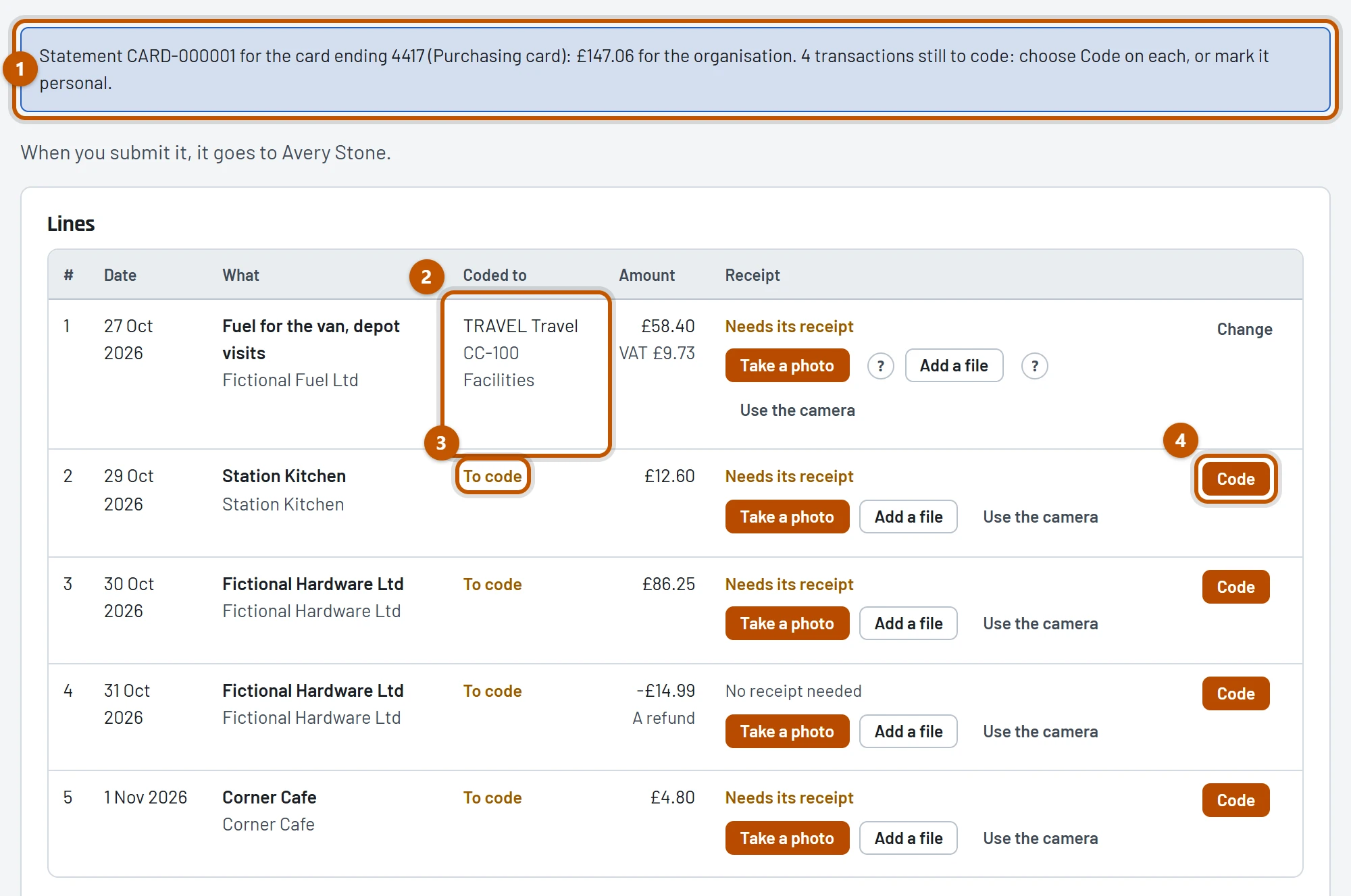
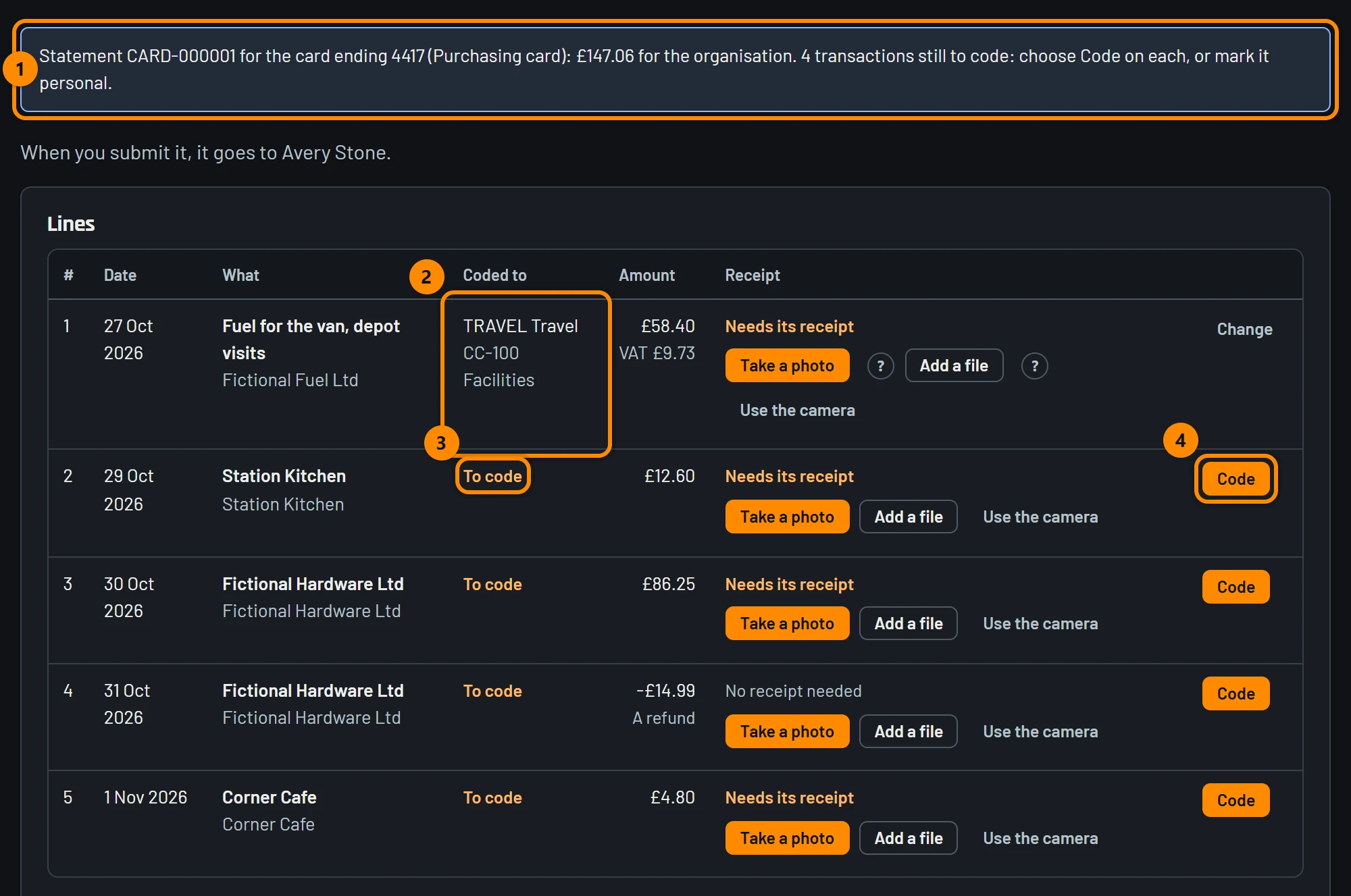
- The statement: which card, what is for the organisation, anything personal, and how many transactions are still to code.
- A coded transaction shows its cost code and cost centre.
- To code marks one still waiting for you.
- Code opens it.
Code a transaction
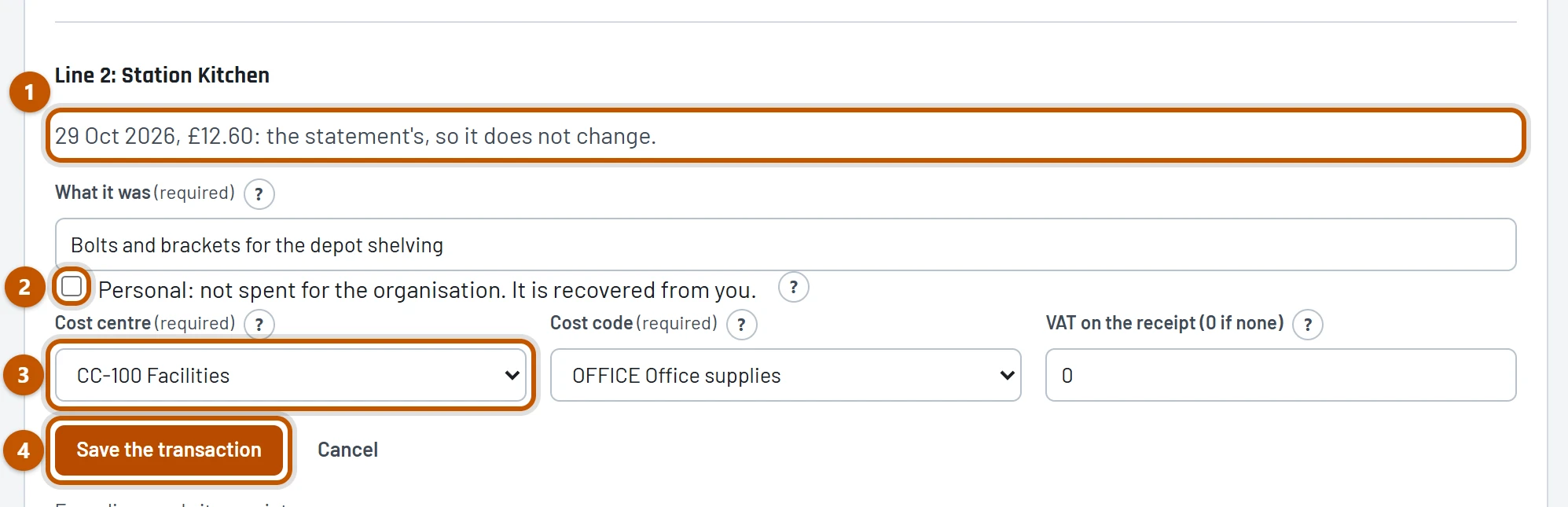
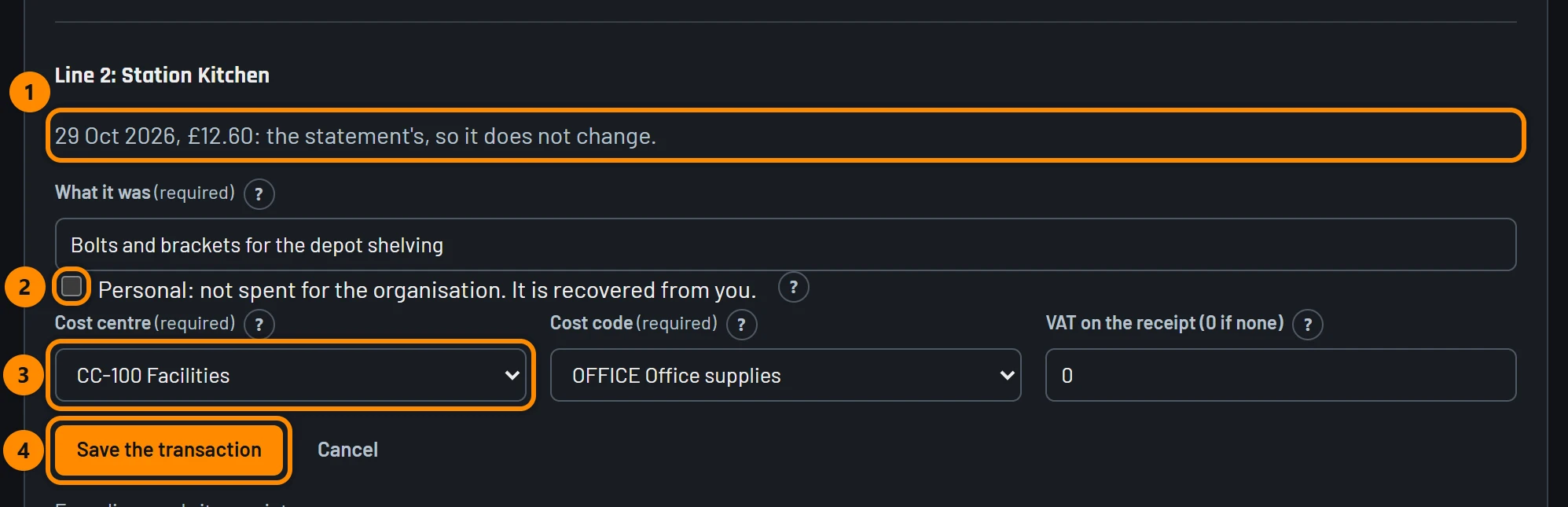
- The date and amount are the statement's, so they cannot change.
- Personal: tick it for anything not spent for the organisation. It needs no coding or receipt, and is recovered from you.
- Cost centre and Cost code, and the VAT shown on the receipt.
- Save the transaction.
Then add each receipt as on any claim (see Claim your expenses), and choose Submit the claim once nothing is left to code.
Good to know
- A refund shows as a negative amount. Code it to the same cost code as the purchase.
- A card's claim is approved like any other, but it cannot be rejected or withdrawn: the money was spent. Your approver may return it for you to correct.
- Personal items are taken from your pay through payroll, or recovered another way your organisation arranges. The claim says which once it is approved.
- Only the last four digits of the card number are kept.
Was this helpful?