
Setting HR up, bring everyone in at once rather than one by one. In People, choose Bring people in from a spreadsheet.
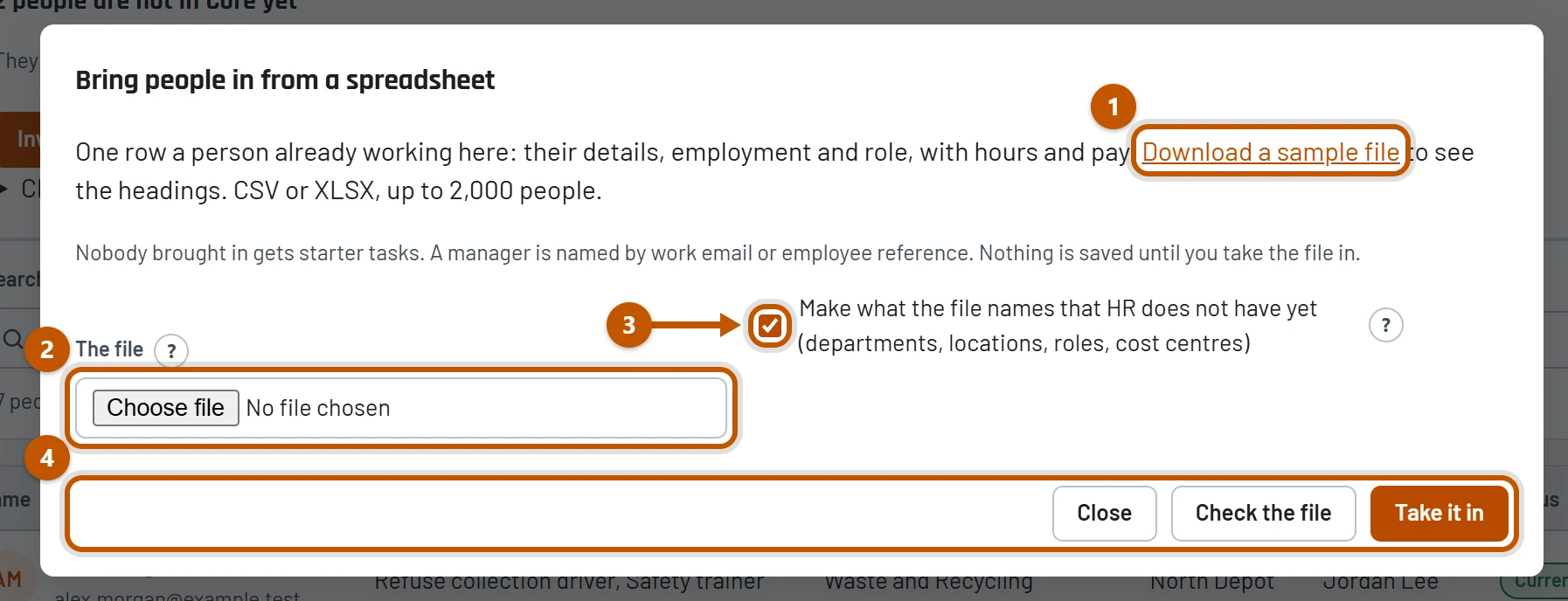
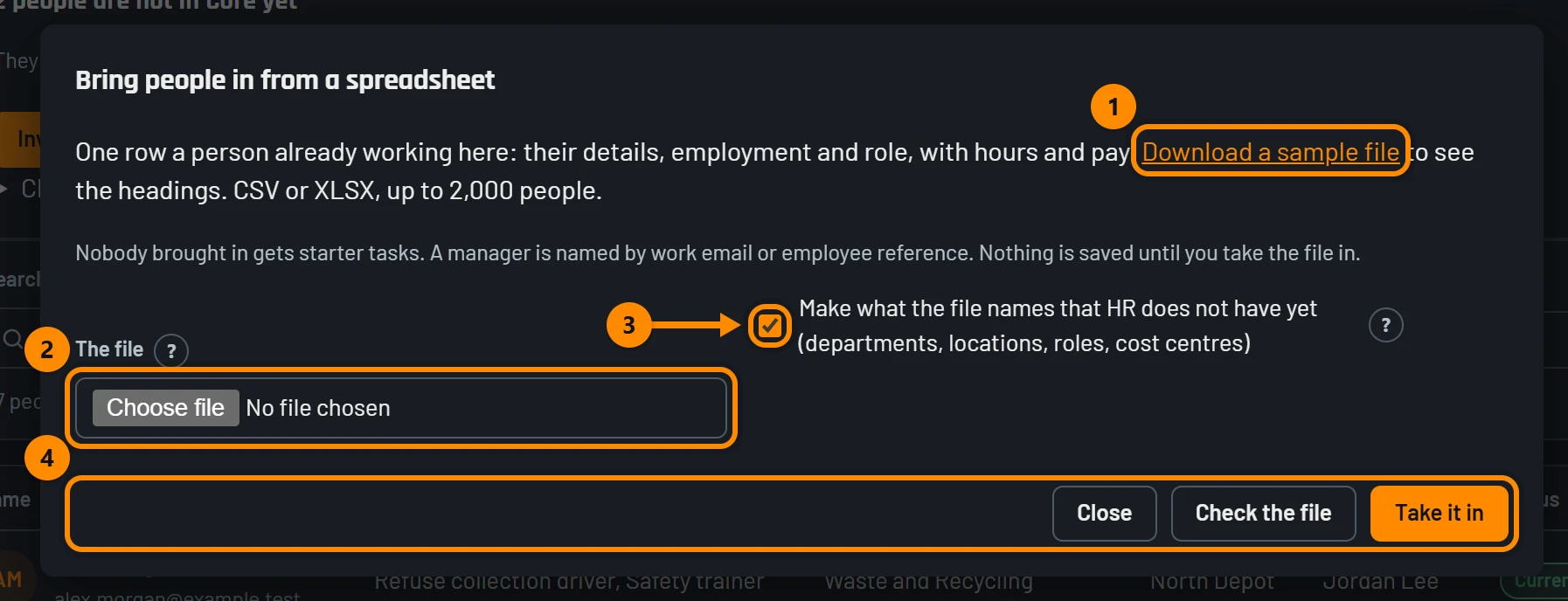
- Download a sample file to see the headings. Fill one row a person already working here: their details, employment and role, with hours and pay. Name each manager by work email or employee reference.
- The file: CSV or XLSX, up to 2,000 people.
- Make what the file names that HR does not have yet: departments, locations, roles and cost centres it names that are not set up.
- Check the file first: nothing is saved, and every refused row says why. Fix them (Download the refused rows to correct), then Take it in.
Then invite them
Once they are in, People shows how many are not in Core yet. Choose Invite all and link their records (or Choose who first): each is emailed a link to join Core, and their HR record is linked to that account, so they can see My record straight away.
Good to know
- No starter tasks. People brought in this way already work here.
- One at a time instead? New starter, with Already works here: no starter tasks ticked (it is ticked for you when the start date is in the past).
- Nobody is invited without you choosing to. Taking the file in only adds the records.
Was this helpful?