
When a policy applies to you, you are asked to read it and confirm.
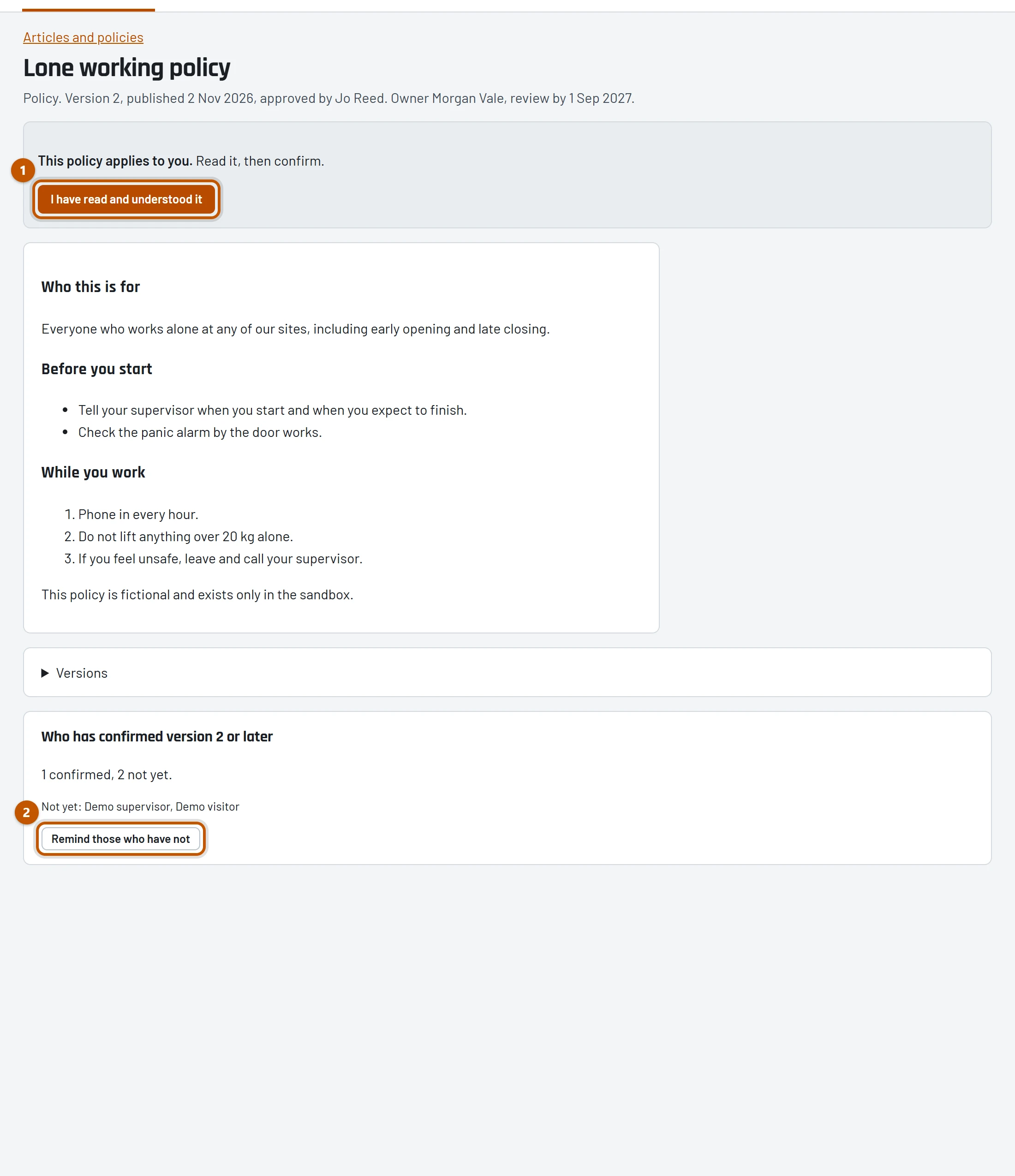
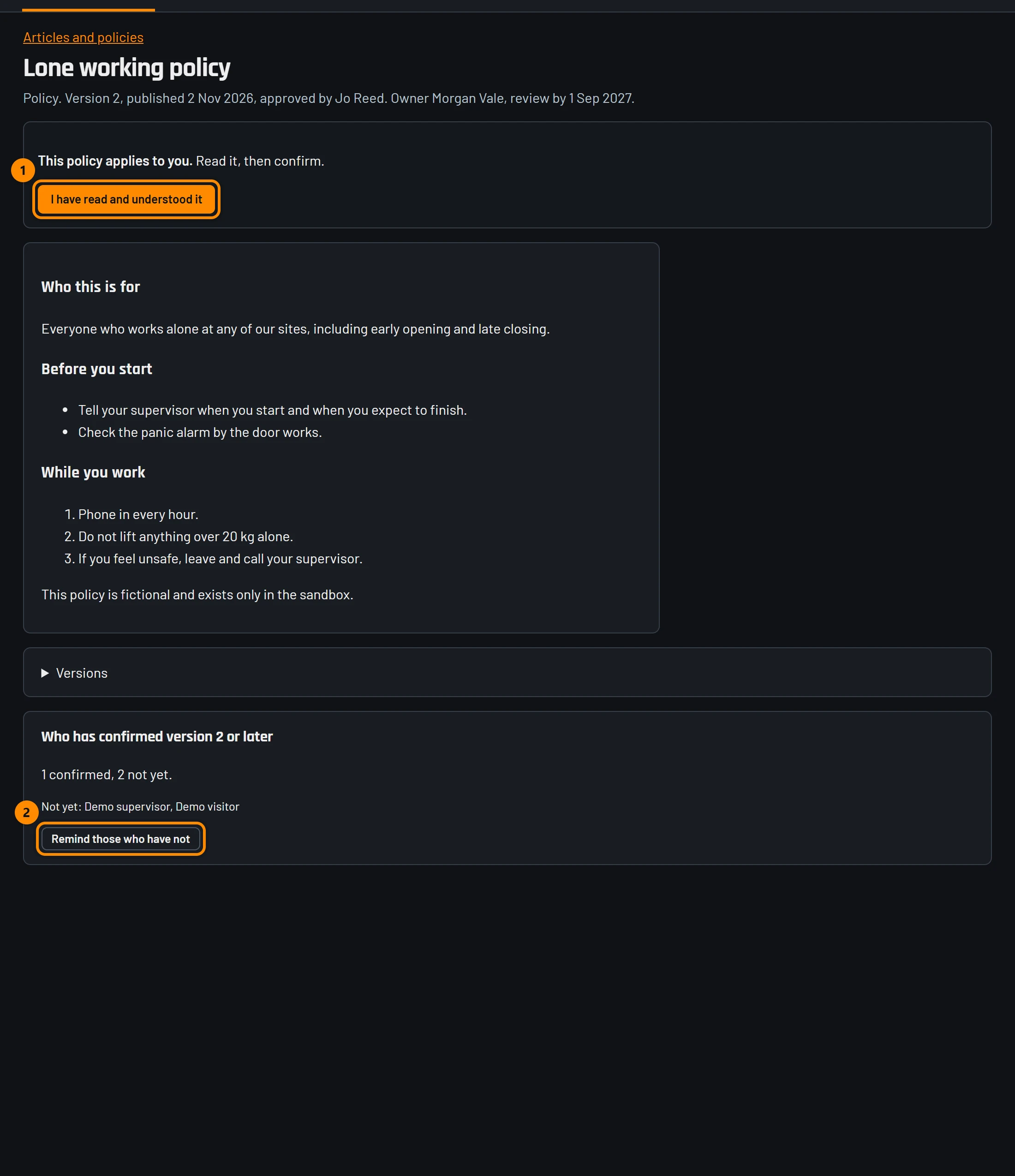
- I have read and understood it, above the policy's text.
- Who has confirmed version, with Remind those who have not, for Approvers.
To confirm:
- Open it from Waiting for you to read and confirm on Articles and policies, or from the bell.
- Read it all.
- Choose I have read and understood it.
When a policy changes in a way that matters, its owner can ask everyone to confirm the new version; it appears under Waiting for you to read and confirm again. A small correction does not ask again.
Versions lists each published version, when it was published, who approved it, and what changed.
Was this helpful?