
Suppliers lists who you buy from.
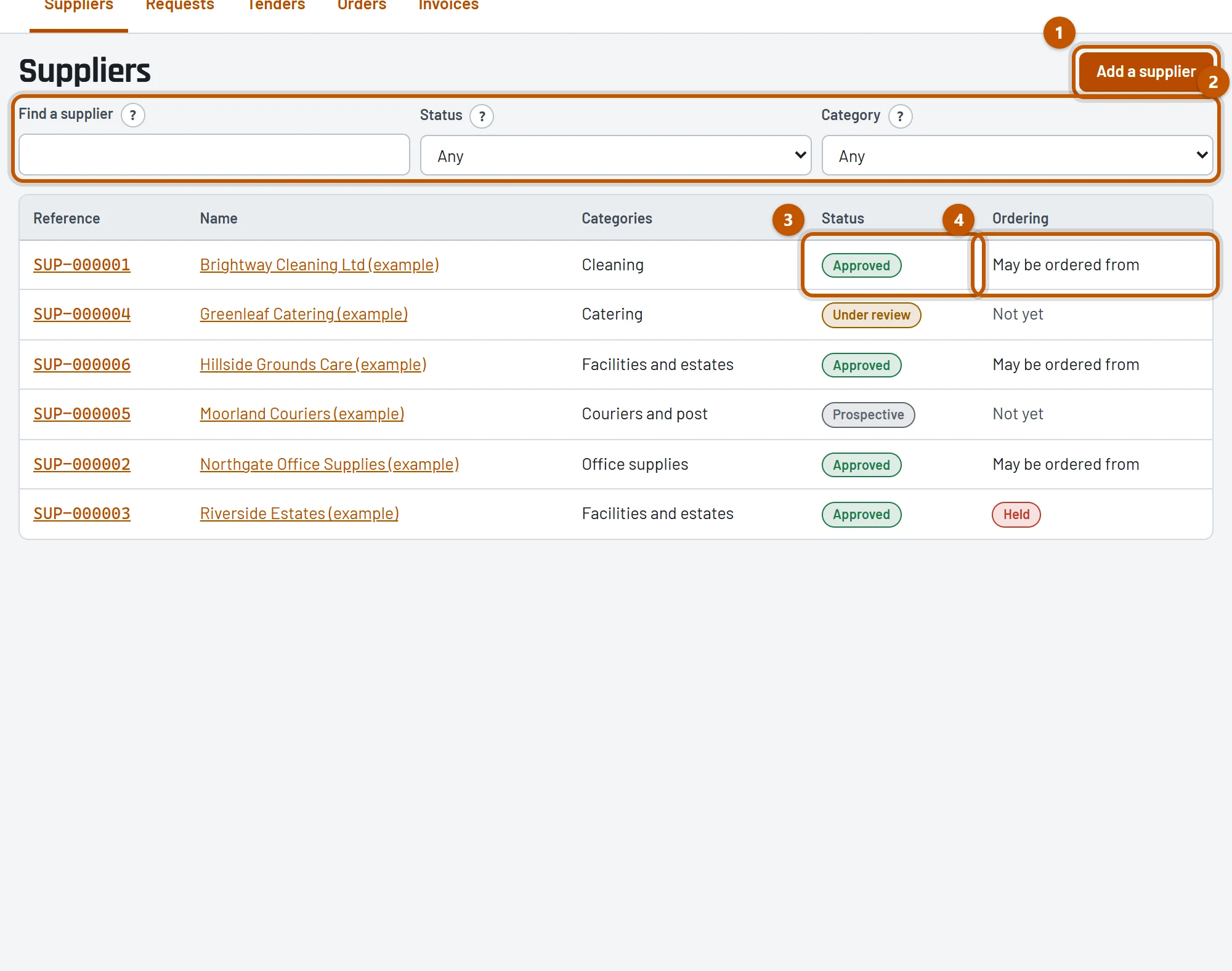
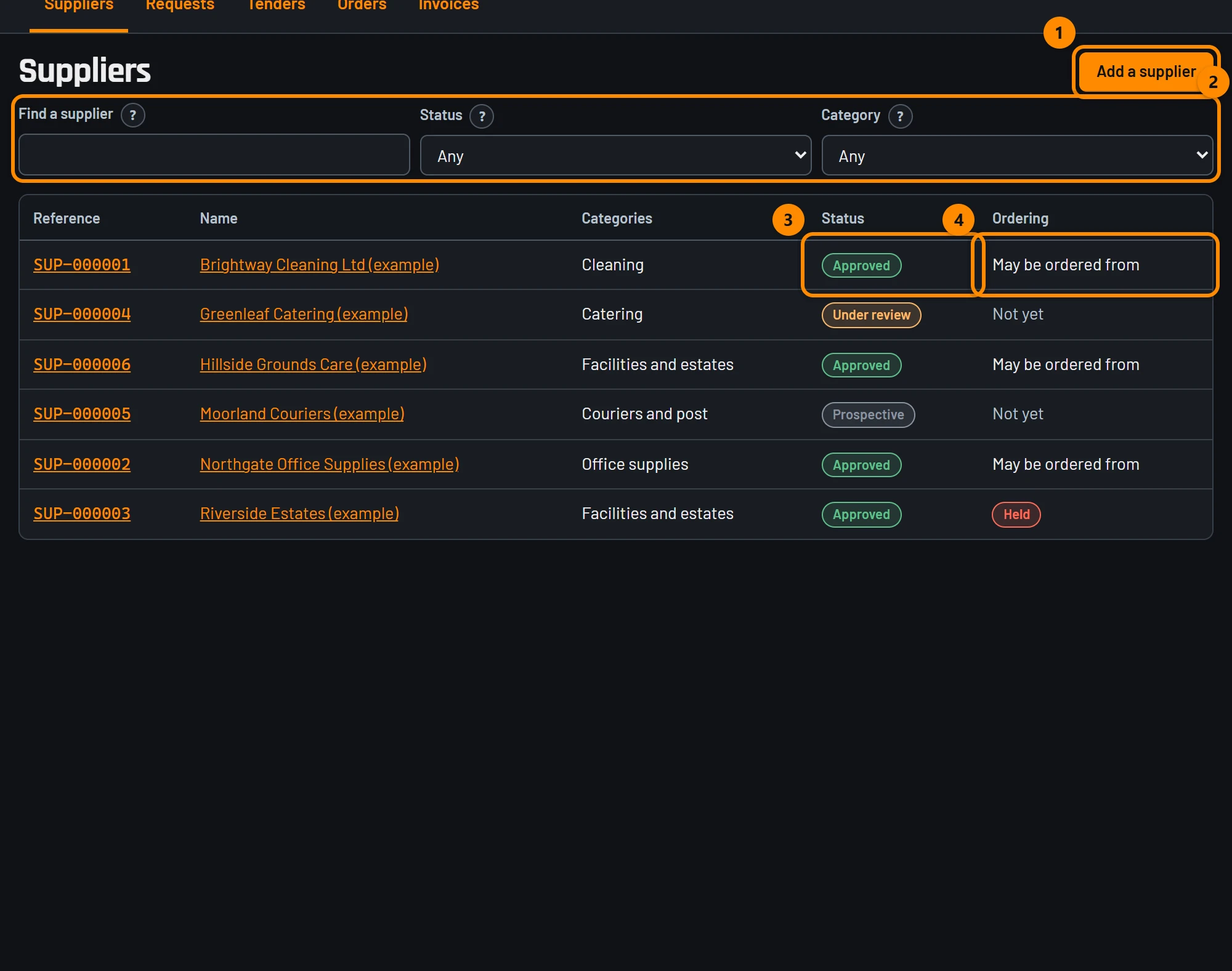
- Add a supplier: its name, legal name, company and VAT numbers, website, payment terms, at least one category, and its address. Procurement warns you if it looks like one you already have.
- Find a supplier, by Status or Category.
- Status: prospective, under review, approved, suspended or blocked.
- Ordering: whether it May be ordered from, or is Held.
A supplier's page
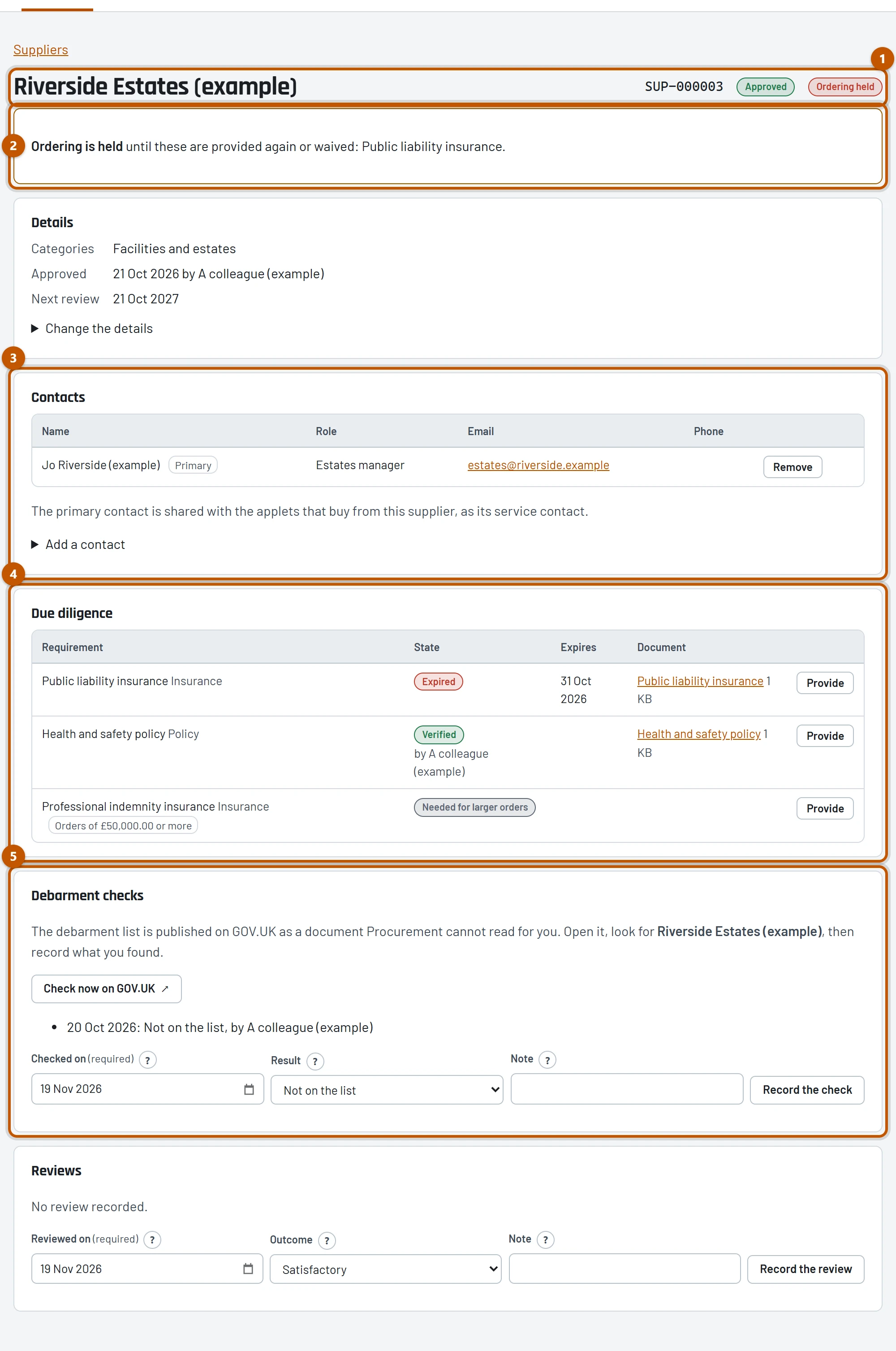
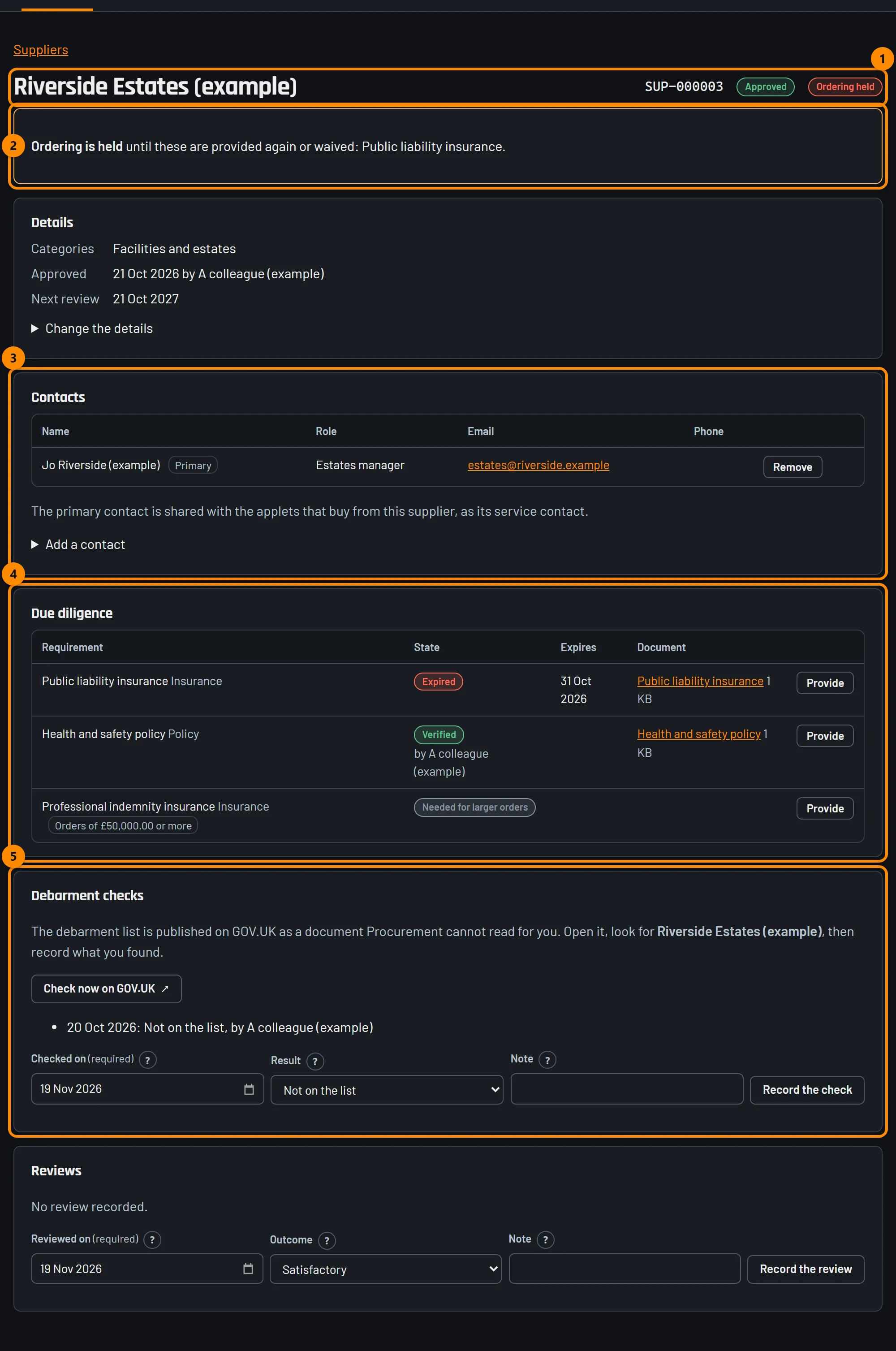
- Status and whether it may be ordered from. The buttons above the details move it on: Submit for approval, Approve, Reject, Suspend, Reinstate, Block or Unblock (with a reason where one is needed).
- Ordering is held while a mandatory document is missing or expired, until it is provided again or waived.
- Contacts. The Primary contact is shared with the applets that buy from it. May be invited to tenders lets a contact answer tenders in the supplier portal.
- Due diligence: each document your organisation asks of suppliers in its categories, its state and expiry. Provide uploads it, with its reference and dates; someone else then Verifys it. Waive says why it is not needed.
- Debarment checks: Check now on GOV.UK opens the published list; look for the supplier, then record what you found with Record the check.
Reviews records each periodic review and its outcome; the next one is due by the months set in Settings.
Good to know
- Approval needs what the page lists under Before it can be approved, and someone other than whoever submitted it.
- Larger orders only: some documents apply only to orders above a value; until then they show Needed for larger orders.
- Bank details are kept by Finance, not here: Finance checks them with a second person before anything is paid.
Was this helpful?