
Under Requests, choose Raise a request.
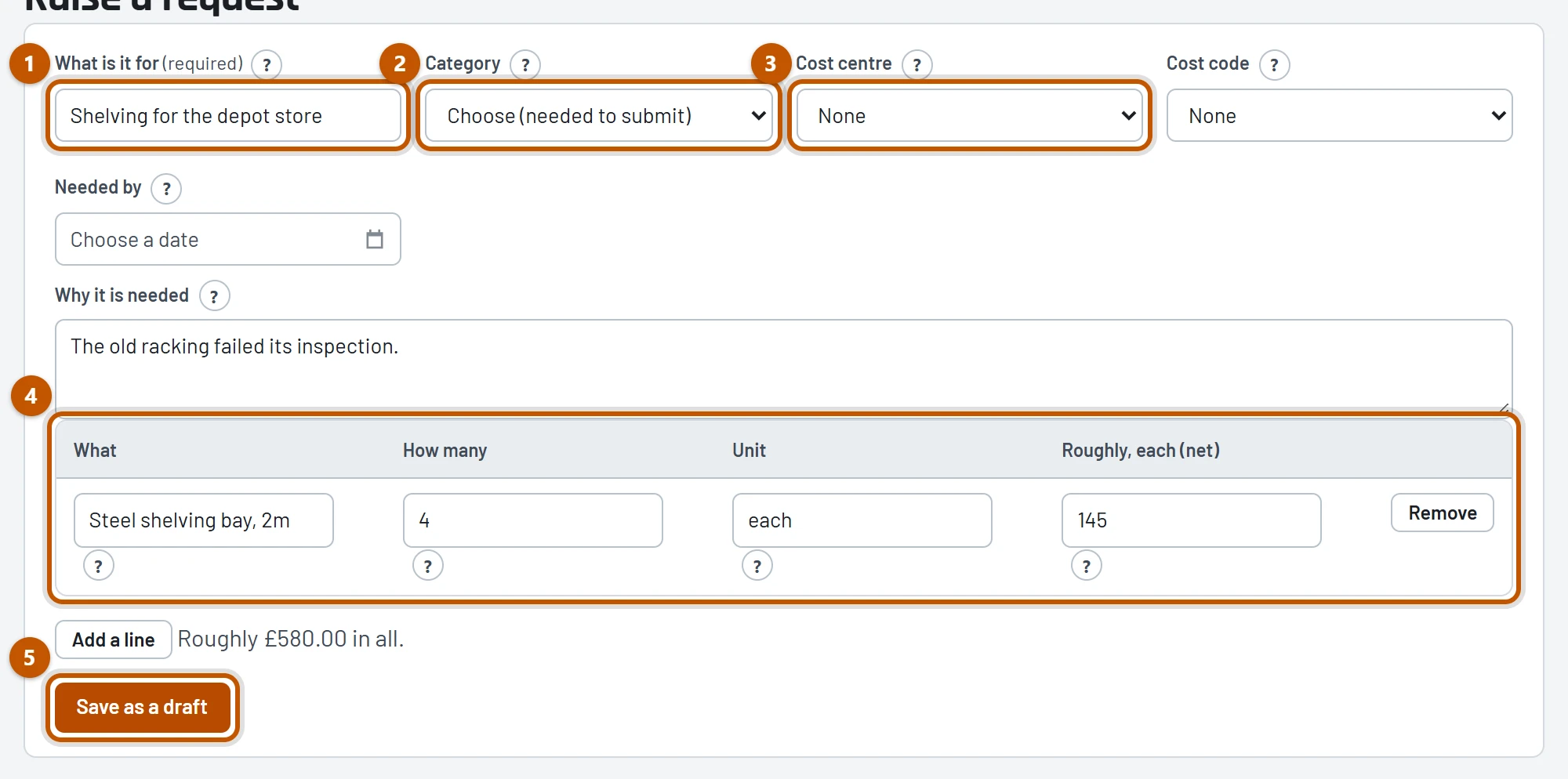
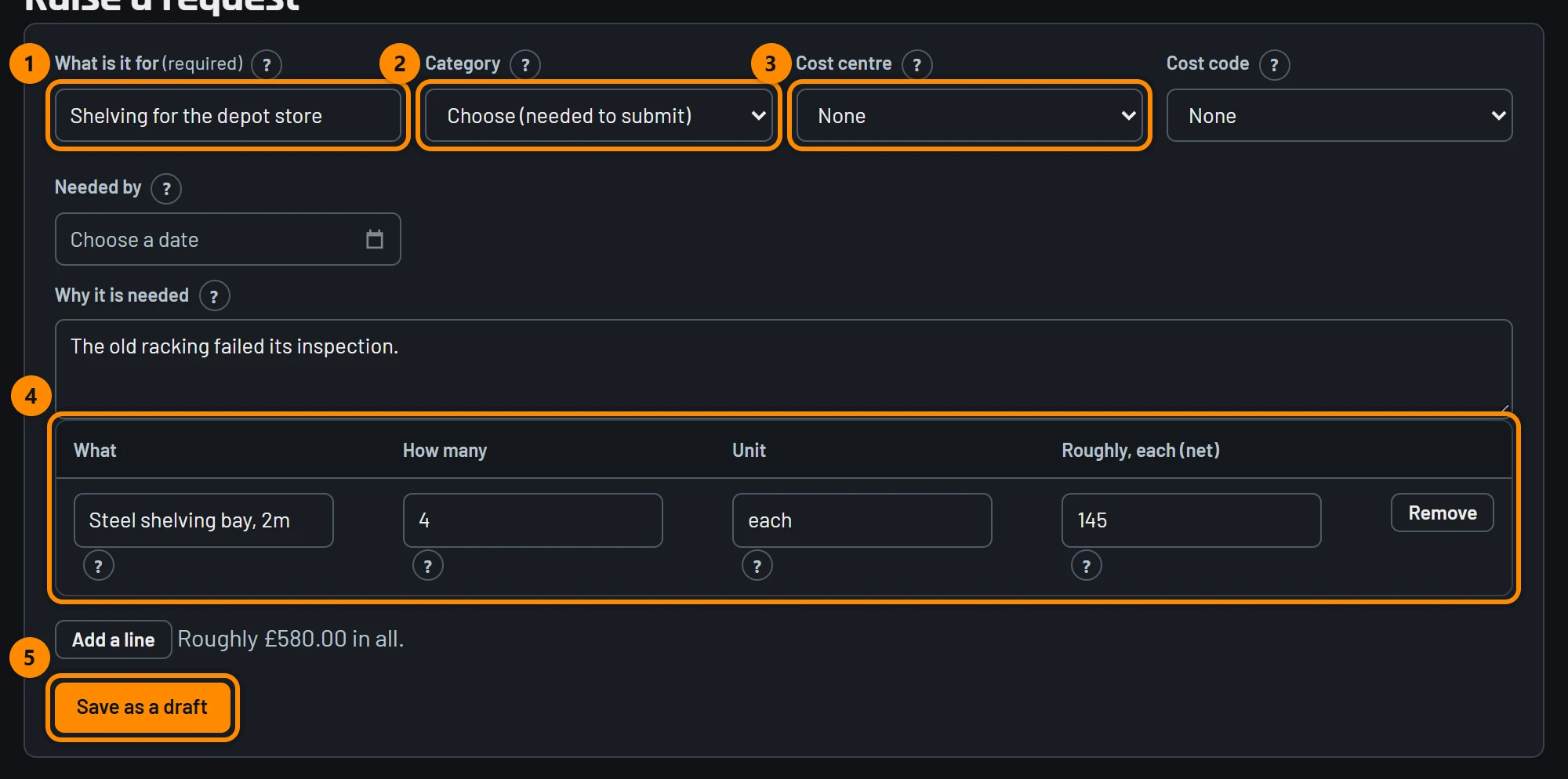
- What is it for.
- Category: needed before it can be submitted.
- Cost centre and Cost code whose budget pays. A cost code meant only for some cost centres is offered only with one of them.
- The lines: what, how many, the unit, and a rough price each, net of VAT. Add a line for more; the total shows under them. Add when it is Needed by and Why it is needed.
- Save as a draft.
Then open it and choose Submit for approval. Before it is decided you can Withdraw it to change it.
What happens next
The approval matrix decides who approves it, by its value and category. Once approved, a buyer asks for quotes, runs a tender, or makes the order, as your organisation's process for that value says.
Good to know
- The budget left on its cost centre shows on the request, from Finance.
- The Procurement Act 2023: for a public body with the presets on, the request says when it is above the threshold and which procedure follows.
- Demand from other applets (Facilities or Products, say) arrives as a draft request marked Demand, for someone to check, categorise and submit.
Was this helpful?