
You are told when a document waits for your signature. Open it from Waiting for your signature on Requests, or from the bell.
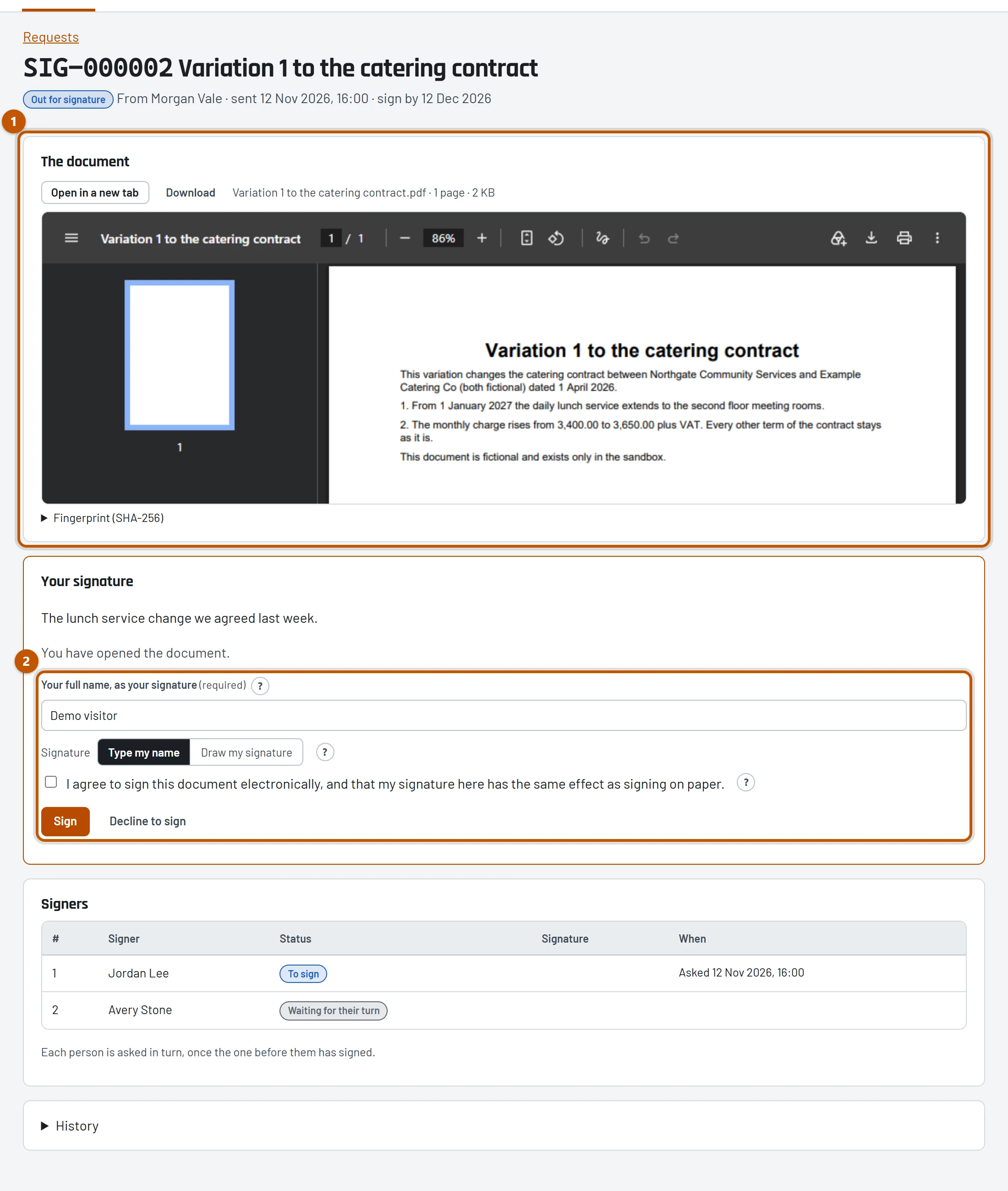
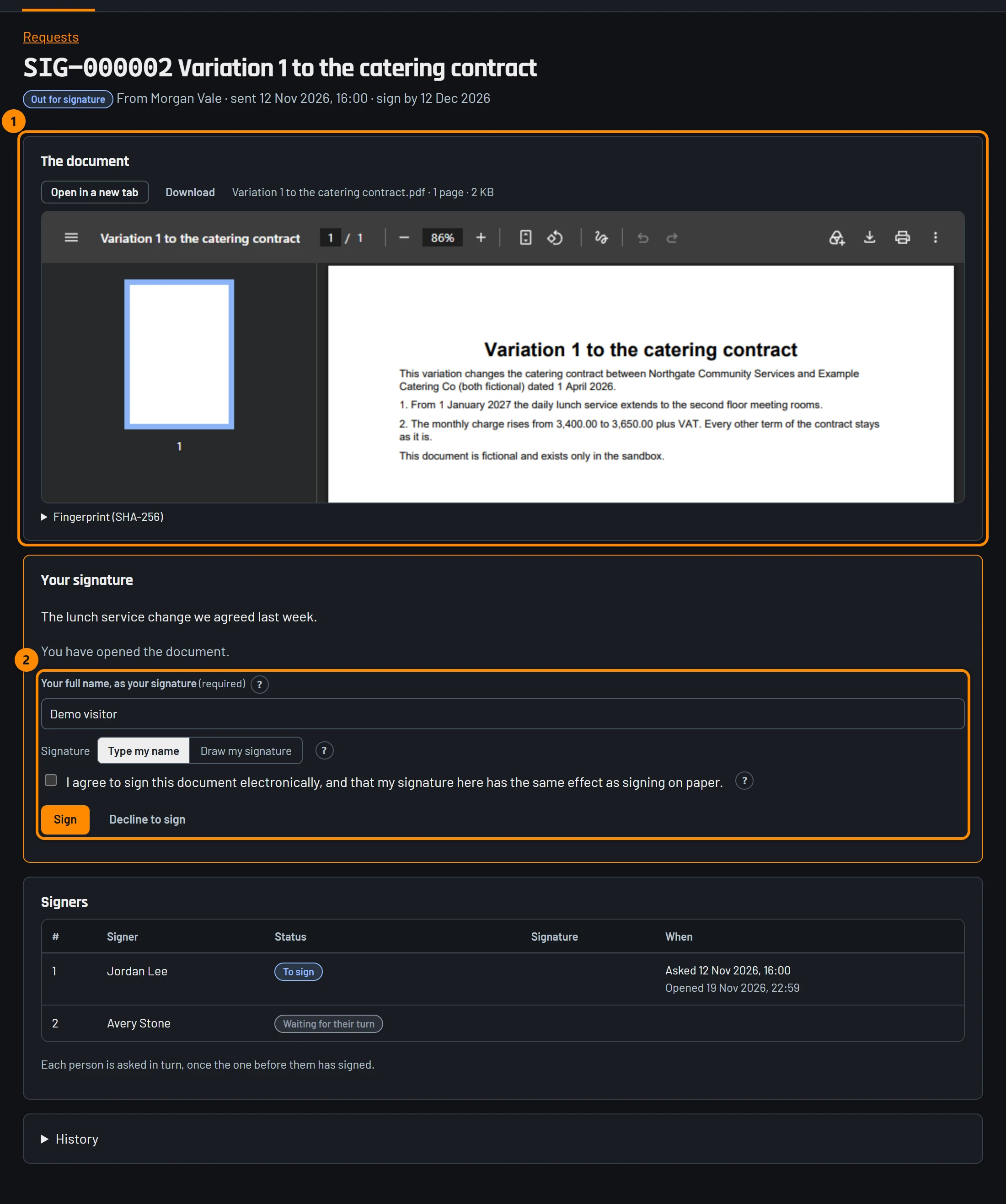
- The document: read it here, Open in a new tab or Download.
- Your signature: your full name, Type my name or Draw my signature, the agreement, then Sign or Decline to sign.
To sign:
- Read the sender's message, then the document: Open in a new tab or Download.
- Under Your signature, type Your full name, as your signature.
- Choose Type my name to sign with your name as typed, or Draw my signature to draw it. Clear starts the drawing again.
- Tick that you agree to sign electronically, and that your signature has the same effect as signing on paper.
- Choose Sign.
If you should not sign it, choose Decline to sign, say why (the sender sees this), and choose Decline.
Signers
Signers lists everyone who signs, in order, with their status. If the sender chose an order, each person is asked in turn, once the one before them has signed: until then a document shows Waiting for their turn.
The signed copy
When everyone has signed, everyone who signed and everyone copied in is told, and the signed copy appears on the request. Its last page is a certificate of who signed, when and from where. History records each step.
Was this helpful?