
Choose My week. Previous week, This week and Next week move between weeks.
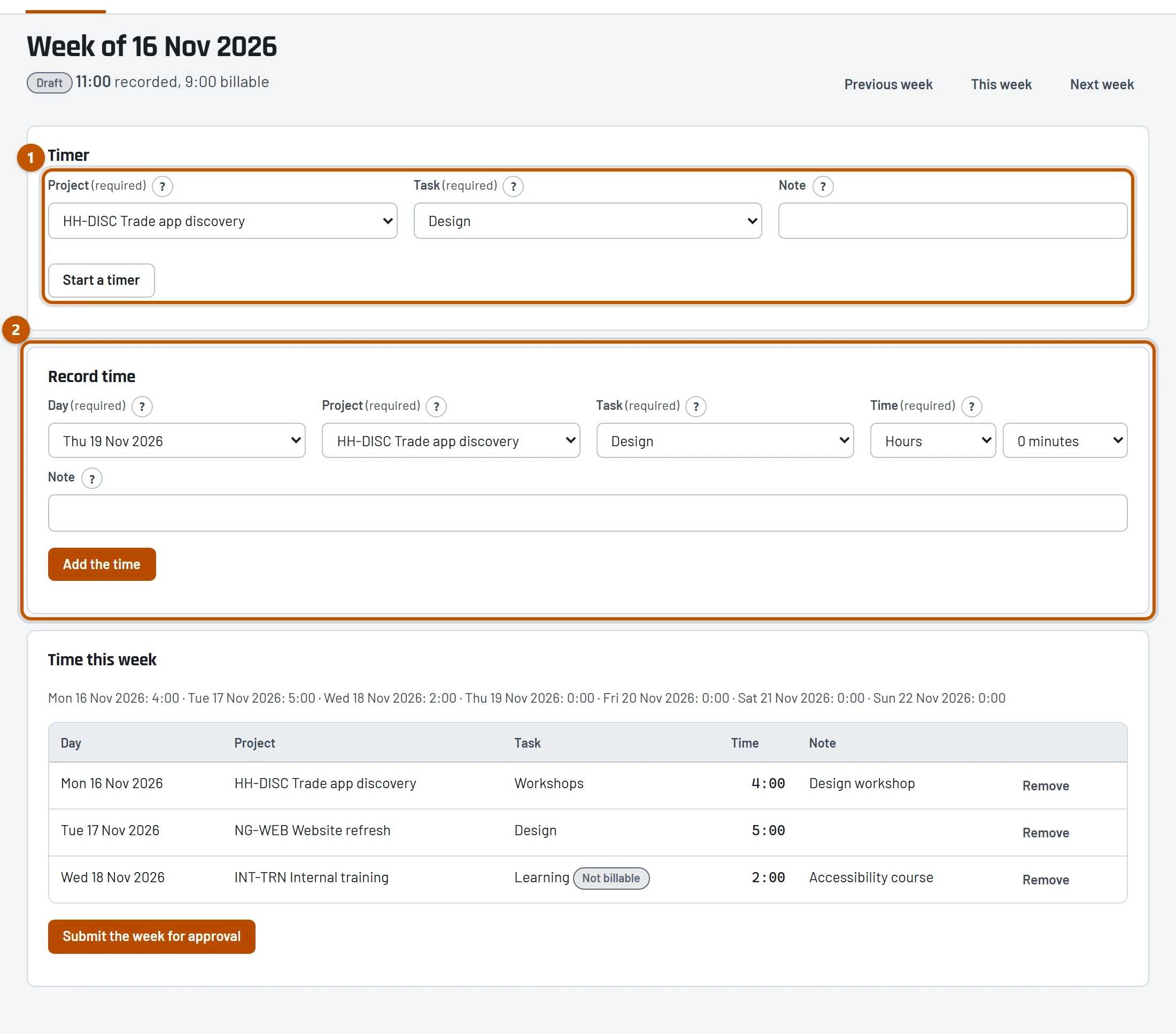
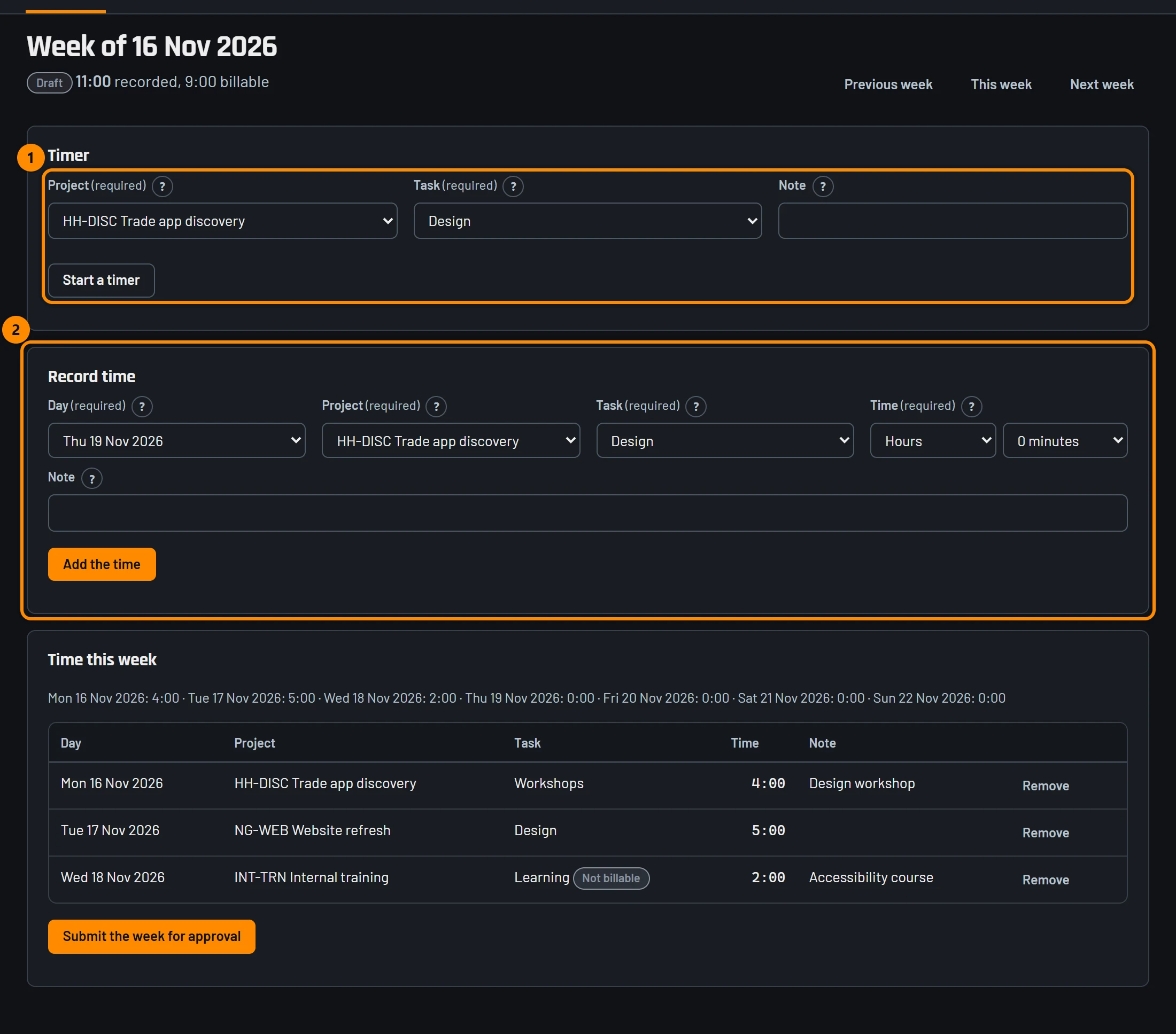
- Timer: the project, task and note, then Start a timer.
- Record time: the day, project, task and time, then Add the time. Time this week is below.
Add time
Under Record time, choose the Day, the Project and its Task, how long (Time), and a Note if it helps. Choose Add the time.
Or use the Timer: choose the Project and Task, then Start a timer. Stop the timer when you finish, and the time is added for you.
Time this week shows each day's total and every entry. Remove takes out an entry that is wrong.
Submit
When the week is done, choose Submit the week for approval. Your approver is told. You are reminded if a finished week is not submitted.
If your week is returned, you are told why: change it and submit it again.
Was this helpful?