
Defaults
What a new organisation in the account starts with. Its administrators can still change any of them for their own organisation.
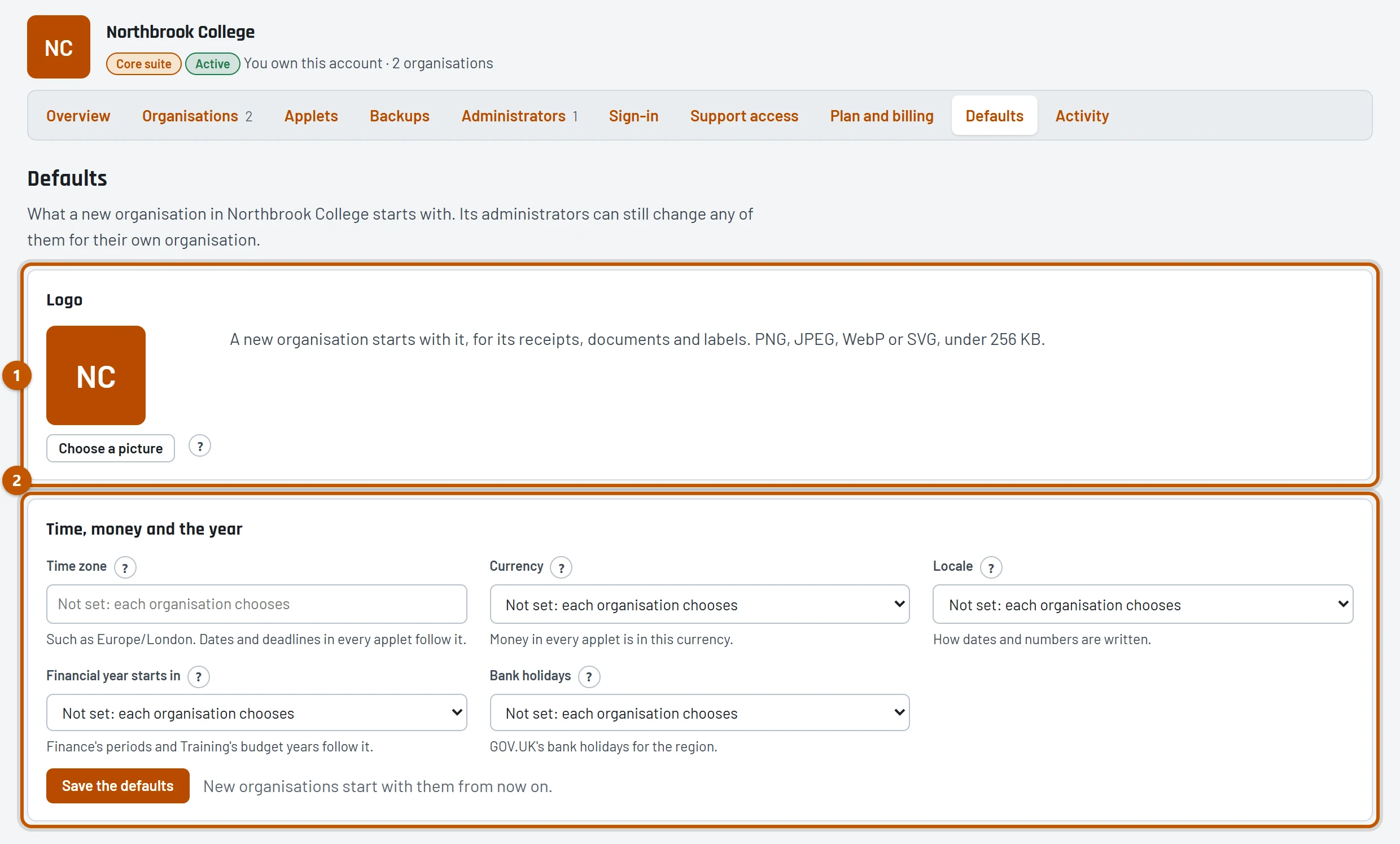
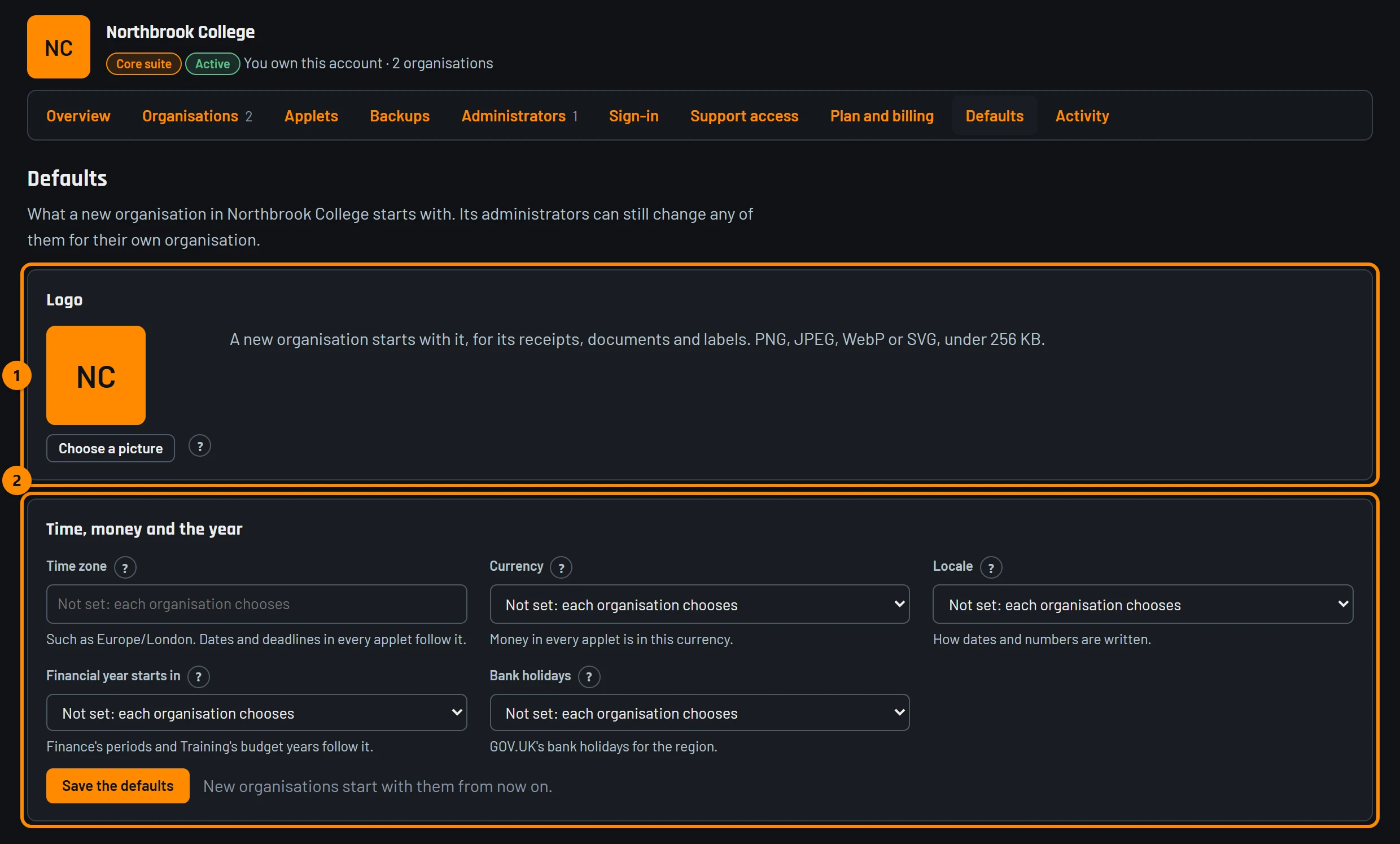
- Logo: Choose a picture (PNG, JPEG, WebP or SVG, under 256 KB), for receipts, documents and labels.
- Time zone, Currency, Locale, Financial year starts in and Bank holidays, then Save the defaults.
Saved defaults apply to organisations added from now on. Organisations already in the account that differ are listed under Organisations that differ: tick them and choose Apply the defaults to the chosen organisations to bring them into line.
Activity
Every change made to the account, its organisations, their people and their applets: who made it and when. Nothing here can be edited or deleted.
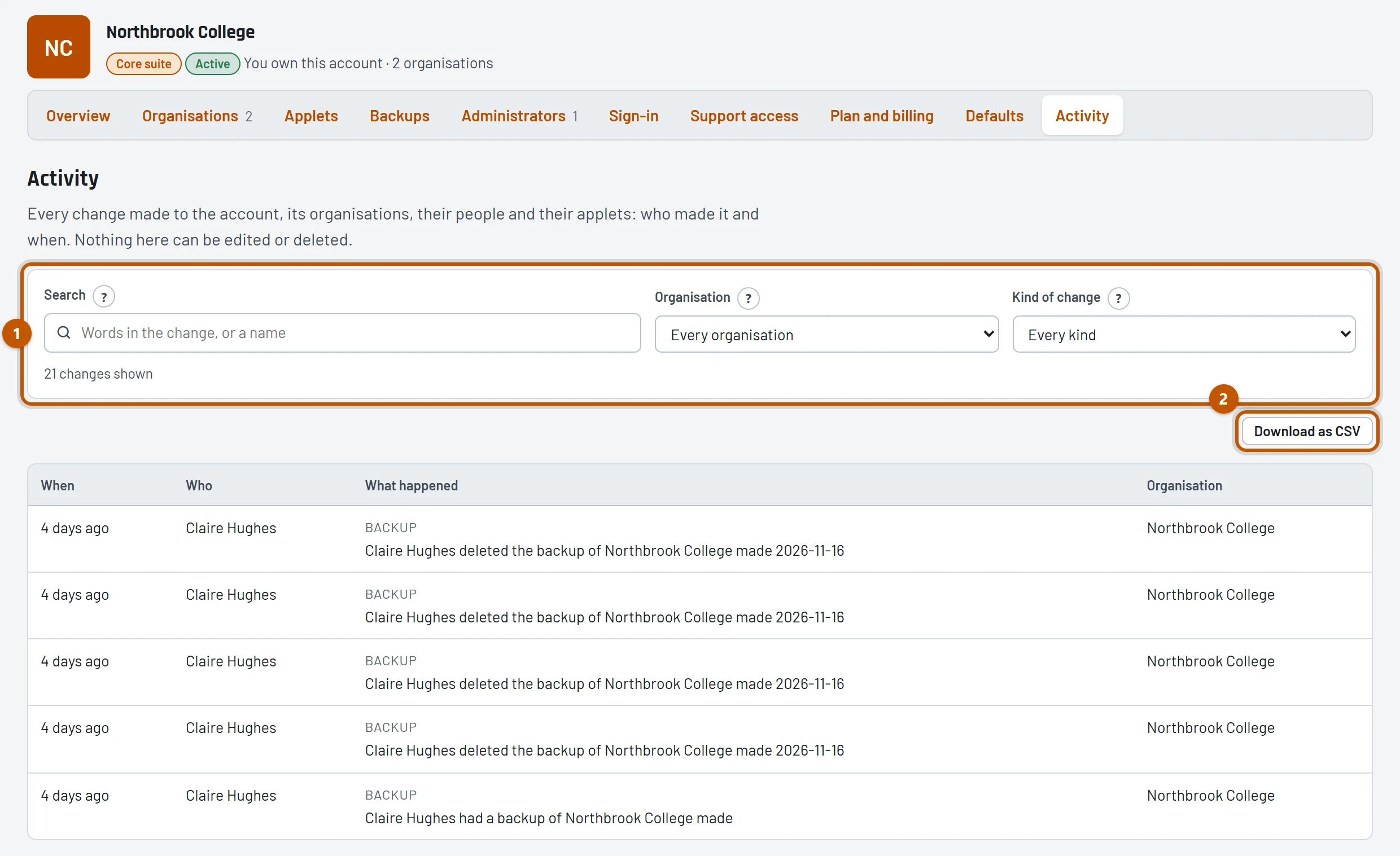
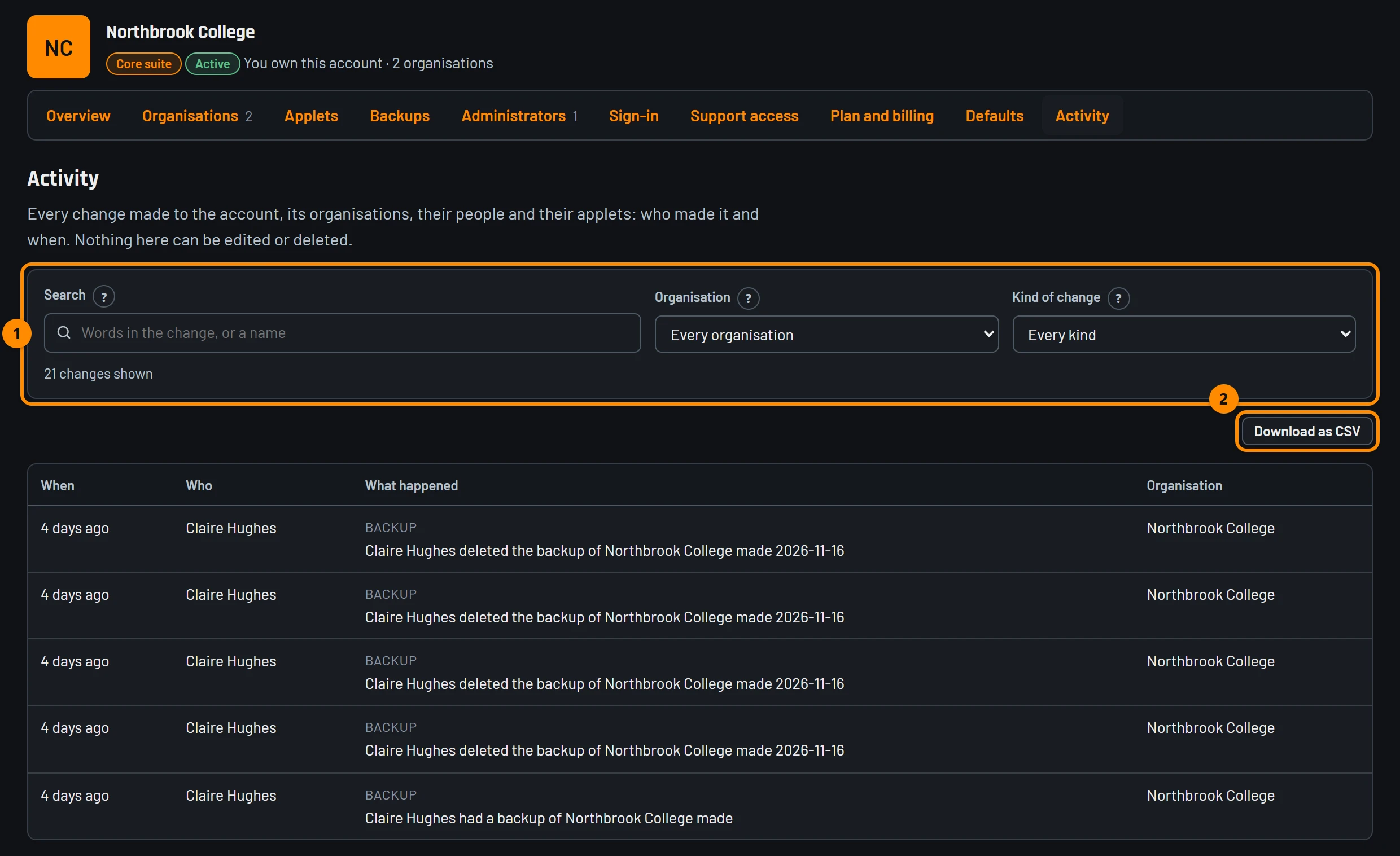
- Search for words in the change or a name, and narrow it by Organisation and Kind of change, such as Access levels or Reports downloaded.
- Download as CSV keeps a copy of what is shown.
Show older changes loads more.
Was this helpful?