
Plan and billing shows what the account's plan includes, what it costs, and what happens if a payment fails or the account ends.
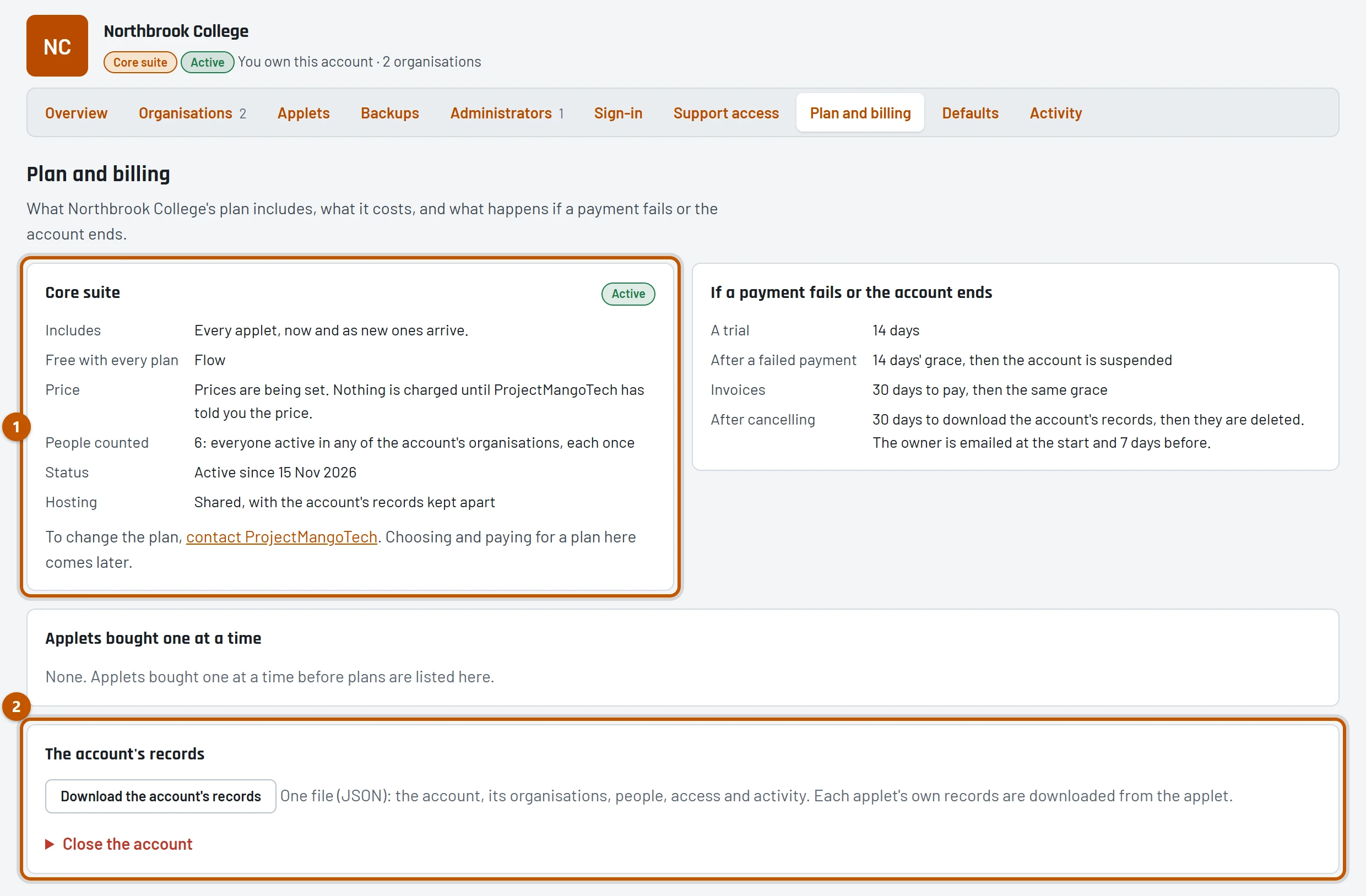
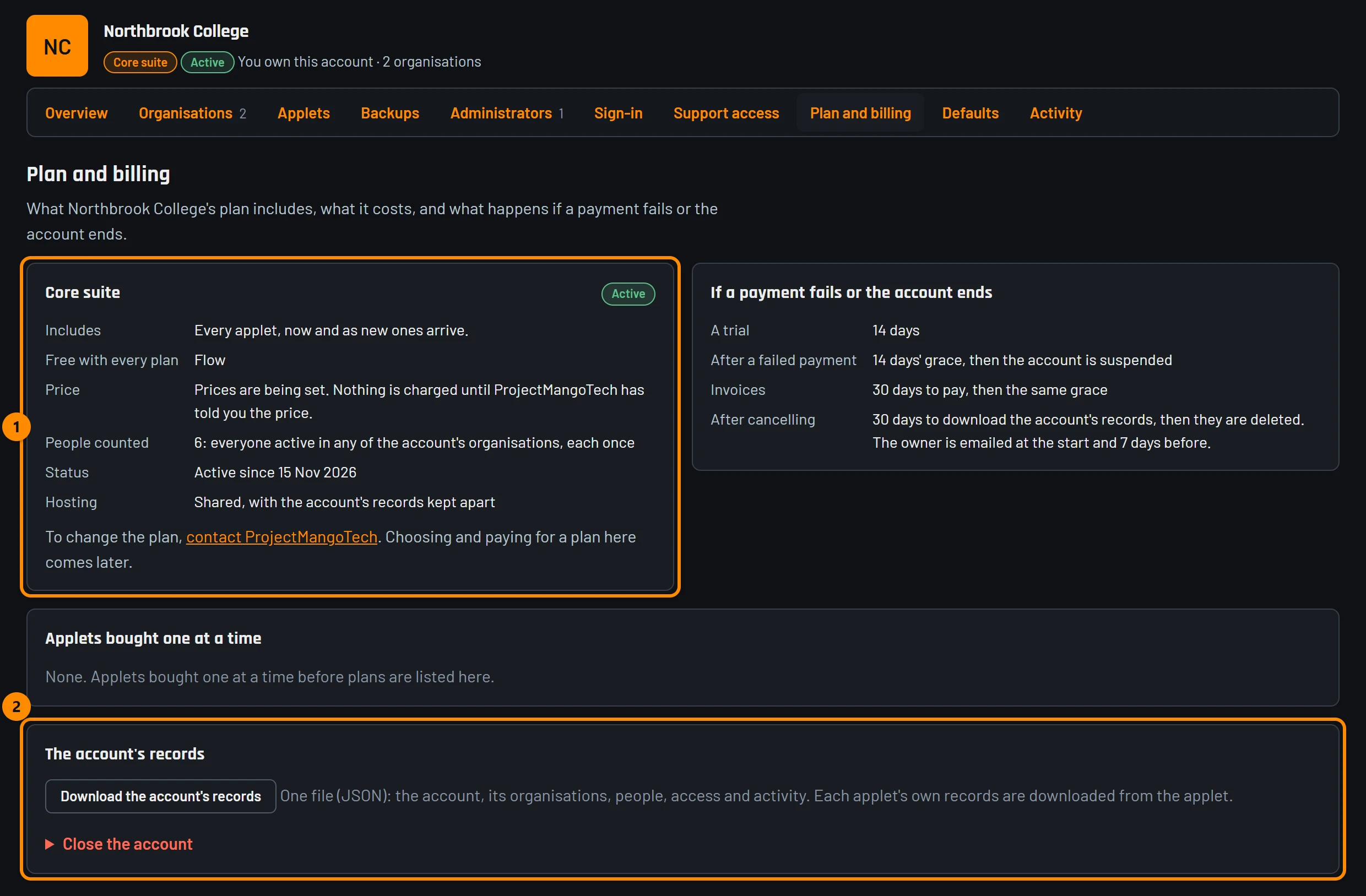
- The plan: what it Includes, its Price, the People counted (everyone active in any of the account's organisations, each once), and its Status. To change the plan, contact ProjectMangoTech.
- The account's records: Download the account's records (one JSON file: the account, its organisations, people, access and activity), and Close the account.
If a payment fails or the account ends says how long a trial lasts, the grace after a failed payment before the account is suspended, and how long you have to download the records after cancelling. While it is suspended, nobody can work in the account's organisations until it is paid.
The owner pays, and manages the card and invoices, on Stripe's secure billing page.
Close the account
- Download the account's records first; each applet's own records are downloaded from the applet.
- Open Close the account, type the account's name to confirm, and say why if you like.
- Choose Close the account.
The subscription ends at once and nobody can work in its organisations. You can still download its records for the days the page says; then ProjectMangoTech deletes them and sends a deletion certificate. Ask for the records to be deleted now does it without waiting.