
Flow runs your organisation's processes. When a step belongs to Customers, such as agreeing a new customer's terms, it arrives here as a Flow task. Sales Colleagues, Sales Managers and administrators answer them.
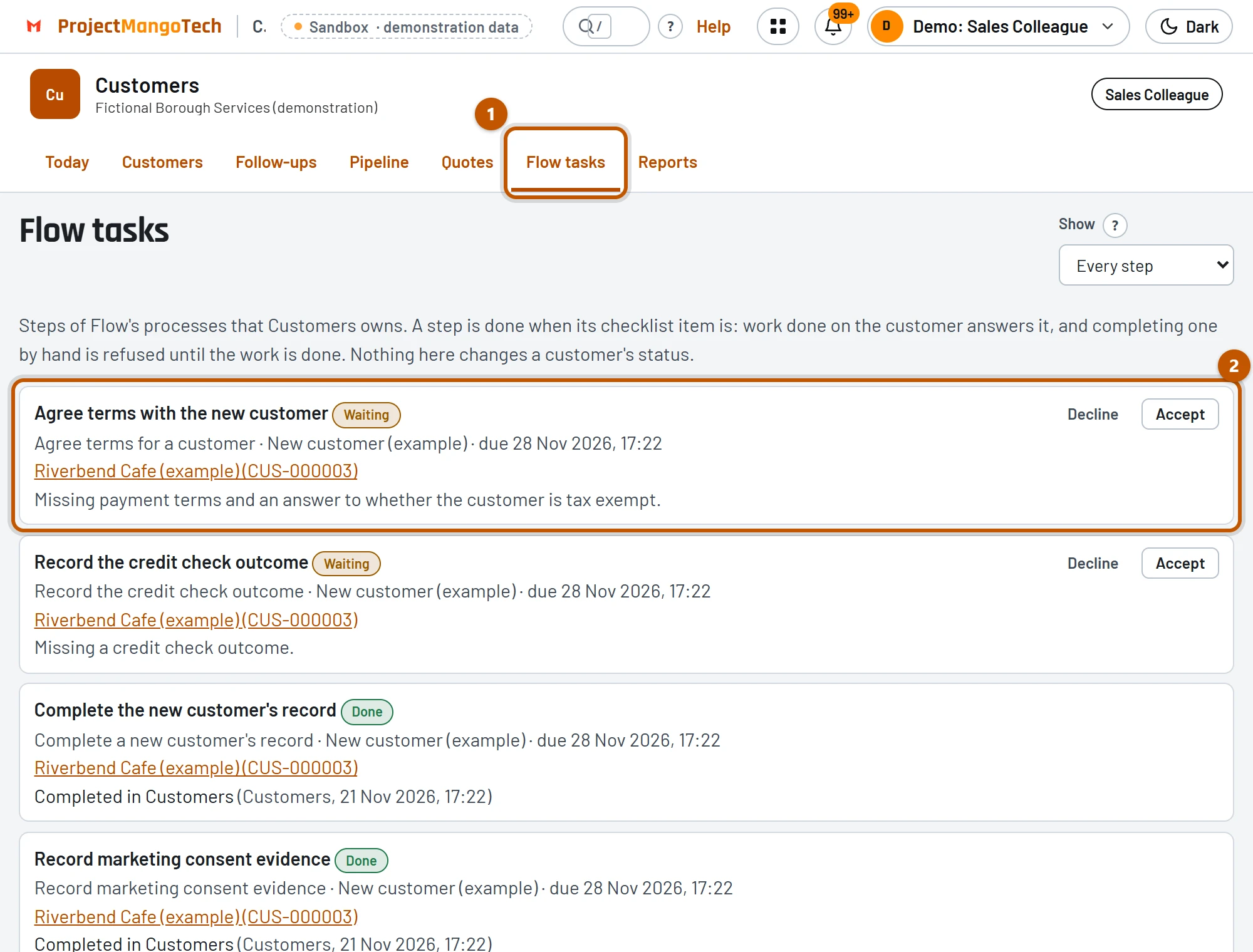
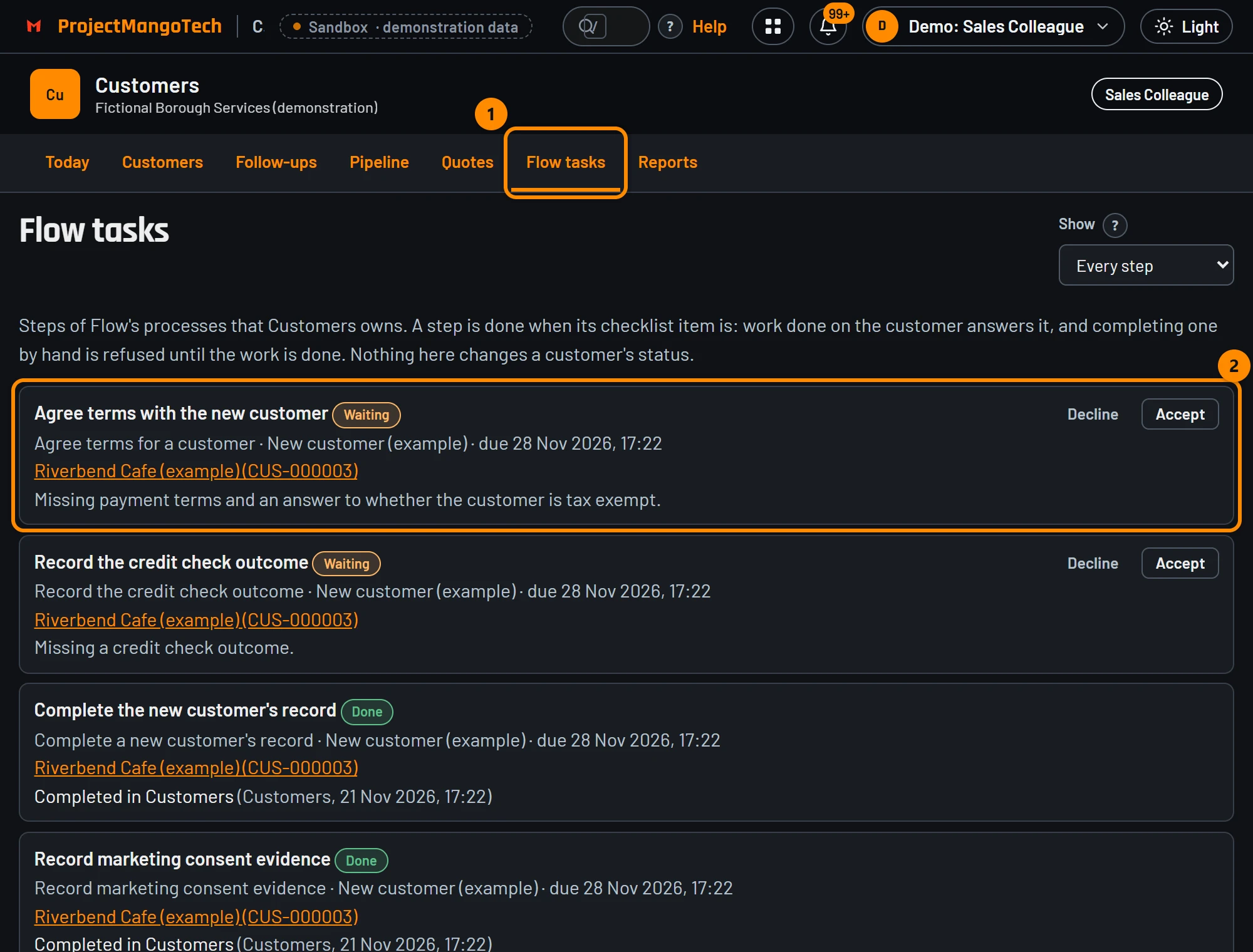
Find them
- Flow tasks in the menu lists the open steps. Show offers Every step.
- A customer's page lists Flow's steps for this customer in its checklist.
- Core home's Waiting for you, and the bell, tell you when Flow asks.
Each task shows its title, its process, when it is due and any instructions.
Answer one
- Accept: you have it in hand. Flow is told.
- Done: finishes it, with an optional Outcome. Completing a step is refused until its work is done, and you are told what is missing.
- Decline: say Why (required, at least 5 characters). The process owner is told.
Usually you never need Done: the ordinary work answers the task. Agreeing the terms, for example, completes a terms step with Completed in Customers. Nothing in Flow changes a customer's status: a person still chooses Activate.
The New customer process
Flow's New customer process walks a customer through onboarding:
- Someone starts the process in Flow and names the customer. Complete a new customer's record arrives here.
- Choose Create the customer for this task. Fill in the Name (required) and Type (required), and a contact if you have one, then Create in onboarding. The duplicate check runs first. The customer starts in Onboarding, and Flow is told its reference.
- Flow asks for the next steps: Agree terms for a customer, Record the credit check outcome, Record marketing consent evidence and Schedule the first follow-up. Each is the checklist item of the same name: see Take a new customer from prospect to active.
- When the checklist is done, a person chooses Activate.
Other steps
A process can also ask for Approve a quote (for approvers) and Close or archive a customer account (for Sales Managers and administrators). Flow tasks lists every step Customers can own under The steps Customers can own.
For Flow's side, see the Flow guides, and Flow steps and the New product process for the New product process.
What starts a process
When one of these happens in Customers, Flow starts every template that begins with it. In Flow's library, under Applets, each is a block that reads When: and its name, and it shows on the canvas as ▶ Starts the flow · Customers.
| Starter | When it happens |
|---|---|
| Quote approved | A quote is approved and can be sent. |
| Customer added | A new customer is added by hand (not by an import, nor by a Flow step). |
Flow is told the record's reference, never a person's name. See Build a process from applet blocks in Flow's help.