
A claim goes to the claimant's manager (or the manager's deputy while one is set in HR) as soon as it is sent. A claim above your organisation's amount then goes to an Expenses Checker as well. You are told when one is waiting for you.
Find the claims waiting for you
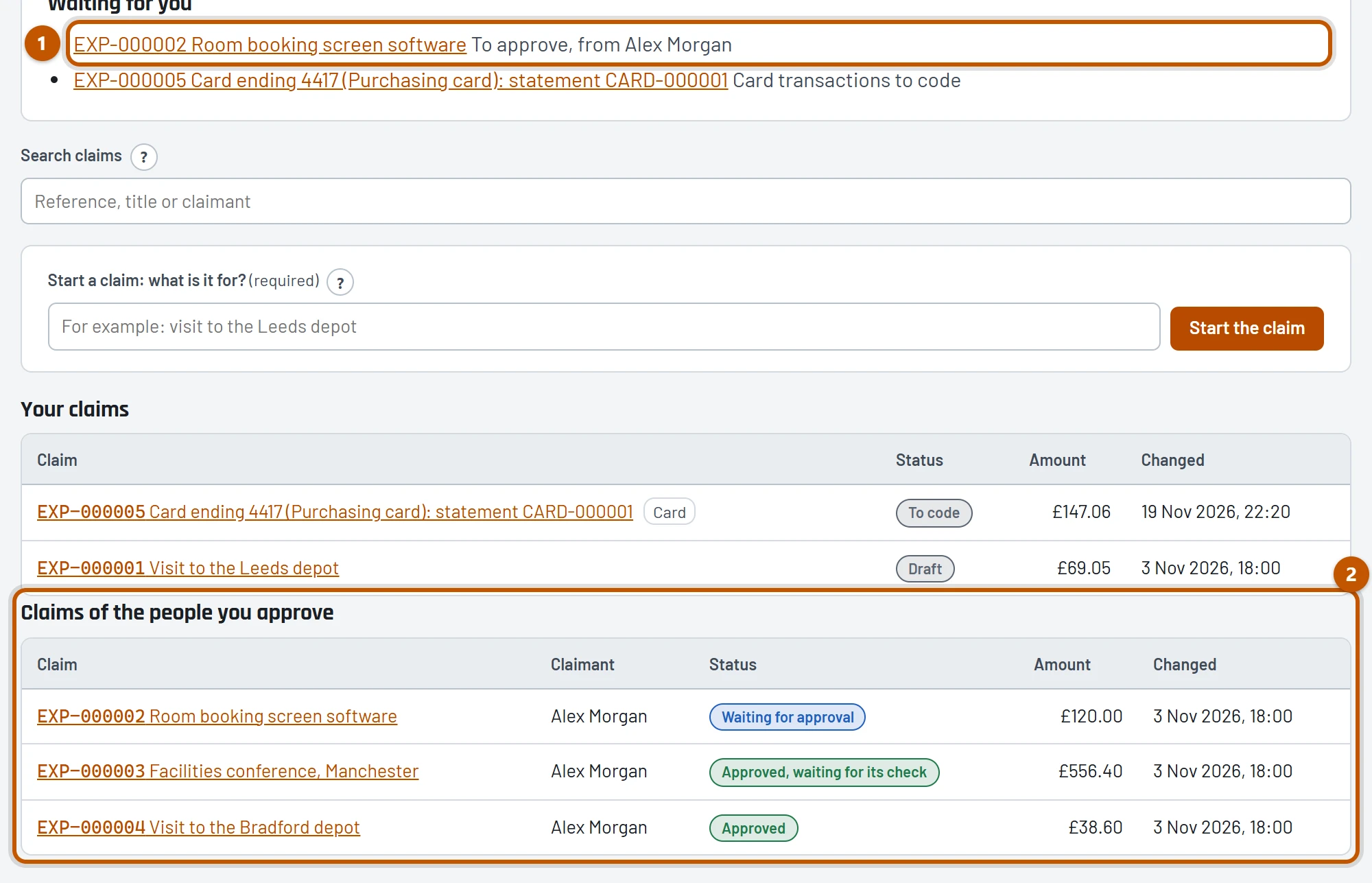
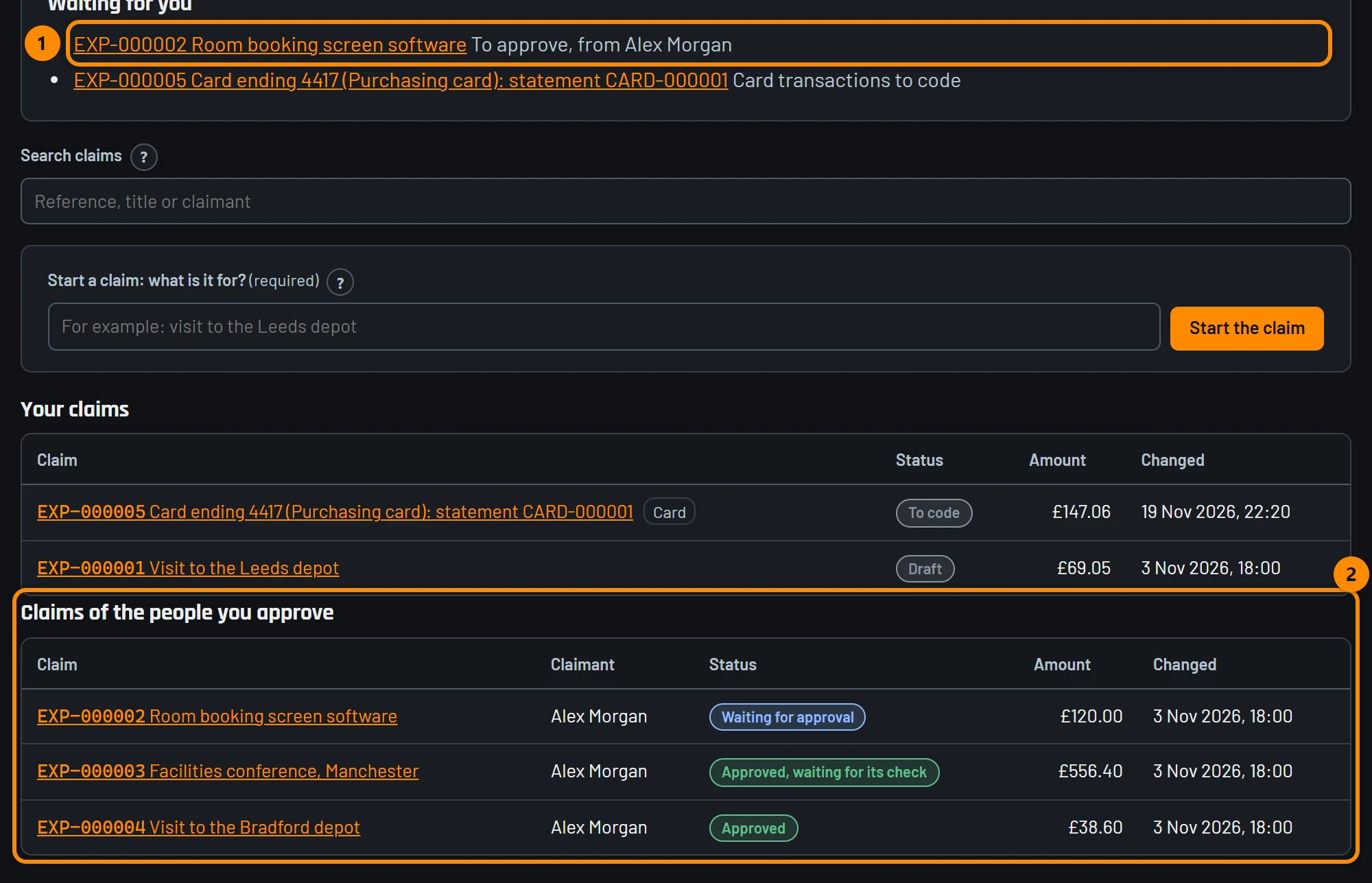
- Waiting for you lists each claim to approve or check. Choose it to open it.
- Claims of the people you approve lists all their sent claims, wherever they have got to.
Decide
Open the claim and look through its lines: each one's receipt opens full size, and a line over one of your organisation's limits says so. Then decide in Approve this claim, above the lines.
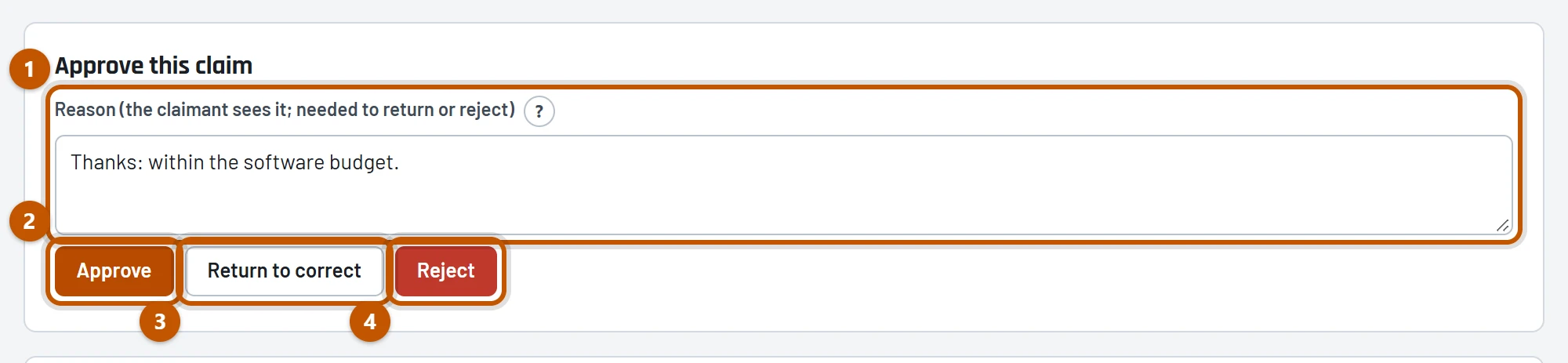
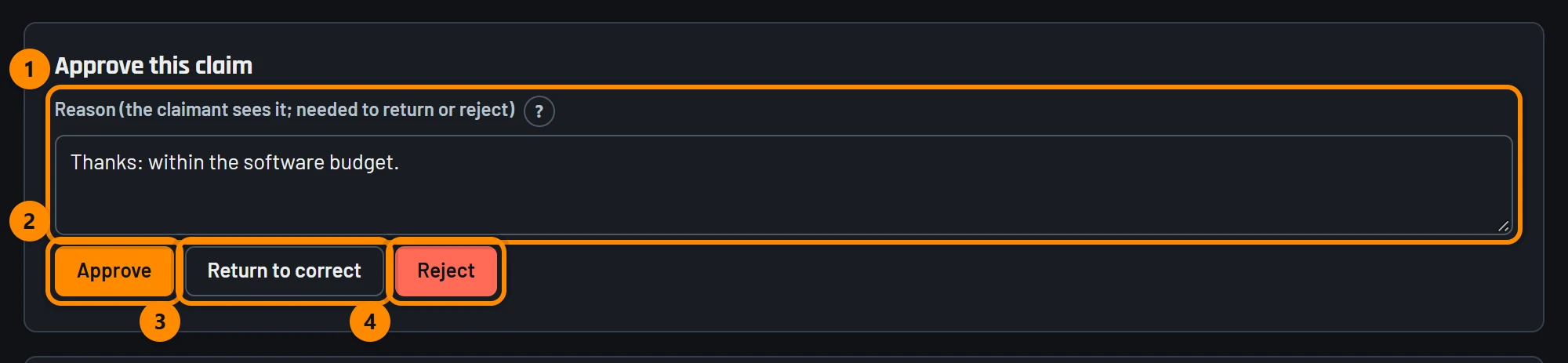
- Reason: the claimant sees it. Needed to return or reject; optional to approve.
- Approve: the claim goes on to be paid back, or to an Expenses Checker first if it is above your organisation's amount.
- Return to correct: back to the claimant to change what you ask, and send again. Use this for a missing receipt or the wrong cost code.
- Reject: the claim stops for good. For a card's claim there is no Reject, only Return to correct: the money was spent.
Check a claim
An Expenses Checker sees Check this claim on a claim that has been approved and is above the amount.
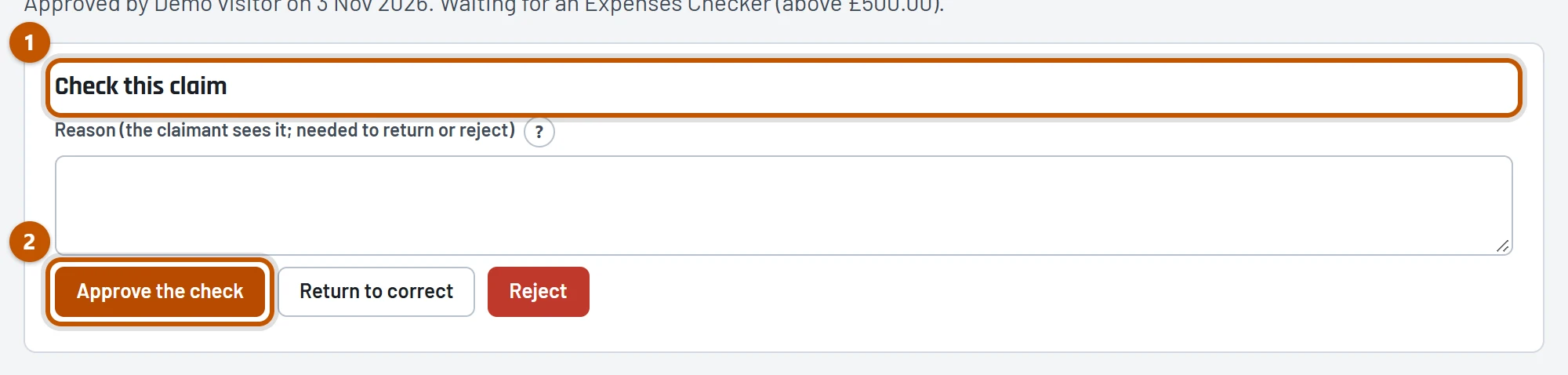
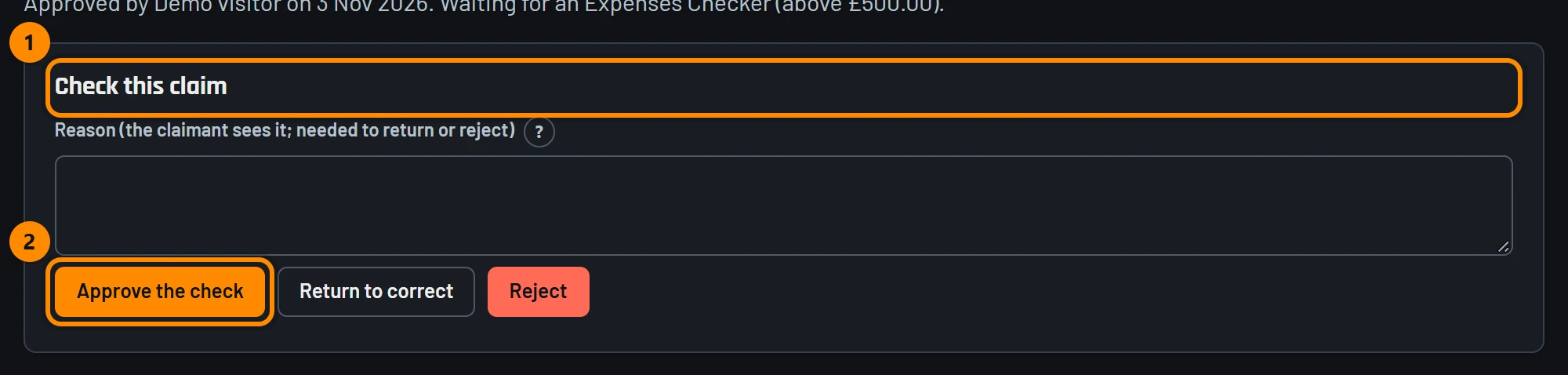
- Check this claim shows it is waiting for the second approval.
- Approve the check finishes the approval. Return to correct and Reject work as they do for the approver.
Good to know
- Nobody approves or checks their own claim, and nobody checks a claim they approved, unless your organisation has turned off second-person approval because one person runs it. Then they decide their own with a reason, and the audit trail records it.
- Who approves whom comes from HR's managers. For anyone without one, an Expenses Administrator names an approver; with neither, the Expenses Administrators approve.
- A returned claim comes back to you when the claimant sends it again, and needs approving again.
- Opening someone's receipt is recorded in the claim's history.
Was this helpful?