
Spending on a company card is claimed the other way round: the statement says what was spent, and the card holder says what it was for. A Card Administrator (or an Expenses Administrator) adds the cards and imports each statement; each holder then gets a claim to code (see Code your company card transactions).
Nothing here connects to a bank or card provider. A statement is a file you export from your provider's website.
Open Cards.
Add a card
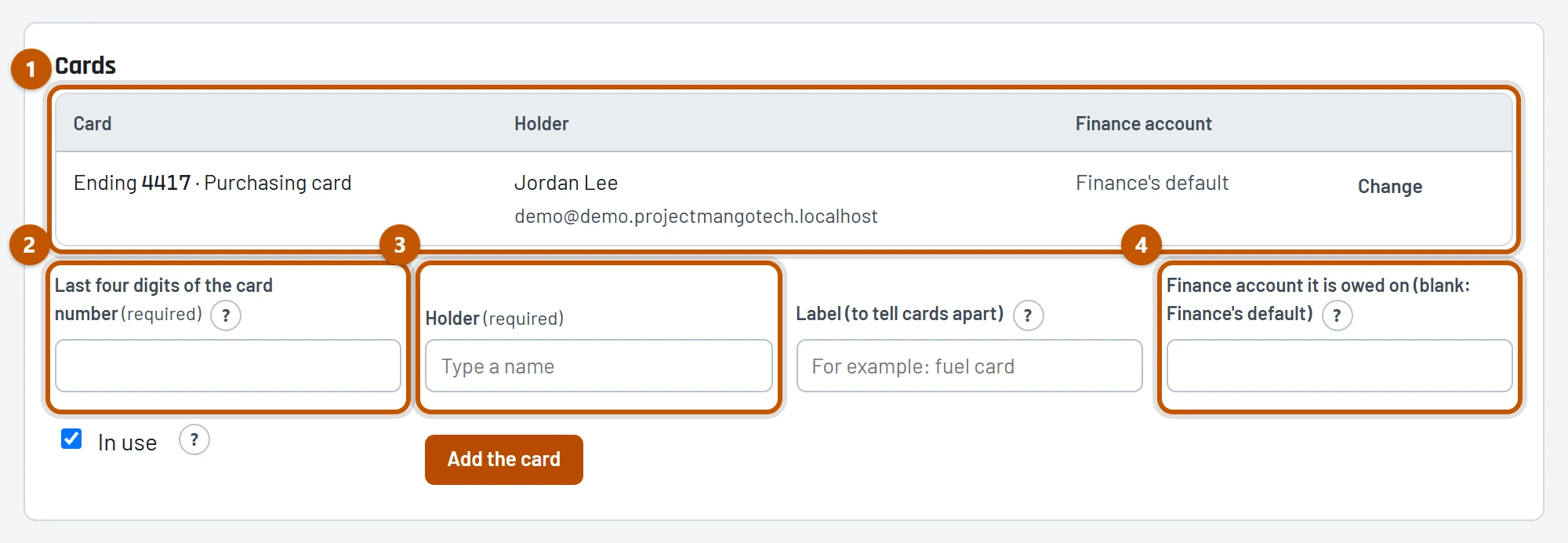
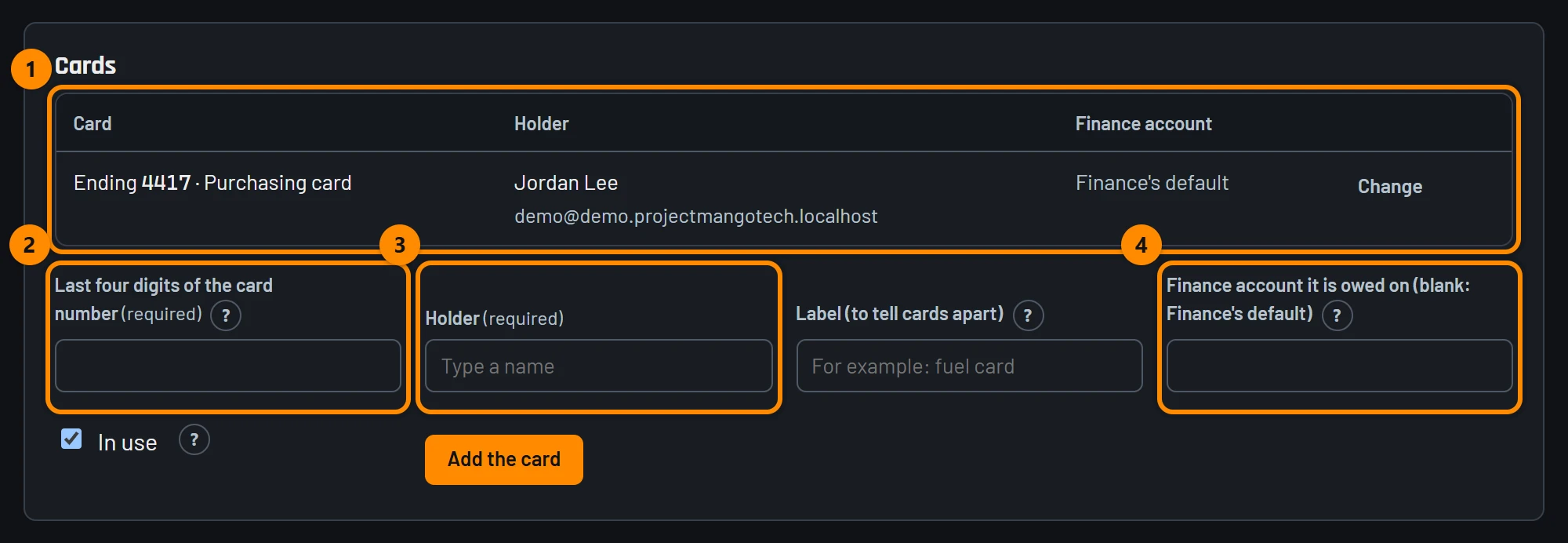
- Your cards, with each holder and the Finance account its spending is owed on.
- Last four digits of the card number: all Expenses keeps. Two cards in use cannot end in the same four digits.
- Holder: choose them from your colleagues. Their card's transactions come to them to code.
- Finance account it is owed on: leave it blank for Finance's default account for company cards.
Add a Label to tell cards apart (fuel card), then Add the card. Untick In use when a card is cancelled.
Import a statement
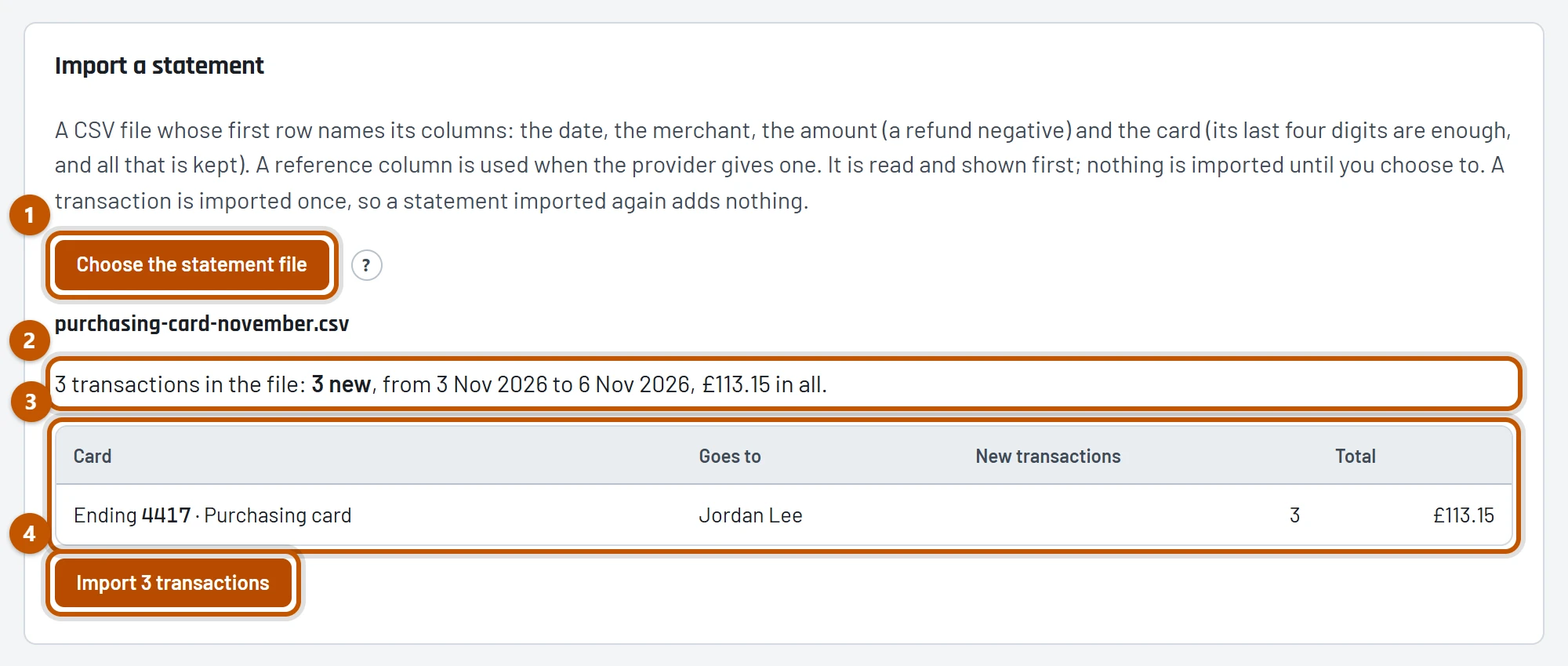
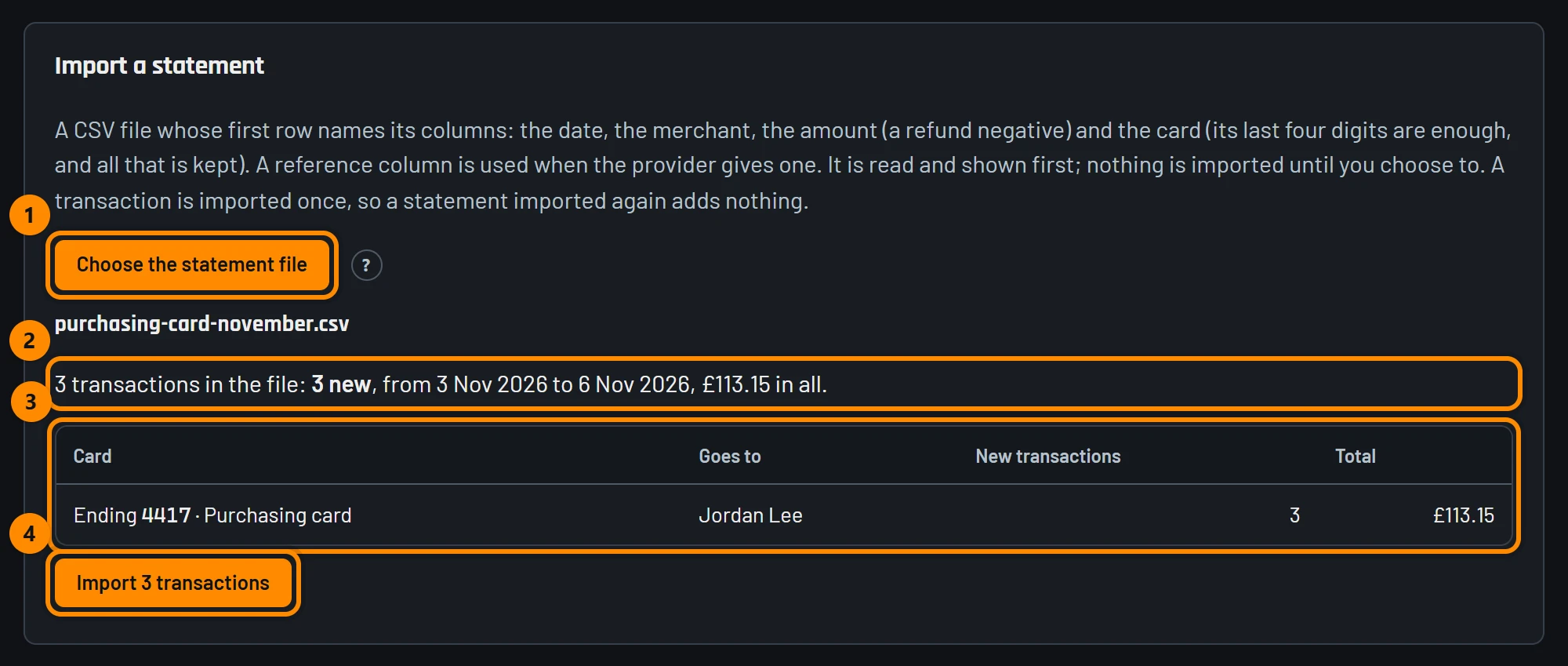
- Choose the statement file: a CSV file whose first row names its columns.
- What the file holds: how many transactions are new, the dates they cover and the total. Nothing is imported yet.
- Which card goes to whom, with each card's new transactions and total.
- Import brings them in. Each holder is told they have transactions to code, and the statement opens.
The file needs a column for the date, the merchant, the amount (a refund negative) and the card (the last four digits are enough). A reference column is used if your provider gives one. Common column names and UK dates are understood.
Good to know
- Imported once. A transaction already imported is left out, so an overlapping statement adds only what is new, and the same file twice adds nothing.
- All or nothing. If a row cannot be read, or a card is not known, the preview says which and nothing is imported. Add the missing card, then choose the file again.
- Once approved, the card's spending is posted to Finance against the card. Paying the card provider is recorded in Finance.
- A statement shows each holder's claim and how far it has got. You can open a holder's claim once they have sent it.