
Flow runs your organisation's processes across the applets. When a process reaches a step Project Tracker does, the step arrives here as a Flow task, and the people whose access level can do it are told.
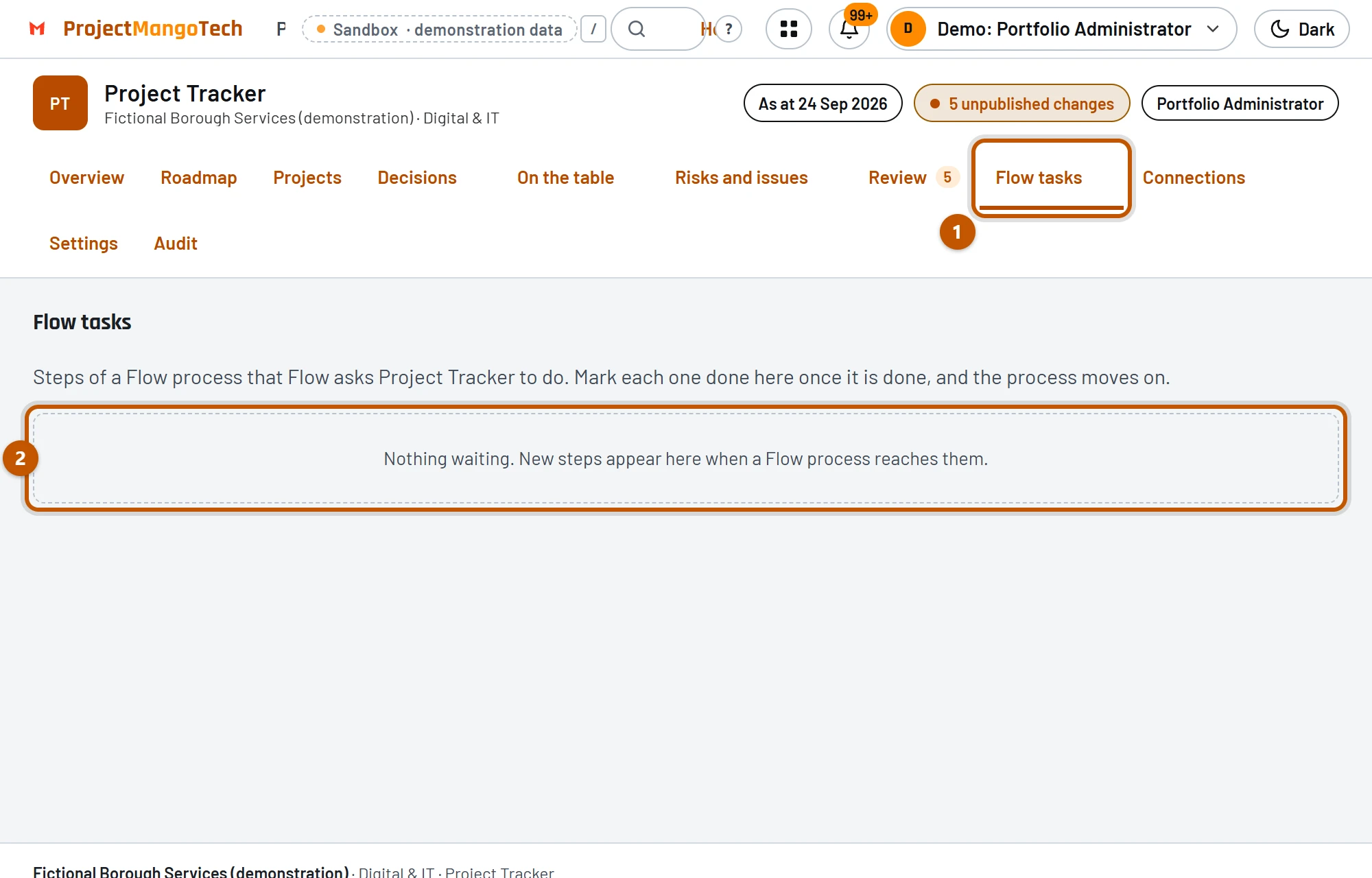
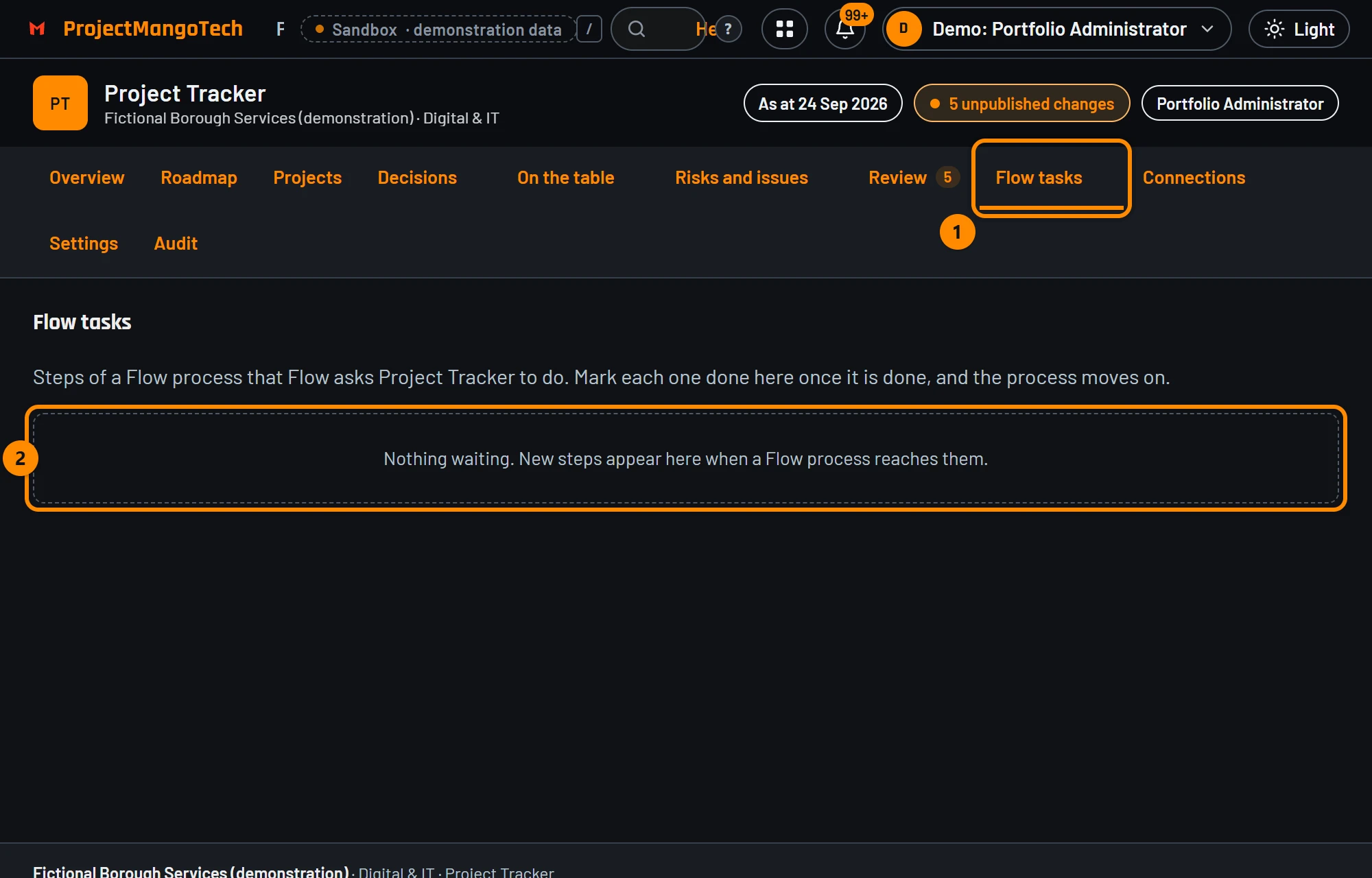
Find them
- Flow tasks in the menu lists the open steps, soonest due first, then the ones answered lately. The number beside it counts the open ones.
- Core home's Waiting for you lists them too.
Each task shows its process, the record it is about (a reference, never a person's name) and when it is due.
Answer one
Type what was done, or why it is declined, in the box under the task, then choose:
- Accept: you have it in hand. Flow shows it.
- Done: it is finished. Flow moves the process on.
- Decline: say why, in at least 5 characters. The process owner is told, and can ask again or do it in Flow instead.
If someone does the step in Flow instead, it leaves this list: Flow withdraws it, so nobody does it twice.
The steps Project Tracker can do
| Step | What it means | Who answers it |
|---|---|---|
| Update a project | The project's owner brings its status, dates and budget up to date in Project Tracker. | Project Owner, Portfolio Editor, Portfolio Administrator |
| Board decision | The board decides, and the decision and its rationale are recorded on the project. | Portfolio Editor, Portfolio Administrator |
What starts a process
When one of these happens in Project Tracker, Flow starts every template that begins with it. In Flow's library, under Applets, each is a block that reads When: and its name, and it shows on the canvas as ▶ Starts the flow · Project Tracker.
| Starter | When it happens |
|---|---|
| Project added | A new project is added to the portfolio. |
| Project turned red | A project is published to the board as off track (red). |
Flow is told the record's reference, never a person's name. See Build a process from applet blocks in Flow's help.