
Choose Payables. Each invoice Procurement approves to pay arrives here, posted to the ledger, with its payee, their invoice number, when it is due and the gross. Status filters the list. An invoice whose payee's Bank details not verified is not paid until they are.
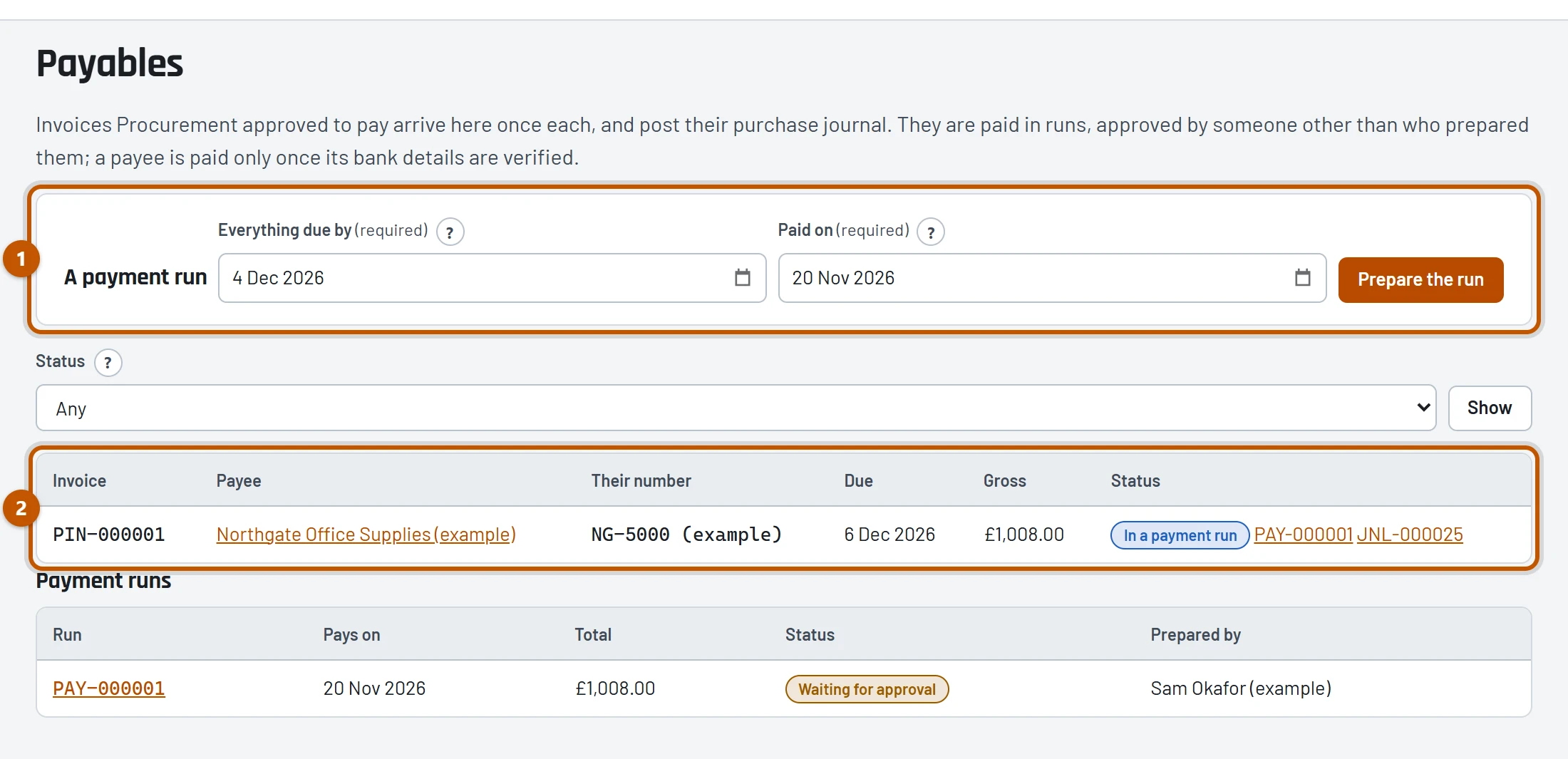
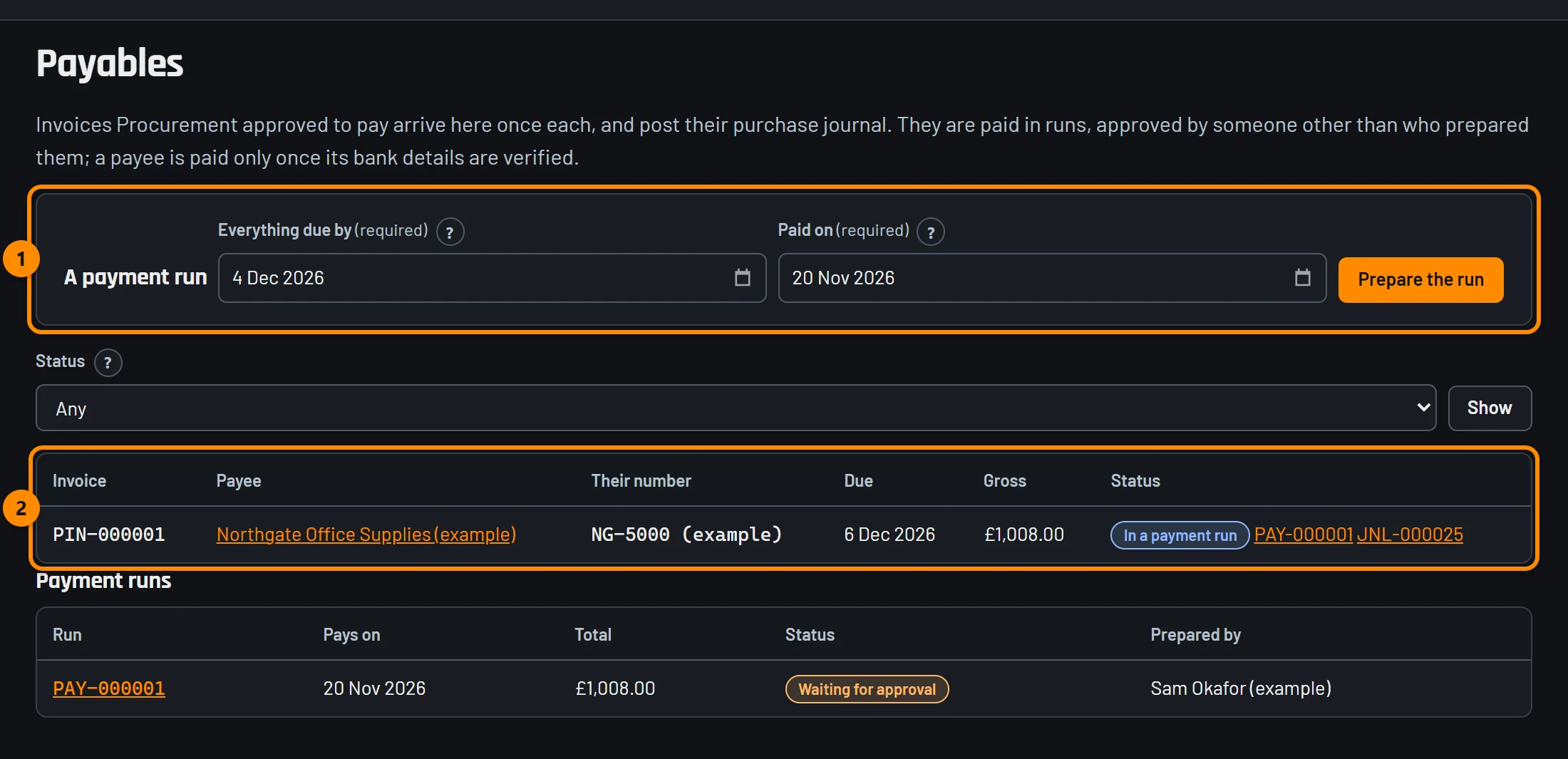
- A payment run: everything due by a date, paid on a date.
- The invoices approved to pay, with their status.
Prepare a payment run
- Under A payment run, give Everything due by and Paid on.
- Choose Prepare the run. It takes every open invoice due by then whose payee has verified bank details; those left out are listed.
- Open the run. Take out removes an invoice. Then Submit for approval.
Approve and pay it
Someone with Approve payments, other than who prepared it, opens the run.
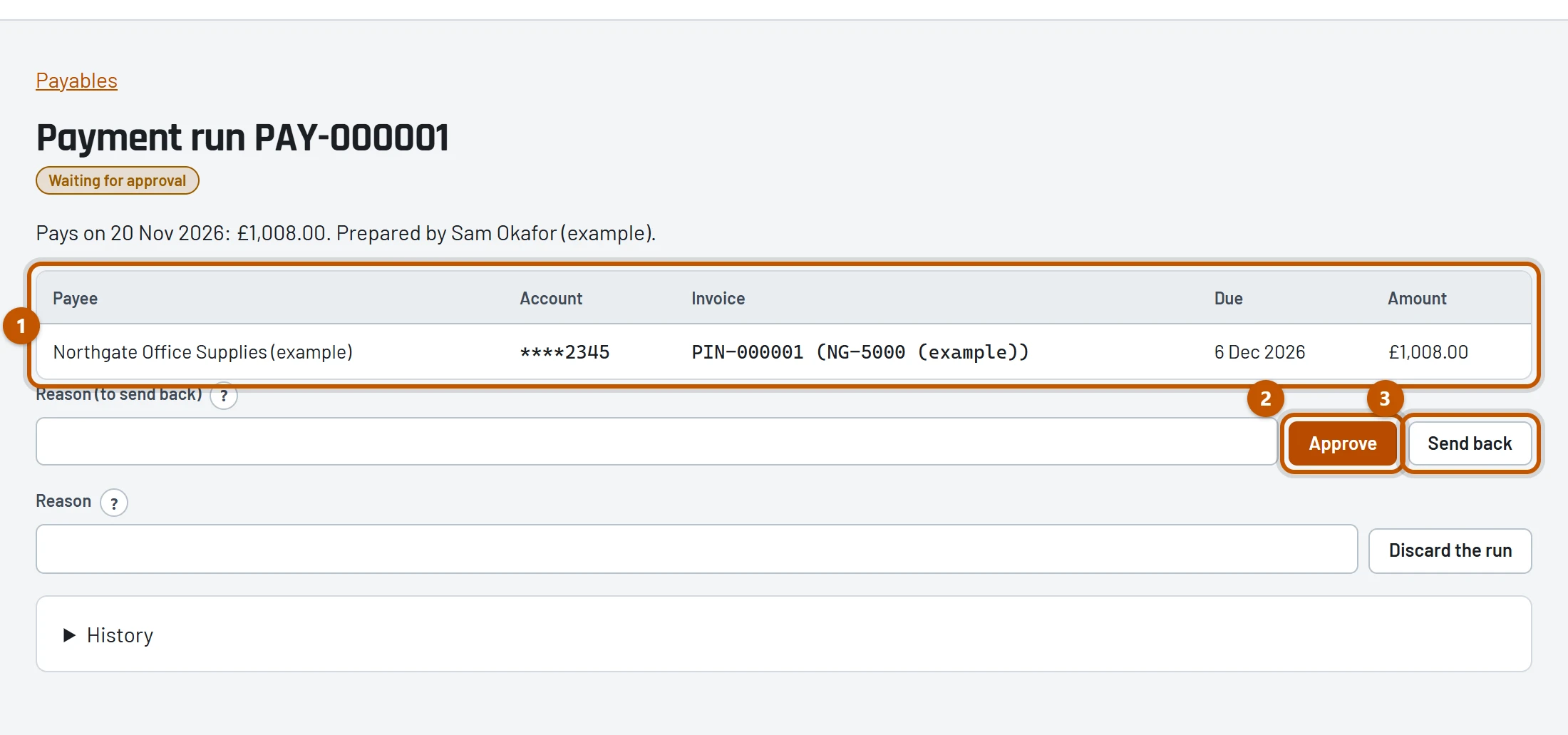
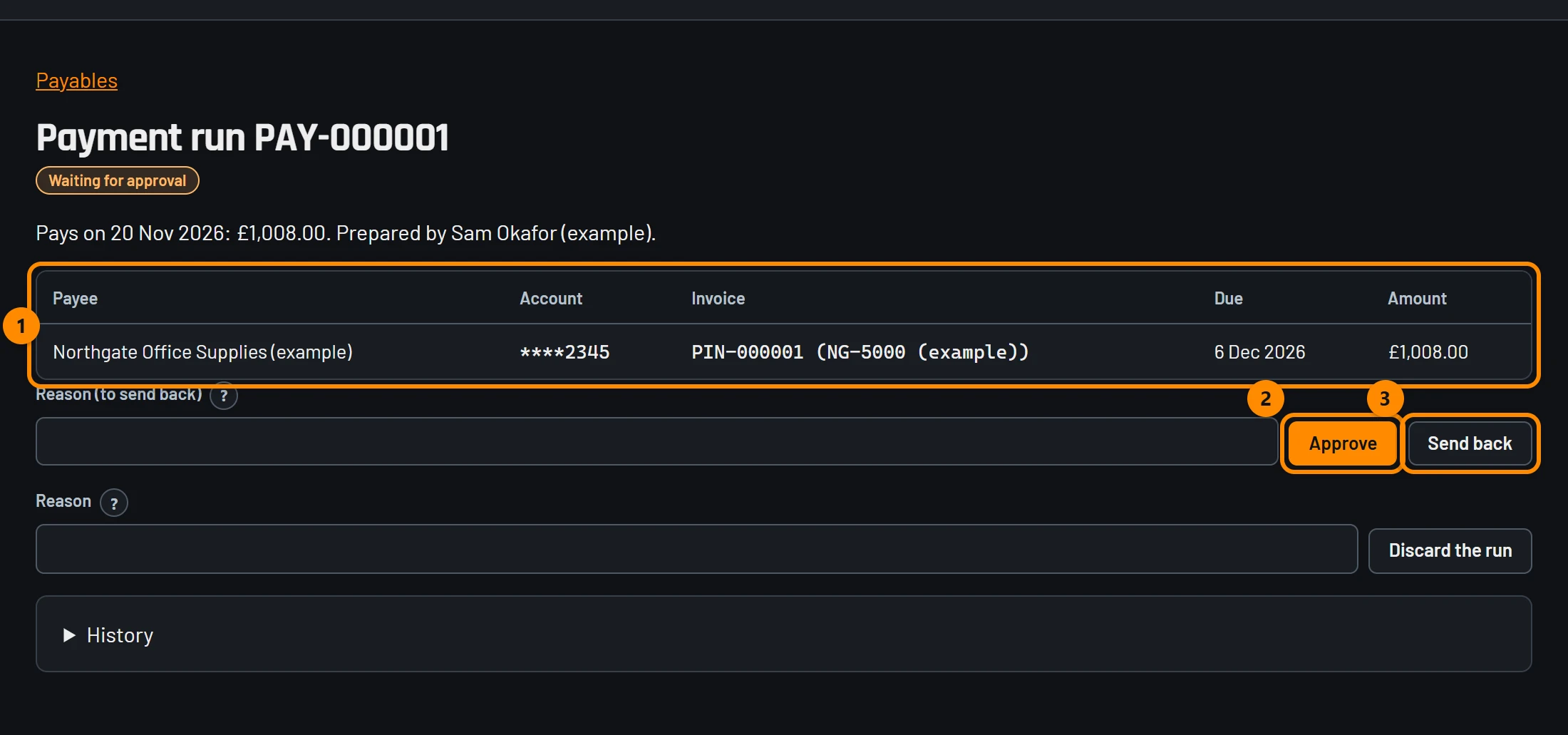
- What the run pays: each payee, its account (masked), the invoice and the amount.
- Approve.
- Send back, with a Reason (to send back).
Once approved, Make the bank file (CSV) and upload it to the bank yourself: Finance never connects to a bank. When the bank has paid, choose The bank has paid it: confirm. The payment journal is posted, and Procurement shows each invoice paid.
Discard the run puts its invoices back to be paid. History shows who did what.
See Payees and their bank details and Money in: sales invoices.
Was this helpful?