
A new starter's probation lasts your organisation's usual length (six months unless you change it in Settings). HR sees when each one ends, is told when its review is due, and records how it went.
When it ends
- A new starter is given the usual length from their first day. Someone already working here, entered now, has none.
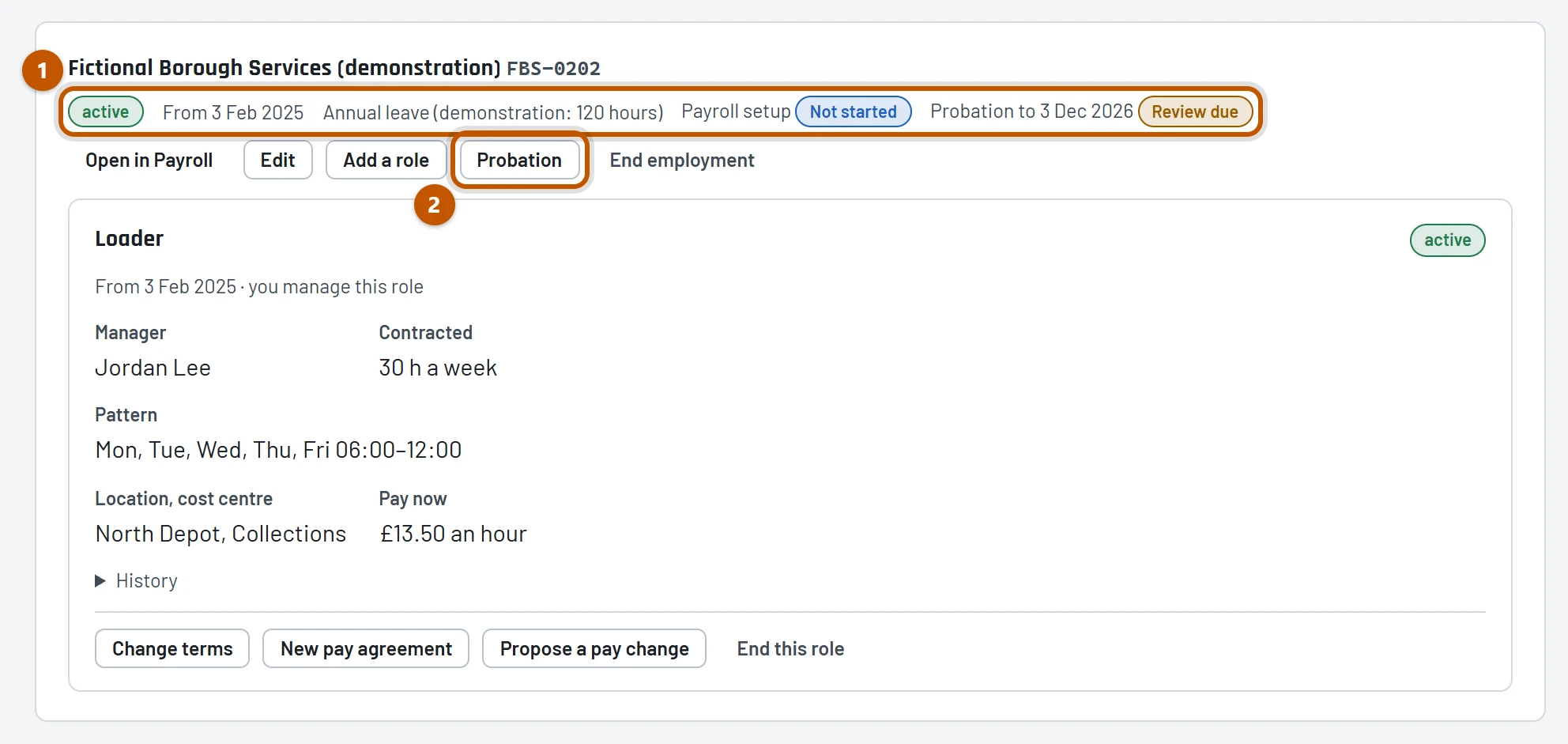
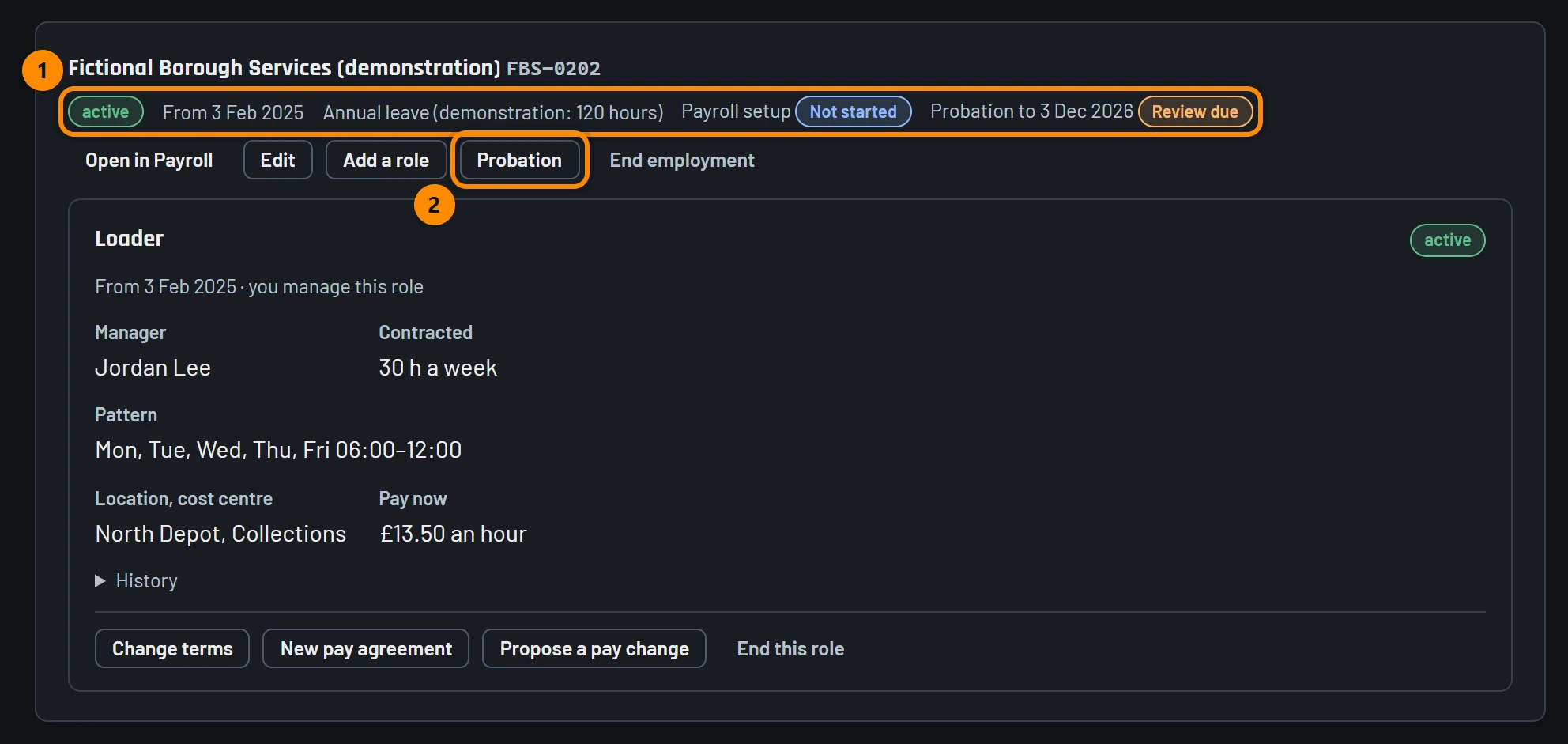
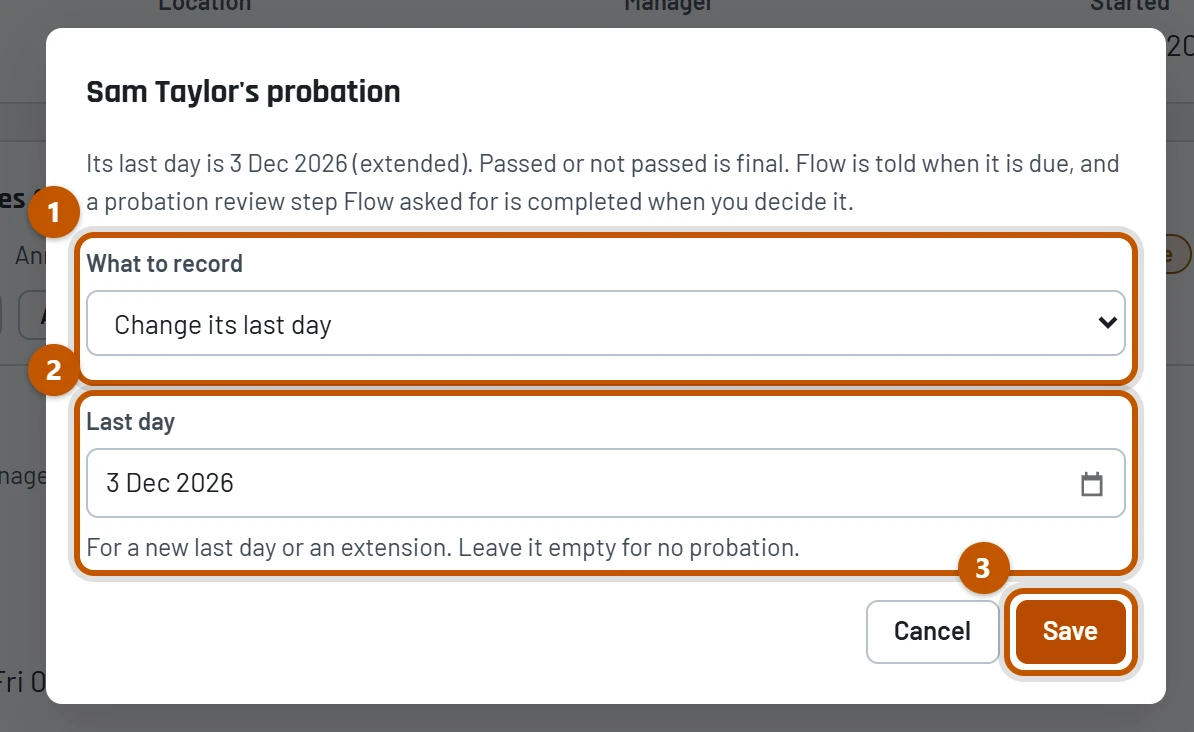
- To change it, open the person and choose Probation on their employment, then Change its last day. Leave the date empty for no probation.
- The person's page shows Probation to and the last day. The person and their managers see it too.
When its review is due
From the number of days before the last day set in Settings (14 unless you change it):
- the person's page shows Review due, or Review overdue once the last day has passed;
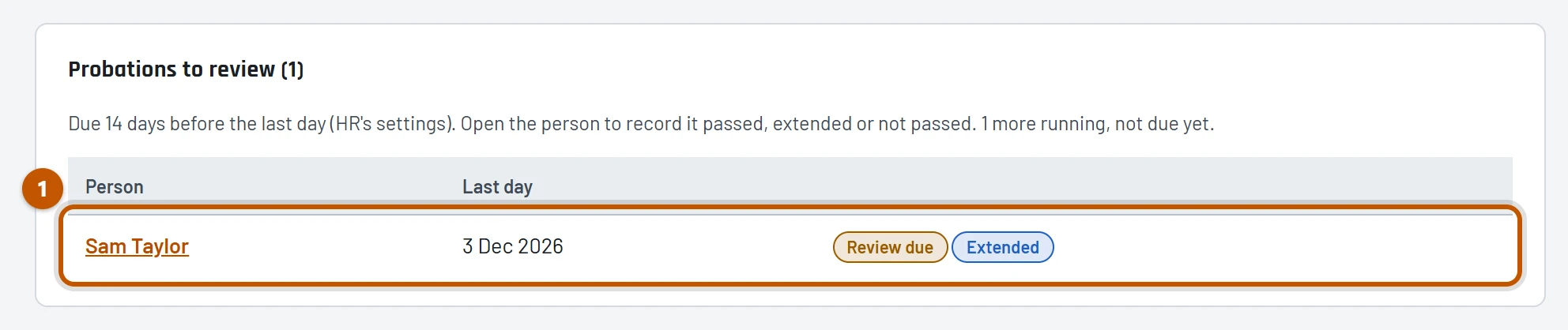
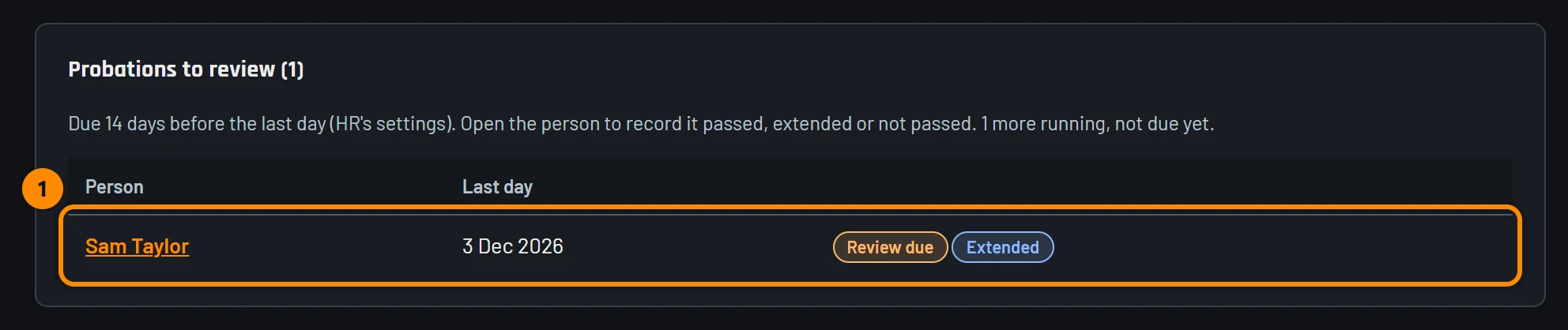
- your Inbox lists it under Probations to review, with how many others are running;
- Flow is told Probation due, once for each last day. A Flow template that starts with it runs, for example a probation review: see What starts a Flow process from HR.
Record how it went
Open the person, choose Probation on their employment, and pick one:
- Extend it: give a later last day. It is due again before the new day, and Flow is told again.
- Passed or Not passed: final. A probation review step Flow asked HR for about this employment is completed.
Only HR administration records a probation. What was decided, when and by whom is in the audit.
Was this helpful?