
Home is where payroll staff start: what waits for you, and how pay stands.
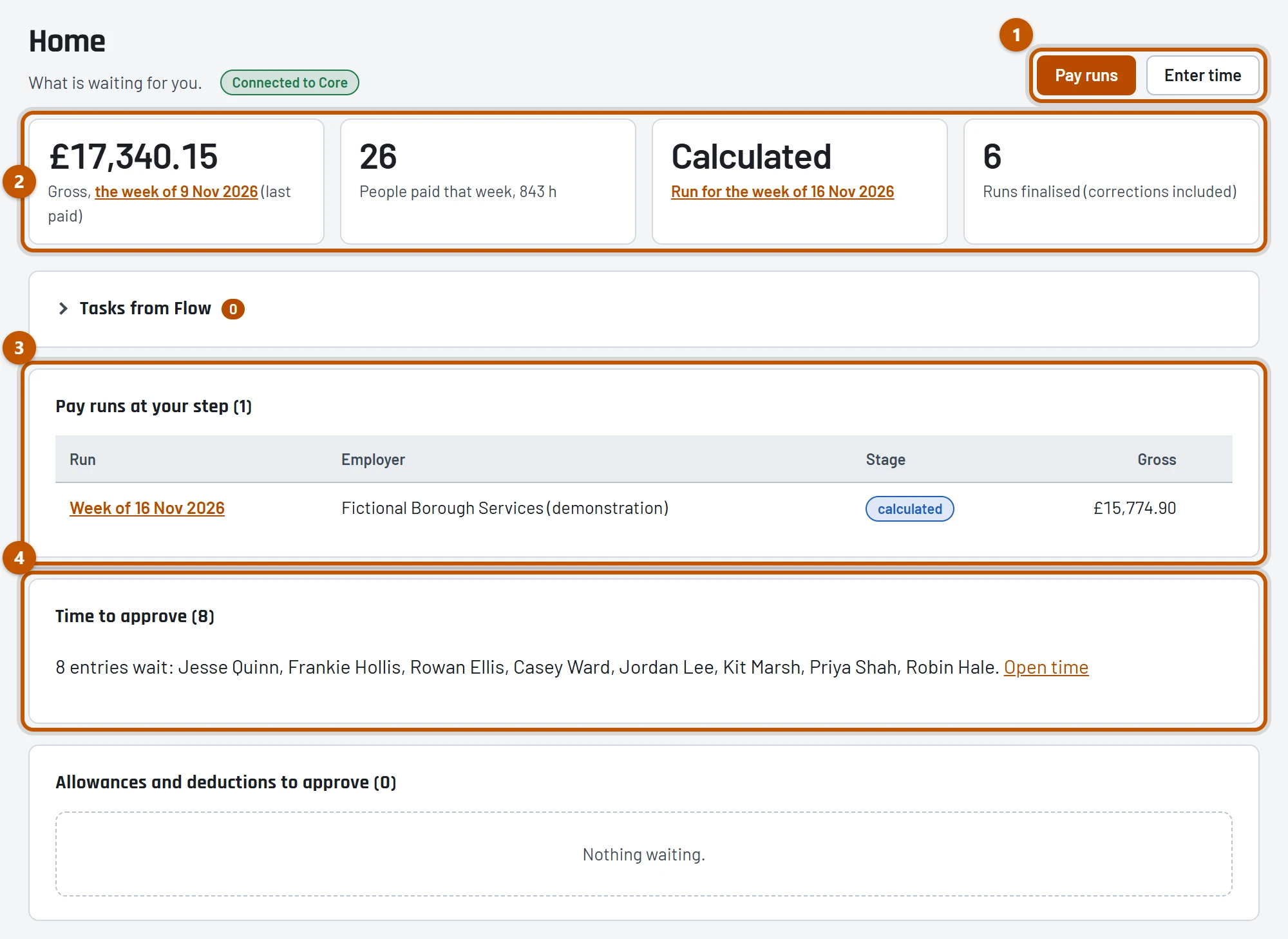
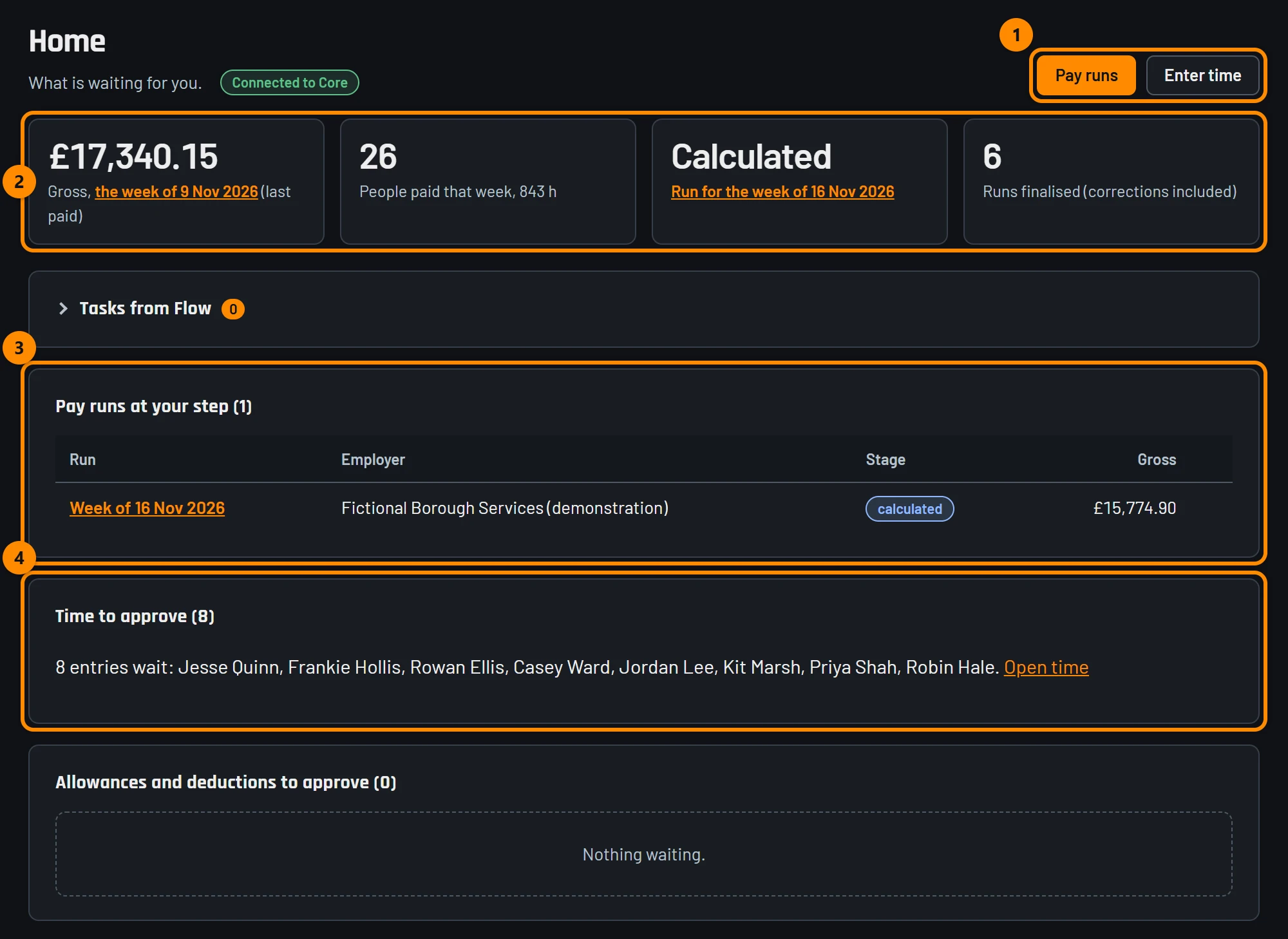
- Pay runs and Enter time, the two things done most.
- The figures: gross pay in the last run paid, the people and time it paid, the run open now, and how many runs have been finalised.
- Pay runs at your step: runs waiting for you to calculate, review, approve or finalise.
- Time to approve: entries waiting, and whose. Open time goes to them.
Also on Home
- Allowances and deductions to approve, for Payroll Approvers: Approve or Reject each one.
- Back pay owed: when HR agrees a rate from a date before runs were finalised. See Correct a finalised run, and pay back pay.
- Records from HR or Training need a decision, with a link to Connections.
- Tasks from Flow: steps of your organisation's processes, such as onboarding a starter, that are Payroll's. Accept, then Done, or Decline with a reason.
- Getting started, until the first run is finalised.
The number beside Home in the menu counts what is waiting, and the bell tells you when something new arrives.
Was this helpful?